
Illustrator Problems saving transparent EPS files
I am trying to use Illustrator to convert colored PNG files with transparent backgrounds to vector formats EPS, PDF, SVG & DXF. Everything seems to be working fine except for the EPS files. The problem is that after tracing and saving, the Illustrator EPS is not being opened by Photoshop as a vector file. It does not give the options of sizing when opening, but immediately opens to the original size and opens with an opaque white background instead of the transparent background with which it was saved.
The same file saved as .AI or PDF formats opens as expected in Photoshop. It recognizes the vector format and gives the options window upon opening both of them, and upon opening, the background is transparent.
I’ve had to devise a work around of opening the Illustrator AI file in Affinity Designer and save that as an EPS and it works as expected, opening with the vector options window and with a transparent background.
I’m attaching a screenshot of my image tracesetting in case I've missed something there.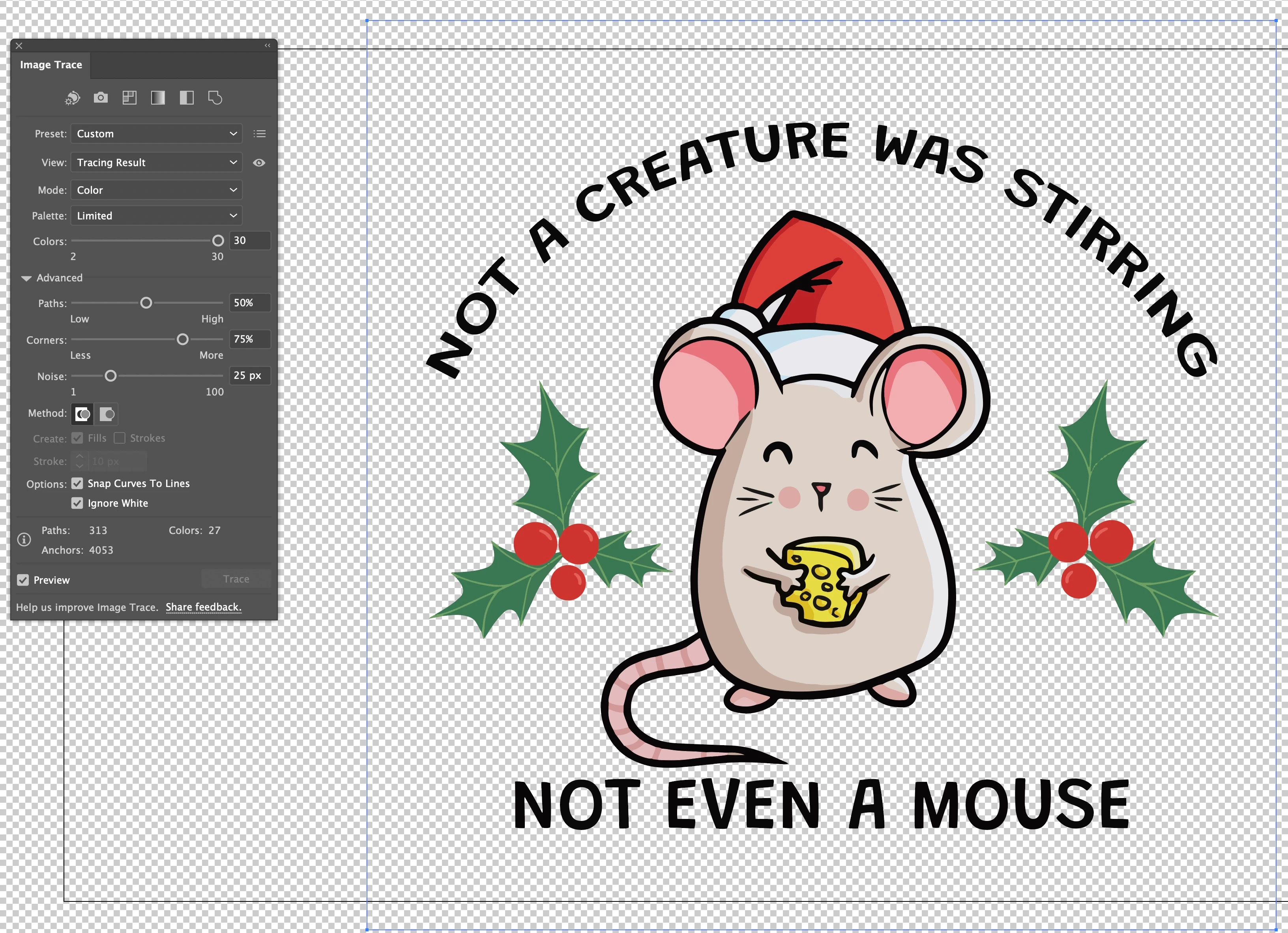
Thanks in advance for any help.
 AdChoices