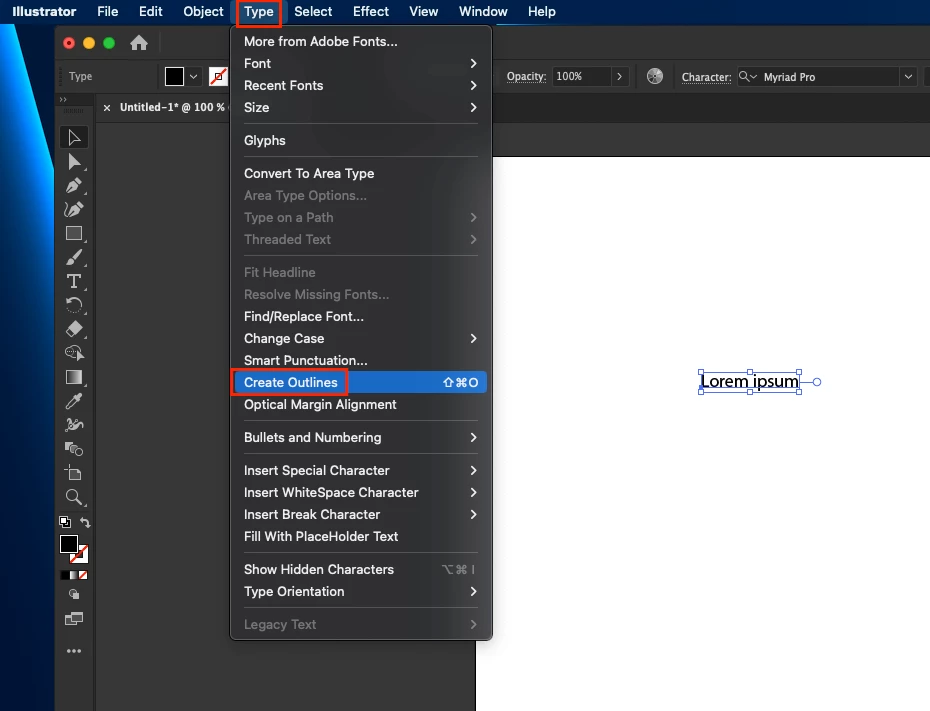
Thanks for reaching out. As @Mylenium pointed out, you're using an older version of Illustrator. I would suggest updating the app. If that isn't an option for you, then I would recommend outlining the text before saving the file as EPS. Go to the Type menu > Create Outline.
Thanks for reaching out. As @Mylenium pointed out, you're using an older version of Illustrator. I would suggest updating the app. If that isn't an option for you, then I would recommend outlining the text before saving the file as EPS. Go to the Type menu > Create Outline.
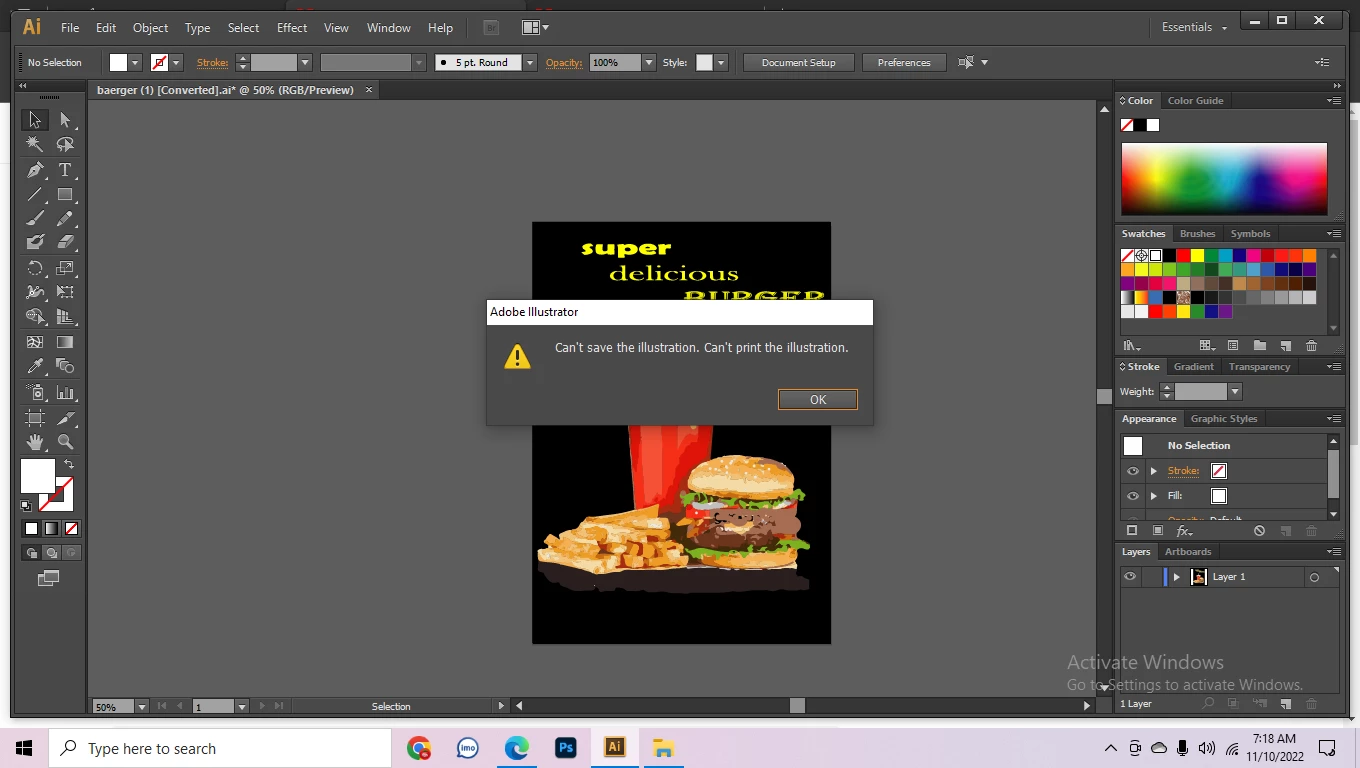
An EPS file by its nature can't be transparent. The rest we can't know beyond the fact that you have an older version of AI apparently. This could simply be a compatibility issue due to insufficient permissions. Beyond that you have not offered up any info about your system, your settings and so on. Start by checking the application properties and your Windows Security to allow access to all folders and devices.




 AdChoices