Participant
March 1, 2020
Question

Illustrator restart when saving

  • March 1, 2020
  • 1 reply
  • 915 views

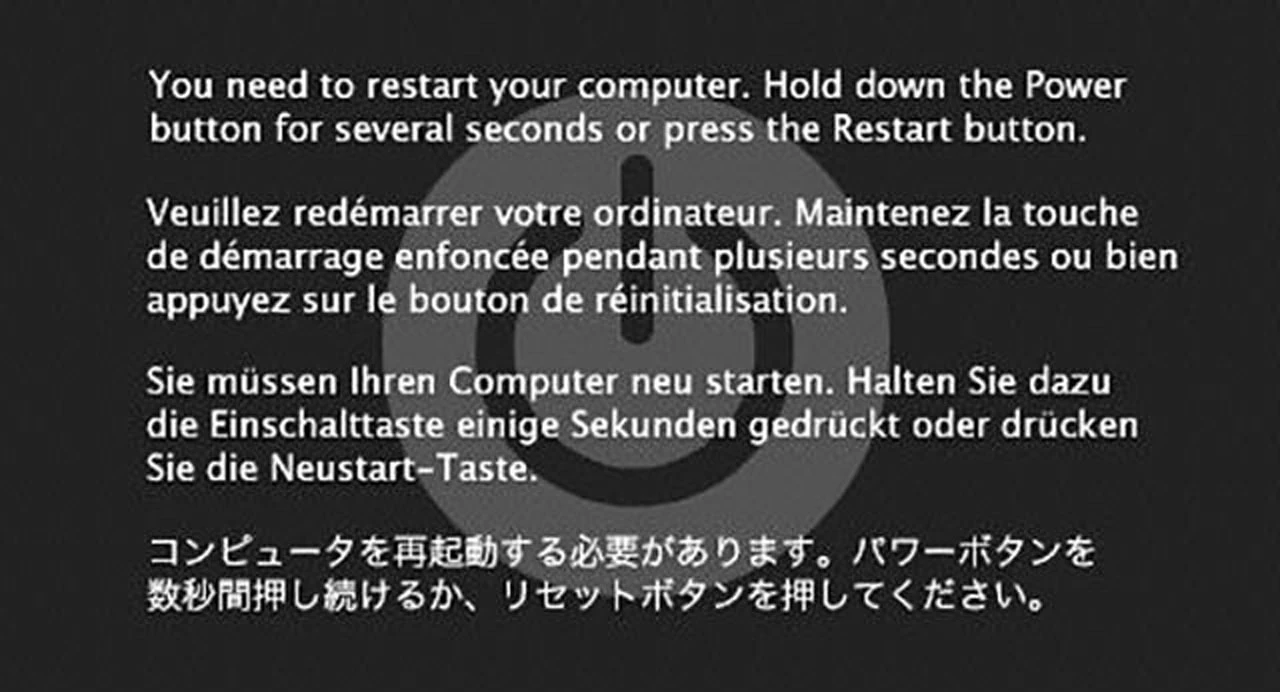
So I've got a iMac work Catalina Mac os installed. I'm using Adobe Illustrator version 2020. Why when I save does it take forever and then go to the black "your need to restart your computer" screen?

Anyone for a solution as a a fix. 


This topic has been closed for replies.

1 reply

Monika Gause
Community Expert
Community Expert
March 1, 2020

Did it ever work correctly?

Where do you save your files? If not on the internal disk - does saving there work better?

Does Illustrator have full disk access?

Does this only happen when saving? Everything else works OK?

Is a printer connected, set up as the default printer and turned on?

Participant
March 1, 2020

- I can't figure out what to do.

Maybe reintall am older version of Illustrator?

- I've always saved to my connected Dropbox.

- I'm unsure how to do it set up the full disk access. 

- Yes this just started happening when saving and this files isn't too big either. 

- Illustrator acts normal , picky during saving . 

- yes printer is connected, it's off unless I need to print and I believe set to default. 

I guess I can try to unplug it and restart. 


I'm kind of clueless about this. 


Monika Gause
Community Expert
Community Expert
March 1, 2020

Please turn on the printer

and save to the internal disk.


Dropbox gets updated regularly and there might be issues that have not been there yesterday.

Also: Illustrator looks for a printer when opening and when saving.


You could also try and uncheck the new options in the Preferences > File handling and clipboard that try to speed up saving on the network and that save in the background.