mikefwd
Known Participant
February 17, 2020
Answered

Illustrator Script to apply Symbol to end points of selected lines

  • February 17, 2020
  • 6 replies
  • 2408 views

Hi all


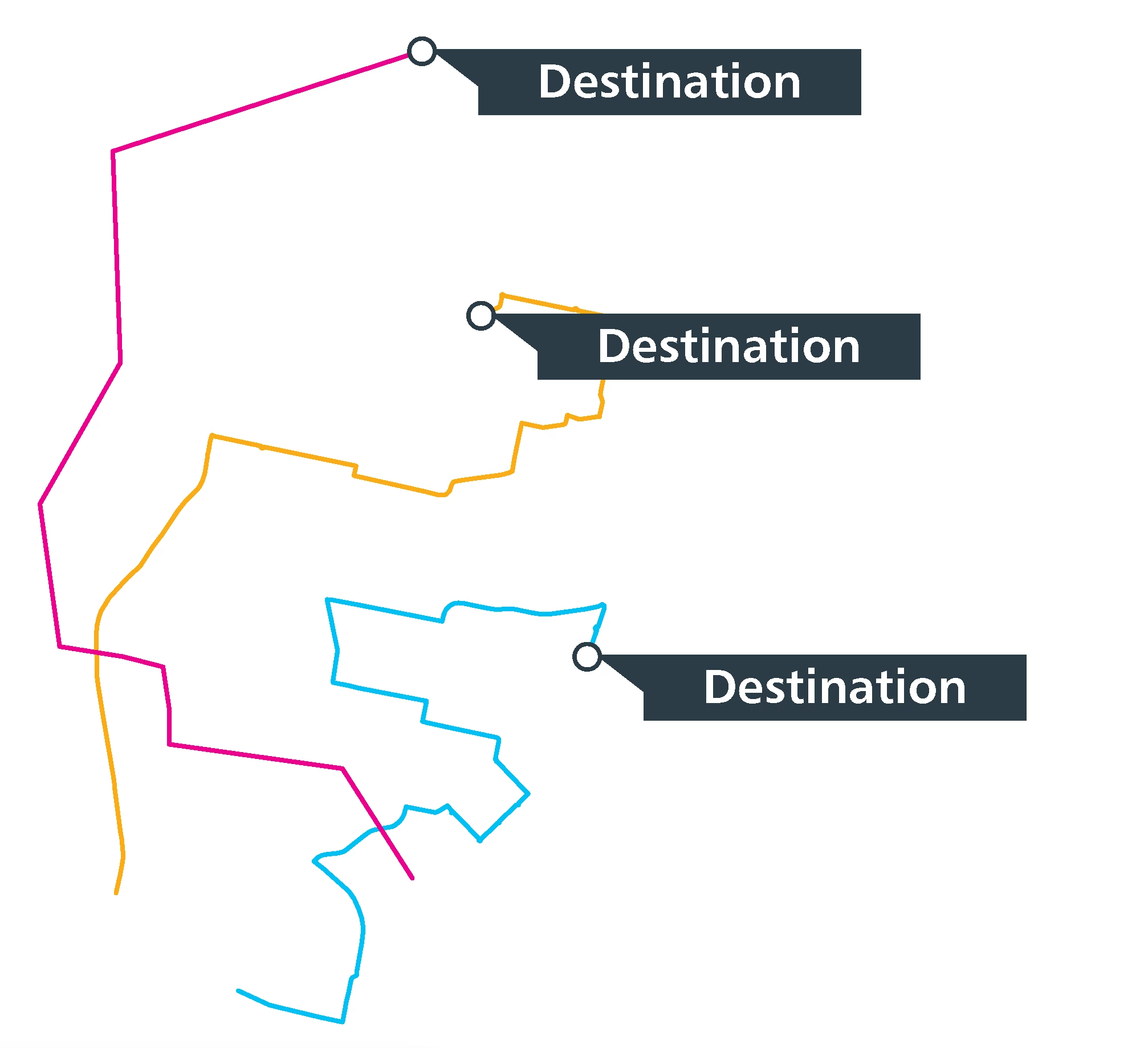
I need a script to apply a Symbol to the end points of selected lines. Ideally this would function as follows:

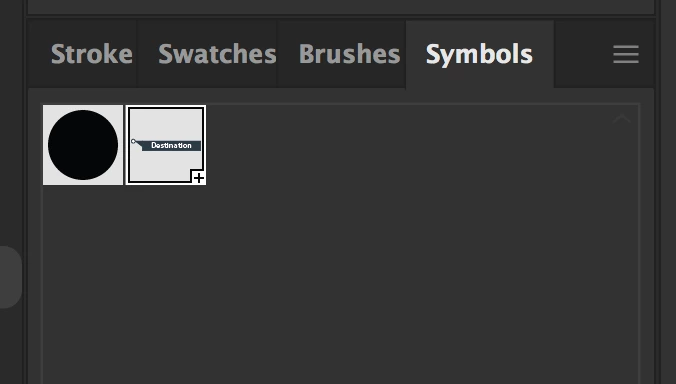
1. Create Symbol called 'EndPoint'

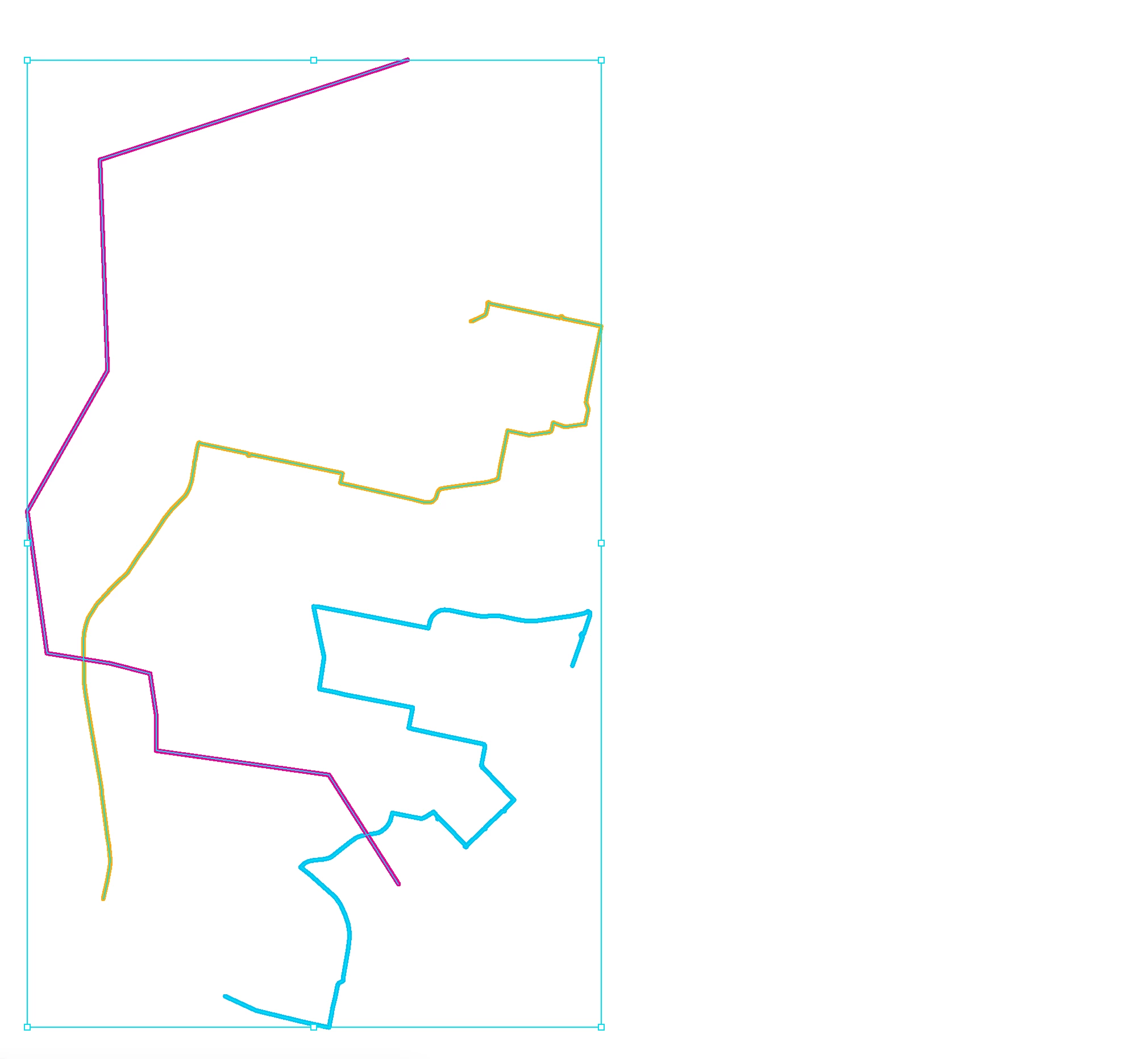
2. Select lines

3. Run script that applies the 'EndPoint' symbol to the end of all of the selected lines

Any help would be much appreciated.

Cheers

Mike
This topic has been closed for replies.
Correct answer CarlosCanto

Hi Mike, here you go


// place destination symbol
// carlos canto
// https://community.adobe.com/t5/illustrator/illustrator-script-to-apply-symbol-to-end-points-of-selected-lines/td-p/10928347?page=1

function main() {
    var idoc = app.activeDocument;
    var sel = idoc.selection;

    var p, pp, marker, endPoint, markerSymbol, endPointSymbol;
    markerSymbol = idoc.symbols['marker'];
    endPointSymbol = idoc.symbols['EndPoint'];

    marker = idoc.symbolItems.add(markerSymbol);

    for (var a=0; a<sel.length; a++) {
        if(sel[a].typename == "PathItem") {
            pp = sel[a].pathPoints;
            p = pp[pp.length-1];

            
            endPoint = sel[a].layer.symbolItems.add(endPointSymbol);
            
            endPoint.position = [p.anchor[0]-marker.width/2, p.anchor[1]+marker.height/2];
        }
    }

    marker.remove();

}

main();

6 replies

CarlosCanto
Community Expert
CarlosCantoCommunity ExpertCorrect answer
Community Expert
April 3, 2020

Hi Mike, here you go


// place destination symbol
// carlos canto
// https://community.adobe.com/t5/illustrator/illustrator-script-to-apply-symbol-to-end-points-of-selected-lines/td-p/10928347?page=1

function main() {
    var idoc = app.activeDocument;
    var sel = idoc.selection;

    var p, pp, marker, endPoint, markerSymbol, endPointSymbol;
    markerSymbol = idoc.symbols['marker'];
    endPointSymbol = idoc.symbols['EndPoint'];

    marker = idoc.symbolItems.add(markerSymbol);

    for (var a=0; a<sel.length; a++) {
        if(sel[a].typename == "PathItem") {
            pp = sel[a].pathPoints;
            p = pp[pp.length-1];

            
            endPoint = sel[a].layer.symbolItems.add(endPointSymbol);
            
            endPoint.position = [p.anchor[0]-marker.width/2, p.anchor[1]+marker.height/2];
        }
    }

    marker.remove();

}

main();
mikefwd
mikefwdAuthor
Known Participant
April 3, 2020

Amazing! That has saved me literally days of work haha


Thank you so much!


Mike

CarlosCanto
Community Expert
Community Expert
February 21, 2020

Hi Mike, grab the small white circle in your symbol and make a second symbol. I need just the white circle by itself to grab its dimensions. Name it "marker".


then select 1 or more path items and run this script


// place destination symbol
// carlos canto
// https://community.adobe.com/t5/illustrator/illustrator-script-to-apply-symbol-to-end-points-of-selected-lines/td-p/10928347?page=1

function main() {
    var idoc = app.activeDocument;
    var sel = idoc.selection;

    var p, pp, marker, endPoint, markerSymbol, endPointSymbol;
    markerSymbol = idoc.symbols['marker'];
    endPointSymbol = idoc.symbols['EndPoint'];

    marker = idoc.symbolItems.add(markerSymbol);

    for (var a=0; a<sel.length; a++) {
        if(sel[a].typename == "PathItem") {
            pp = sel[a].pathPoints;
            p = pp[pp.length-1];

            
            endPoint = idoc.symbolItems.add(endPointSymbol);
            
            endPoint.position = [p.anchor[0]-marker.width/2, p.anchor[1]+marker.height/2];
        }
    }

    marker.remove();

}

main();
mikefwd
mikefwdAuthor
Known Participant
April 2, 2020

Hi Carlos

Thanks for doing this script. It does what I want it to do, however, it always places the symbol on the top layer, regardless of whether that is the layer the line is on or not.


How would you alter the script so that it places the symbol on the same layer as the line that's selected?


Cheers


Mike

meganchi
Legend
February 17, 2020

There is a pretty easy way to add a circle or shape at the end of your line using your stroke panel. Make sure "show options" is selected on the stroke panel so that you can see the arrow menus. Then you can select your line, and choose what arrow symbol endpoint you'd like to apply.

Kurt Gold
Community Expert
Community Expert
February 17, 2020

But we are obviously not just talking about a simple circle, meganchi. See the original request.


In case it does not necessarily have to be a native Illustrator symbol, I would do it with a Scatter brush. I've posted similar approaches in the past on this forum.

meganchi
Legend
February 17, 2020

Oh, goodness, my bad. Thanks for explaining to look at the original request, Kurt. Your advice is spot on. 

CarlosCanto
Community Expert
Community Expert
February 17, 2020

here's how to add symbols to the canvas william


var idoc = app.activeDocument;
var endPointSymbol = idoc.symbols['EndPoint'];

var symbolInstance = idoc.symbolItems.add(endPointSymbol);


Disposition_Dev
Legend
February 17, 2020

Thanks carlos.. My syntax must have been off.. It just kept throwing a runtime error saying "undefined is not an object". 

CarlosCanto
Community Expert
Community Expert
February 17, 2020

it happens 🙂

Disposition_Dev
Legend
February 17, 2020

I can't figure out whether it's possible to place a symbol instance into the document via a script.. You can create an action to do so, but it's generic and requires the symbol to be pre-selected in the symbols panel.. So, i hope someone else has some advice on this portion..


But as to the rest of your question, here's a little snippet that shows how to position the symbol relative to an endpoint of a path. (you may need to fiddle with some buffer to get the circle of your symbol to line up properly. as it stands, this snippet will simply align the top left coordinate to the end of the line. So you'll probably need to add or subtract a few points to fine tune the positioning).


function alignSymbolToPathPoint()
{
	var docRef = app.activeDocument;
	var layers = docRef.layers;
	var myPath = layers[0].pageItems[0];
	var symbol = layers[0].pageItems[1];
	myPath.selected = true;

	symbol.position = myPath.selectedPathPoints[0].anchor;

	//use this one instead to get the other end of the path.
	// symbol.position = myPath.selectedPathPoints[myPath.selectedPathPoints.length-1].anchor;

}
alignSymbolToPathPoint();
Disposition_Dev
Legend
February 17, 2020

How do you determine which end of the line is the endpoint and which one is the start point?