Known Participant
June 12, 2025
Answered

Illustrator script to toggle object visibility from CSV/Data Variables

  • June 12, 2025
  • 1 reply
  • 1368 views

My last post was probably asking too much, so instead, does anyone have a script to deal with object visibility with details coming from a CSV/Data Sets?

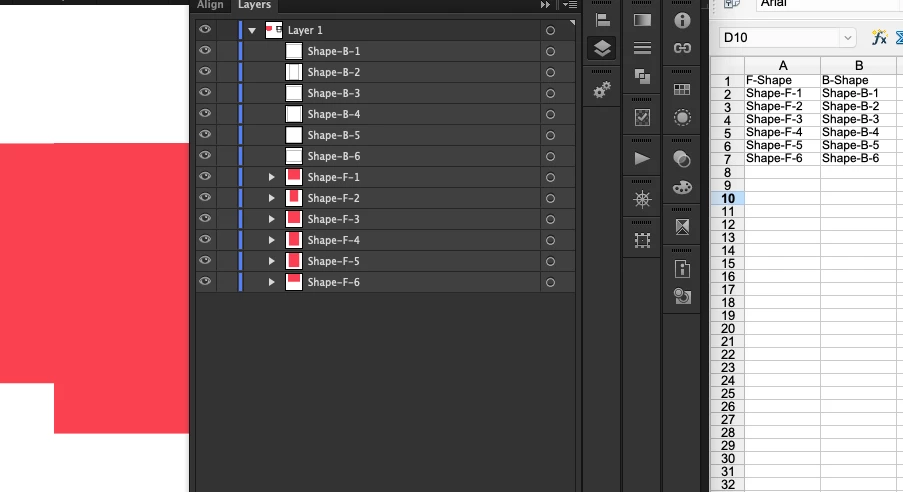
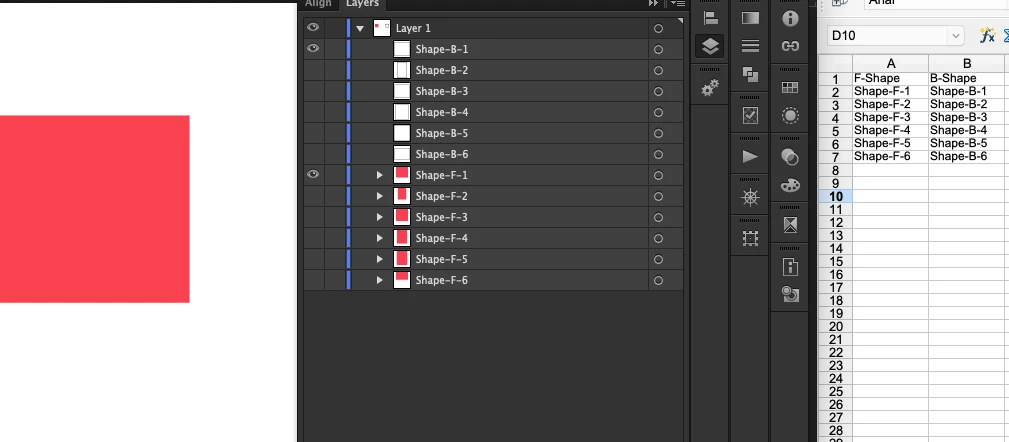
I will be using data variables for other informaiton in the document, like text fields, so the data wil be loaded through the data variables. I know I could set the visibilty with the spreadsheet but I have over 1000 options so instead I was hoping to just have the objectname (like Shape-F-1) as a field in the spreadsheet.

I'm using CS6.

Thanks


Correct answer Silly-V

Thank you!

I think I'm doing something wrong with my setup because it is turning off visibility for only one. I tried it with the text and path in groups and not in groups. Do I need them to be their own layer?

This is before running the script, shapes visible, text box hidden:
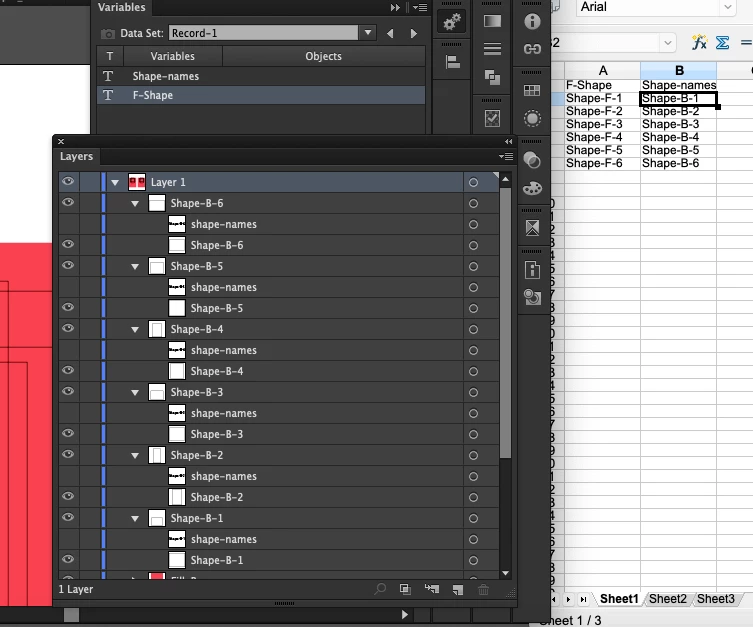
after running the script only Shape-B-6 is hidden, but the others are visible:
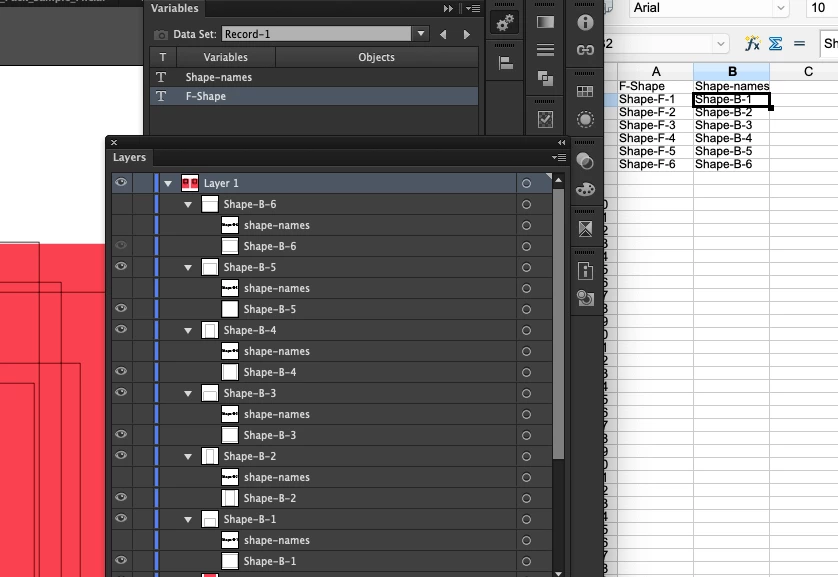


Aha, it's because of my rookie mistake. It was showing the stuff it hid!
But now, it goes through layers, only worries about the Groups, which should be faster by leaving alone the nested shape. It pre-hides all the groups in the layer, then turns on just the ones we need!
Try this:

function test () {
  var doc = app.activeDocument;
  var shapeNamesFrame = doc.textFrames.getByName("shape-names");
  var shapeNameArray = shapeNamesFrame.contents.split(/,/g);
  for (var i = 0; i < doc.layers.length; i++) {
    var layer = doc.layers[i];
    for (var k = 0; k < layer.groupItems.length; k++) {
       var groupItem = layer.groupItems[k];
       groupItem.hidden = true;
    }
    for (var j = 0; j < shapeNameArray.length; j++) {
      var name = shapeNameArray[j];
      for (var k = 0; k < layer.groupItems.length; k++) {
        var groupItem = layer.groupItems[k];
        if (groupItem.name === name) {
          groupItem.hidden = false;
        }
      }
    }
  }
}
test();


  

1 reply

Silly-V
Legend
June 12, 2025

This would work: have some hidden or visible text-frame which gets your shape names.
And 2nd part: a script which is activated each data-set via your Batch Action processing which finds the one text-frame containing your shape name(s) and reads the populated contents of that text-frame to obtain the name(s).
Then it would go through all the top-level layer's pageItems to hide all except whose names are determined to be matching your CSV.
Does this sound like it can work for your workflow?


Known Participant
June 12, 2025

That sounds like it could work yes.

Silly-V
Legend
June 12, 2025

Ok, assuming you have this one text-box, and it is bound to your variables, and named the word "shape-names".

This is the script:

function test () {
  var doc = app.activeDocument;
  var shapeNamesFrame = doc.textFrames.getByName("shape-names");
  var shapeNameArray = shapeNamesFrame.contents.split(/,/g);
  for (var i = 0; i < shapeNameArray.length; i++) {
    var name = shapeNameArray[i];
    for (var j = 0; j < doc.layers.length; j++) {
      var layer = doc.layers[j];
      for (var k = 0; k < layer.pageItems.length; k++) {
        var pageItem = layer.pageItems[k];
        pageItem.hidden = pageItem.name === name;
      }
    }
  }
}
test();

 Stick it into the Menu Items so that your action can play it - let's see if it works!
Just ensure that this text-frame is bound to your variable and is named accordingly, and that you concatenate all your shape names with a comma (in this case).