Participant
March 20, 2022
Question

Illustrator shape tools (elipsis, square, etc) automatically multiply (MacOS Monterey - M1 Max)

  • March 20, 2022
  • 1 reply
  • 272 views

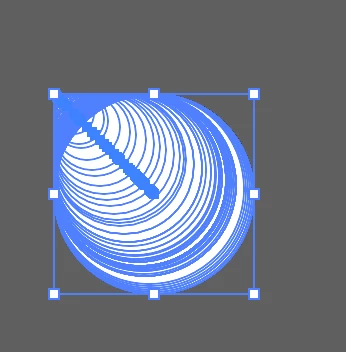
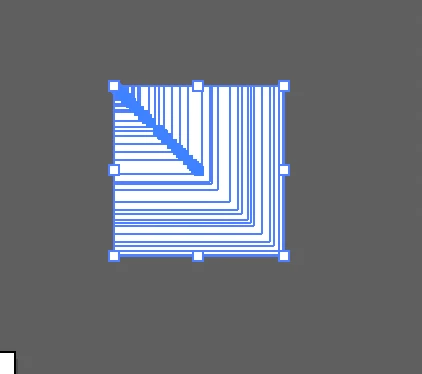
I want to create and size a shape (circle, square, etc.) and it multiplies in the direction I am sizing. It is almost as if it is doing a multiple-step blend. If I only click once and add size it will only create one shape, but selecting the tool and manually sizing w/ click and drag is giving me this error. 
This topic has been closed for replies.

1 reply

Ton Frederiks
Community Expert
Community Expert
March 20, 2022

It normally does this when the tilde (~) key is pressed (or stuck).

jampimiroAuthor
Participant
March 20, 2022

Hm, but in this case, it is not. Do you know if there is a setting that might be turned on?

Ton Frederiks
Community Expert
Community Expert
March 20, 2022

I don't know of another way to reproduce it.

I have a QWERTY keyboard with Dutch as language, it maybe different with other languages/keyboards.