


Participant
May 4, 2025
Question

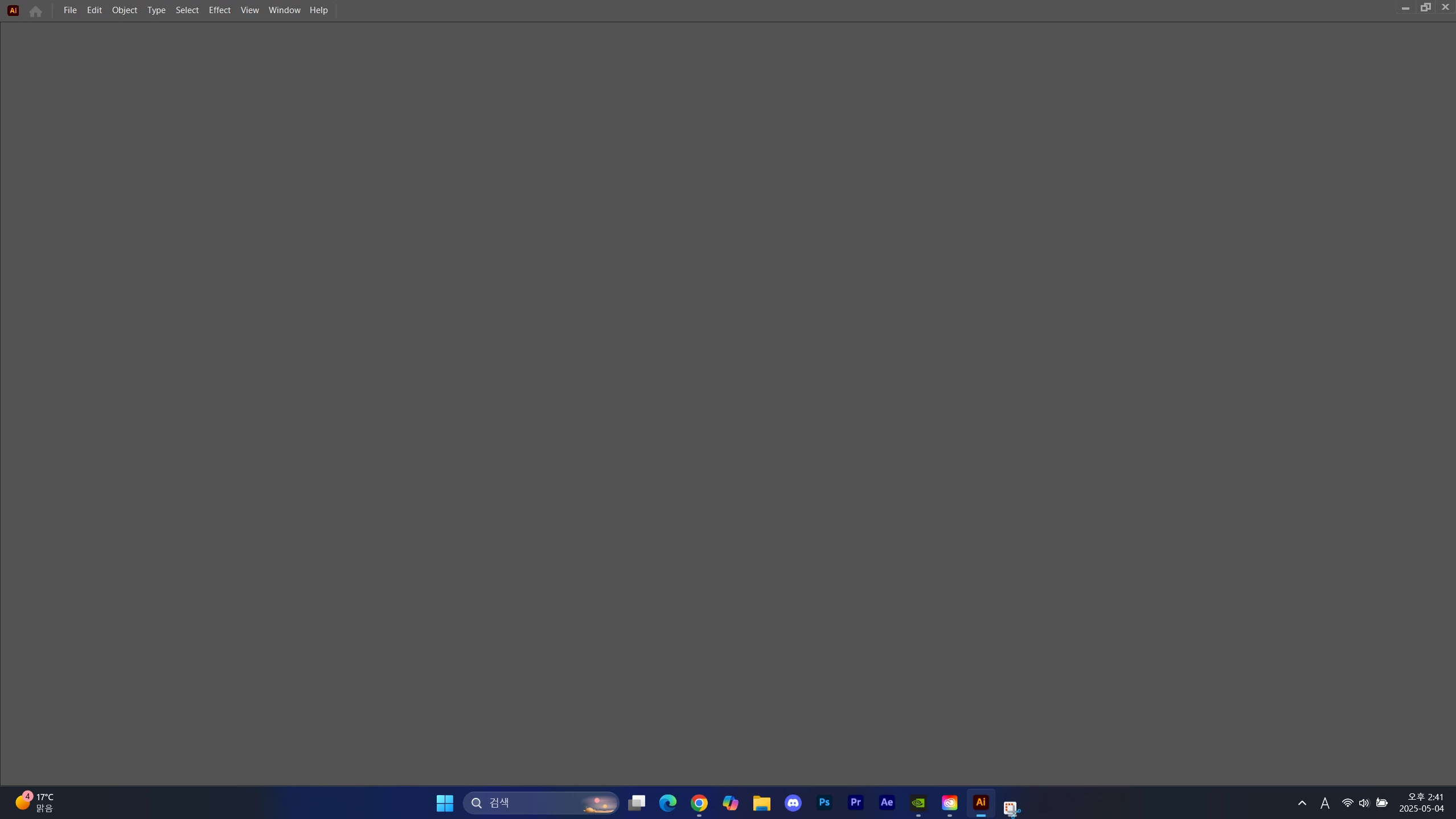
Illustrator showing blank screen

  • May 4, 2025
  • 2 replies
  • 858 views

The problem is not solved like the attached image even after 5 minutes when the program is executed Reinstalling the program does not solve it

My PC specifications are as follows

CPU : 5800H
GPU : RTX 3060
RAM : 32GB

Is there a solution?
 

<Title renamed by MOD>

2 replies

kam tang
Participating Frequently
May 16, 2025

Apologies for hijacking your thread. I hope you found a fix.

Anubhav M
Community Manager
Community Manager
May 19, 2025

Hello @kam tang,

I have sent you a DM. Kindly check.

Anubhav

kam tang
Participating Frequently
May 21, 2025

Hello


I managed to get my Illustrator work now by switching off GPU Performance in the Preferences, now my actions aren't immediate/slower in processing, but at least my files are opening ok and I can zoom in and out without the app hanging. Will push on and see how far I can get with no GPU Performance

Abhishek Rao
Community Manager
Community Manager
May 5, 2025

Hi @???_???9790,


Thanks for reaching out, and sorry to hear you're running into this issue. Could you please confirm which version of Illustrator you're currently using and the details of your Windows OS? Also, has this problem just started recently, or has it been happening for a while?

For now, please try this quick troubleshooting step and see if it helps:
Close all Adobe apps, then go to this folder location on your PC: 'C:\Program Files\Common Files\Adobe\UXP', and rename the 'UXP' folder to 'UXP.old'. After that, relaunch Illustrator.


Let me know if this makes any difference or if the issue persists.

Abhishek


kam tang
Participating Frequently
May 9, 2025

I am having very similar problems trying to open files with my maac. While the thumbnail shows up ok in the open file window I get the blank screen upon opening. I was not having this problem before, I noticed this since I've upgraded to the latest apple OS (sequoia 15.4.1) and I'm updated to the latest version of Illustrator. I'm running an M1 pro laptop with 16GB memory. Changing the UXP to UXP.old is not working either

Anubhav M
Community Manager
Community Manager
May 9, 2025

Hello @kam tang,

Would you mind retrying the following steps and checking if they help:

- Close all Adobe applications.

- Rename the UXP folder to UXP.old from the following location:

(Windows) Navigate to C:\Program Files\Common Files\Adobe\UXP

(macOS) Navigate to Macintosh HD/Library/Application Support/Adobe/UXP


- Relaunch Illustrator


If the problem persists, please try the following steps and share your observations:


Looking forward to hearing from you.

Anubhav