



Daniel Cash
Inspiring
August 24, 2026
Answered

Illustrator Stalling in Saving to Cloud

  • August 24, 2026
  • 3 replies
  • 31 views

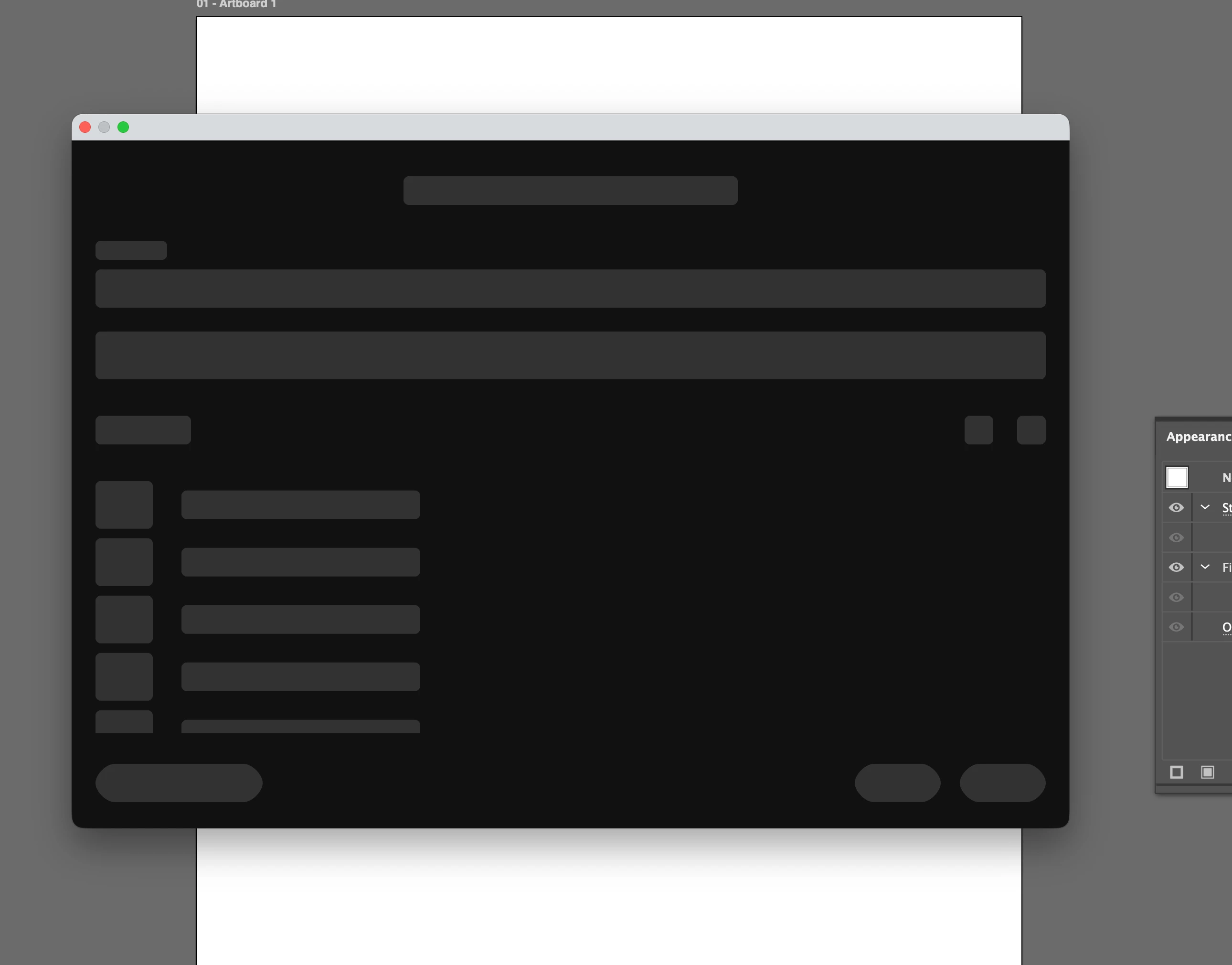
When I try to save an Illustrator file to the cloud it stalls out with the cloud prompt window not fully loading. The only work around I’ve found so far is that I have to create a cloud file on Illustrator for my iPad, then open that on the desktop and copy and paste what I was working on in there. Then I can open it on the iPad again. Very frustrating.
 

    Correct answer Daniel Cash

    I ran the MacOS update last night and that seems to have fixed the problem.

    I’m running Illustrator 30.7 on a 2023 MacBook Pro M2 Max. Updating to Tahoe 26.6.2 has seemed to resolve the issue.

    3 replies

    Harshika Verma
    Community Manager
    Community Manager
    August 25, 2026

    Hi Daniel Cash,


    Thank you for reaching out, and sorry to hear you're unable to save the file to the cloud in Illustrator. Would you mind telling us the version of Illustrator installed on your machine and the details of your operating system? Does that happen with all files or with a specific file?


    Please try the steps suggested in this article and let us know if that helps.


    We will be happy to investigate further.


    Thanks,

    Harshika

    Daniel Cash
    Daniel CashAuthorCorrect answer
    Inspiring
    August 25, 2026

    I ran the MacOS update last night and that seems to have fixed the problem.

    I’m running Illustrator 30.7 on a 2023 MacBook Pro M2 Max. Updating to Tahoe 26.6.2 has seemed to resolve the issue.

    Been about it for a minute
    Harshika Verma
    Community Manager
    Community Manager
    August 26, 2026

    Awesome. Glad to hear you're back on track. Please feel free to reach out to us in the future for any assistance. We would be happy to help.


    Thanks,

    Harshika