Thank you for sharing the details. Is there any particular reason you are using "Export As"? I suggest you to do " File > Save As > SVG" rather than export for better output. I tried saving the SVG file using Save As, and it exported without any issues. I hope it helps!
If you plan to place the SVG file in InDesign for Publish Online to preserve vector outlines in the endproduct for example, you must disable option [ ] Responsive. That would avoid severe issues with scaling the graphic in InDesign. No problem with export to PDF, but a bug with Publish Online.
That options doesn't make a lot of sense when publishing on the web either. Web developers don't like it a lot and they can invoke it in the HTML code if needed.
I used to create many icons with text and illustrations and exported to svg files for final output, i suggest to remove any clipping mask from the O (when created outline, and use shape builder tool to make empty from inside.
make it simple as possiple
when export, try to use export > export as> svg with the following options.
Thank you for sharing the details. Is there any particular reason you are using "Export As"? I suggest you to do " File > Save As > SVG" rather than export for better output. I tried saving the SVG file using Save As, and it exported without any issues. I hope it helps!
I was using "Export As" since that's the way I had always done it in order to use on the web.
I wonder what the difference is between the two approaches? I can see some different options, like which SVG version to use, and I don't get a choice over CSS implementation, but otherwise, all good.
Sorry about the trouble. Could you please share a few more details like:
Are you exporting the SVG as "Save As" or "Export As" or Collect for Export?
Screenshot of your export settings.
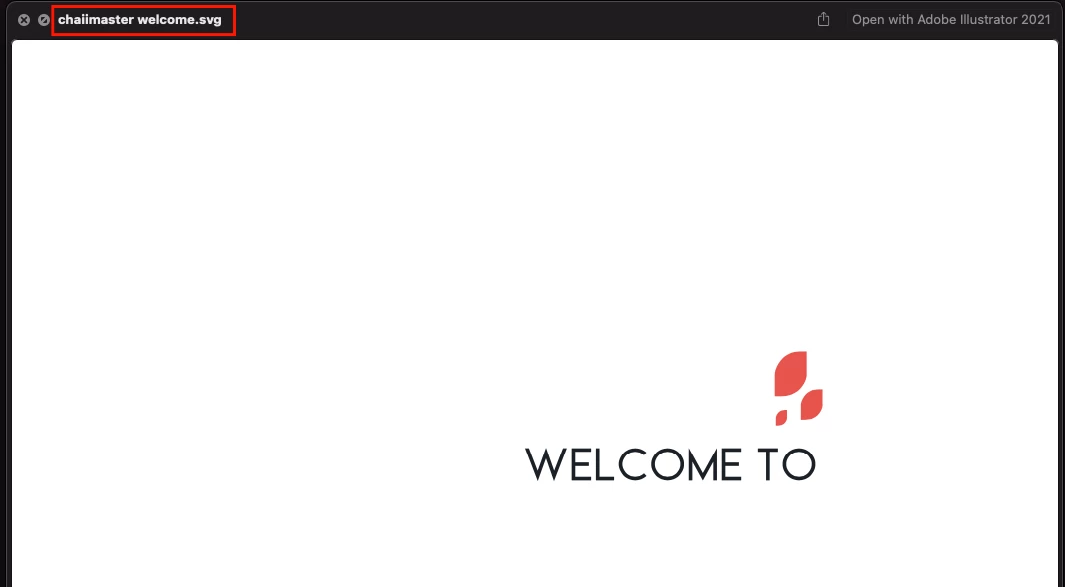
Did you outline the text or select the "Convert to Outline" Type option while exporting the SVG?
Which font is this?
Please share the screenshot of your layer panel and expand all the groups.
Is the issue happening while exporting a specific document? If yes, could you please share the document with us? You can upload it to the Creative Cloud (https://helpx.adobe.com/in/creative-cloud/help/share.html) and share the download link.
We are here to help. We just need more information.





 AdChoices