


Illustrator text pastes as an image in other apps (not editable)
I gotta tell you this is ridiculously frustrating. I searched the community for this issue and found exactly the same problem 7 years ago. I have Illustrator 2025 (Mac), and when I select text and paste it into any other program (Mail, Thunderbird, TextEdit) it is not editable. Instead it pastes as an image, so you can not insert the cursor any place in the text and edit.
2026 Adobe - its 2026
The old threads mention this as a bug in 2017. This is such a basic function, and yet I am at the forums seeking help. The suggestions in 2017 are ridiculous. Why should I have to paste text into a web browser or InDesign, then copy it again? What a waste of time (and money).
If you have a suggestion I am all ears, and I do appreciate the advice. Thanks, C
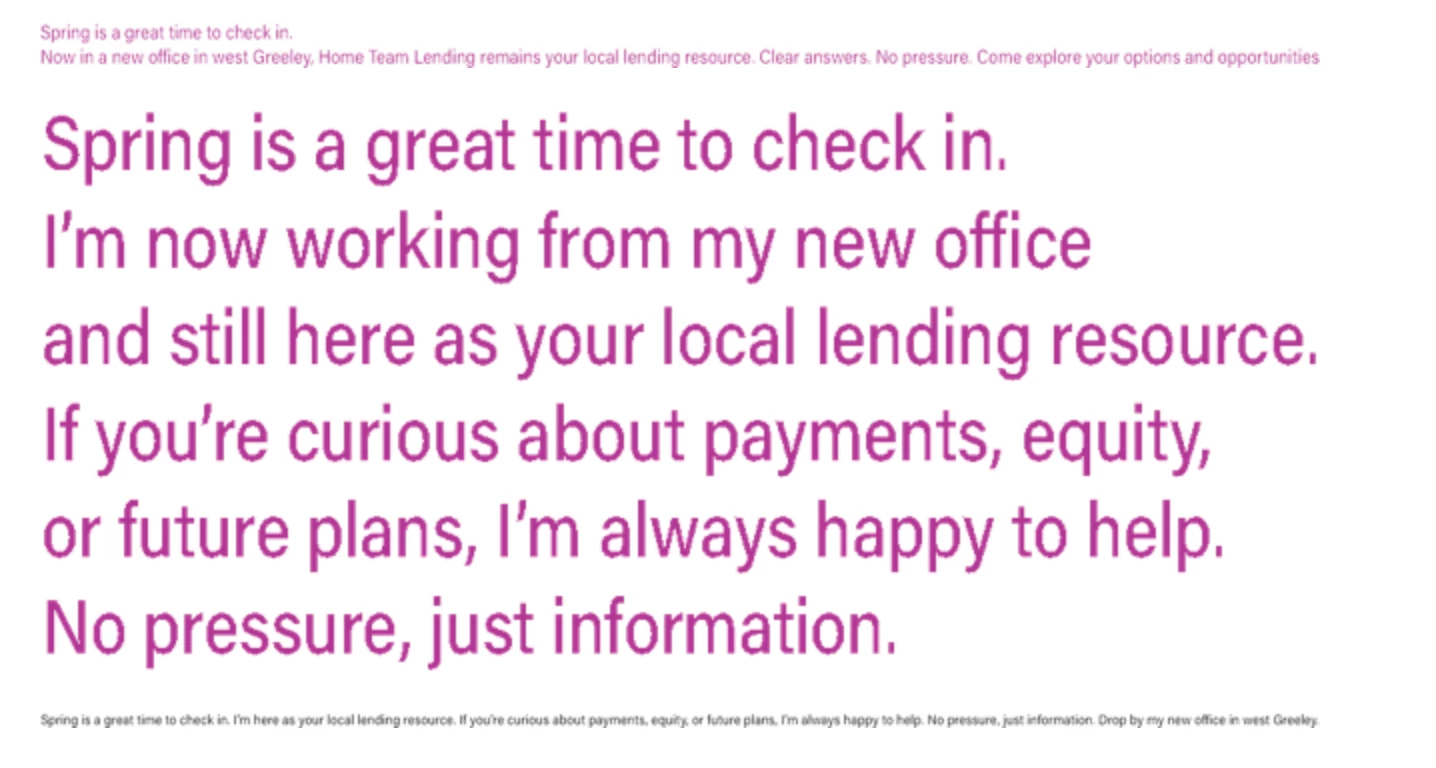
This is pasted to Mail, completely uneditable.

 AdChoices