
Illustrator to Photoshop: how can I use the vectors I just downloaded?
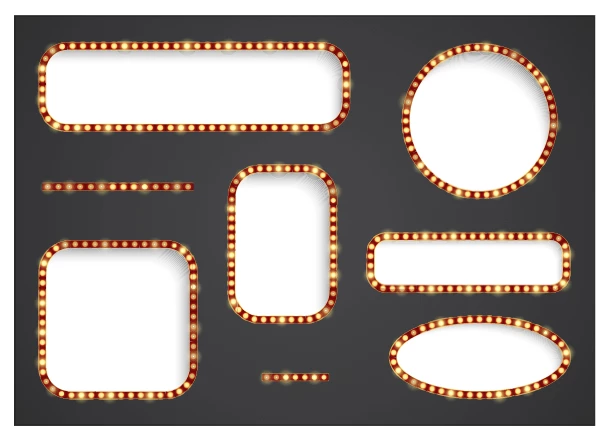
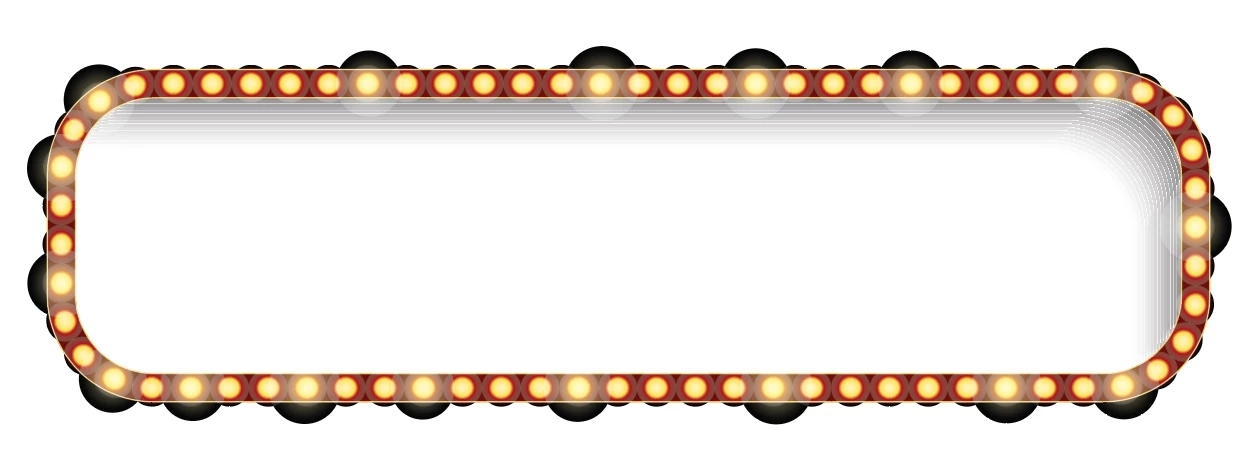
Hi guys, i hope this question gives you a little chuckle as you remember all the fairly naive questions you had when you were new to illustrator. anyways, I downloaded two .ai files that I want to use in a photoshop image but cannot figure out how to transfer what I need. One file is of an alphabet, which I wanted just some of the letters and the other is a variety of signs. Anyways, the letters have so many paths and compound paths, etc that I cannot simply select, copy/paste to another doc and export. And I can select a sign but the selection comes with some kind of shadow that was used in creating the light bulb effect. All I want to do is be able to resize the sign and write something in it w/ the alphabet(i get that its not a font, thought Id copy letters into photoshop doc). Can you give me any pointers?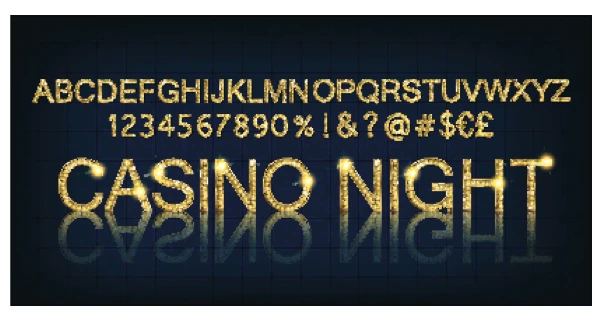
[Title slightly edited by a Moderator]
 AdChoices