Participant
February 11, 2017
Question

Illustrator: transparency while retaining shape/outline?

  • February 11, 2017
  • 2 replies
  • 301 views

Hello all:

I realize my discussion title isn't clear- not knowing what to call the problem I'm experiencing is related to not knowing the solution to it.

I have created a logo. I have put that logo on a green background to help illustrate my problem.

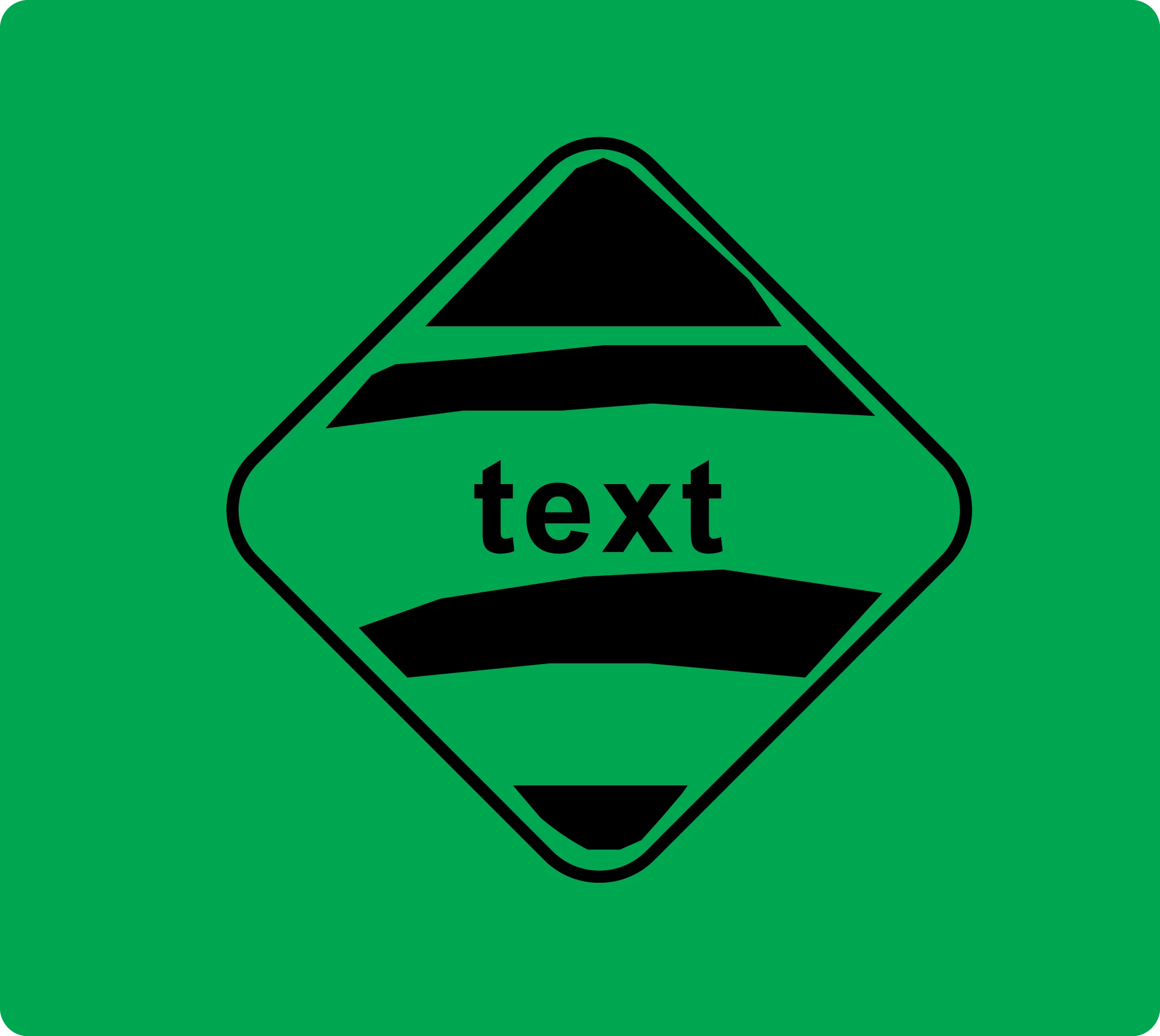
I am trying to create knockout versions for print/branding. Basically, I need everything that's white from IMAGE 1 to be transparent. The problem is that currently, the white elements are above the black elements and the black elements are made up of very rough pen work. So, when I make the white elements transparent, I end up with ugliness of IMAGE 2.

How might I fix this? I'm hoping for a different solution than "just use the pen tool to draw the black shapes" because I'm a novice.

If it matters- there are 2 white elements. The rounded rectangle inner stroke, and the curves (3 parts of one logo).

I appreciate the help. Thank you.

IMAGE 1
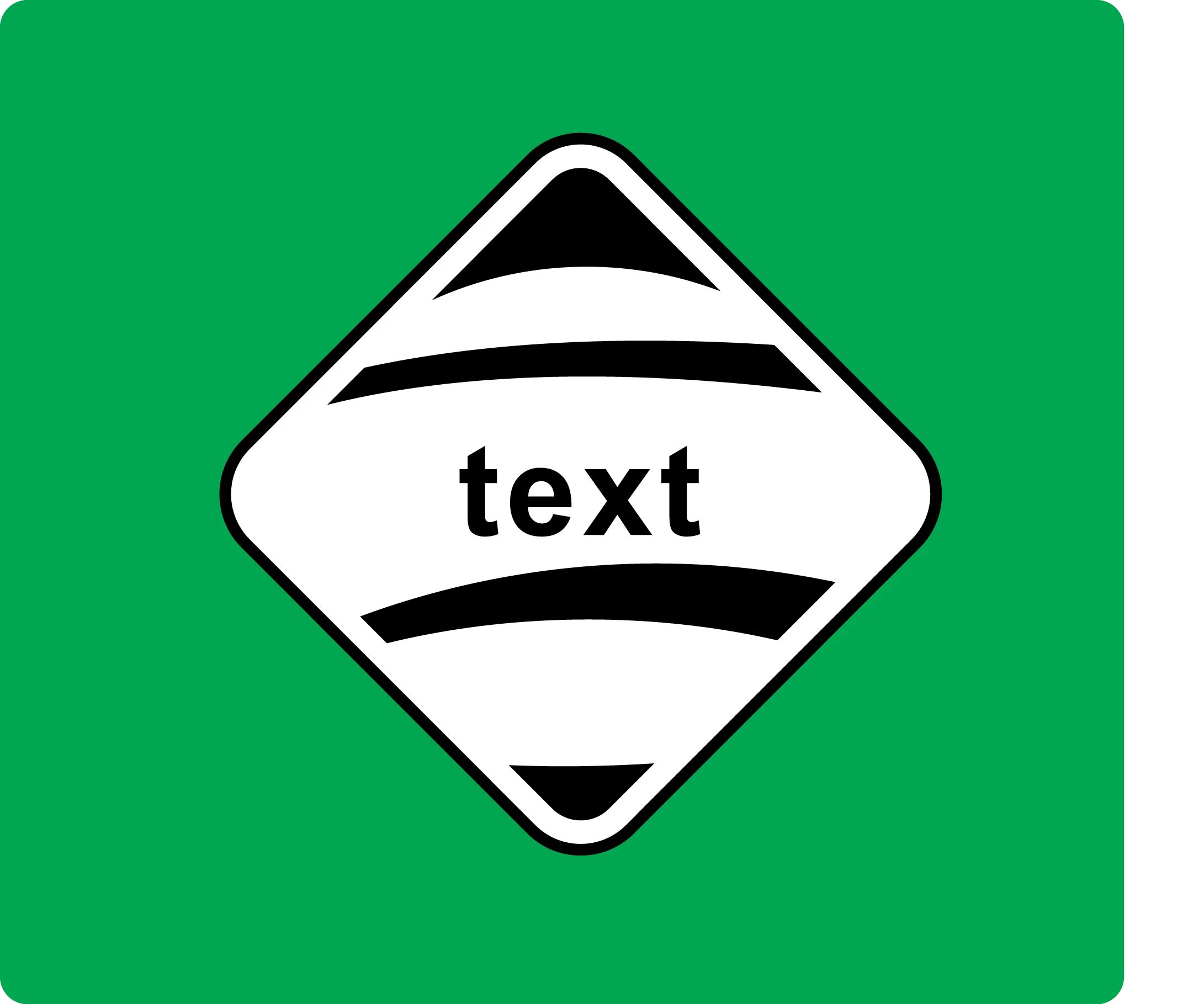
IMAGE 2
    This topic has been closed for replies.

    2 replies

    jane-e
    Community Expert
    Community Expert
    February 11, 2017

    There are several approaches to this.

    One is to select everything and use the Shape Builder tool to combine regions and / or subtract with option + click.

    Can we see the anchor points on the first image? How does the top black shape turn into the top shape in the bottom image? Is it made up of several shapes? Or is it partially hidden by another shape?

    Monika Gause
    Community Expert
    Community Expert
    February 11, 2017

    Outline everything. Turn strokes into paths and outline the text.

    Then select all and click the pathfinder "Merge" in the pathfinder panel.

    Delete all white elements.

    You might want to copy your shapes before outlining stuff, because afterwards it won't be too easily editable.

    qsilbAuthor
    Participant
    February 13, 2017

    This worked for me! It was also quick. Thank you very much.