


Known Participant
September 13, 2017
Question

Illustrator type scaling

  • September 13, 2017
  • 2 replies
  • 589 views

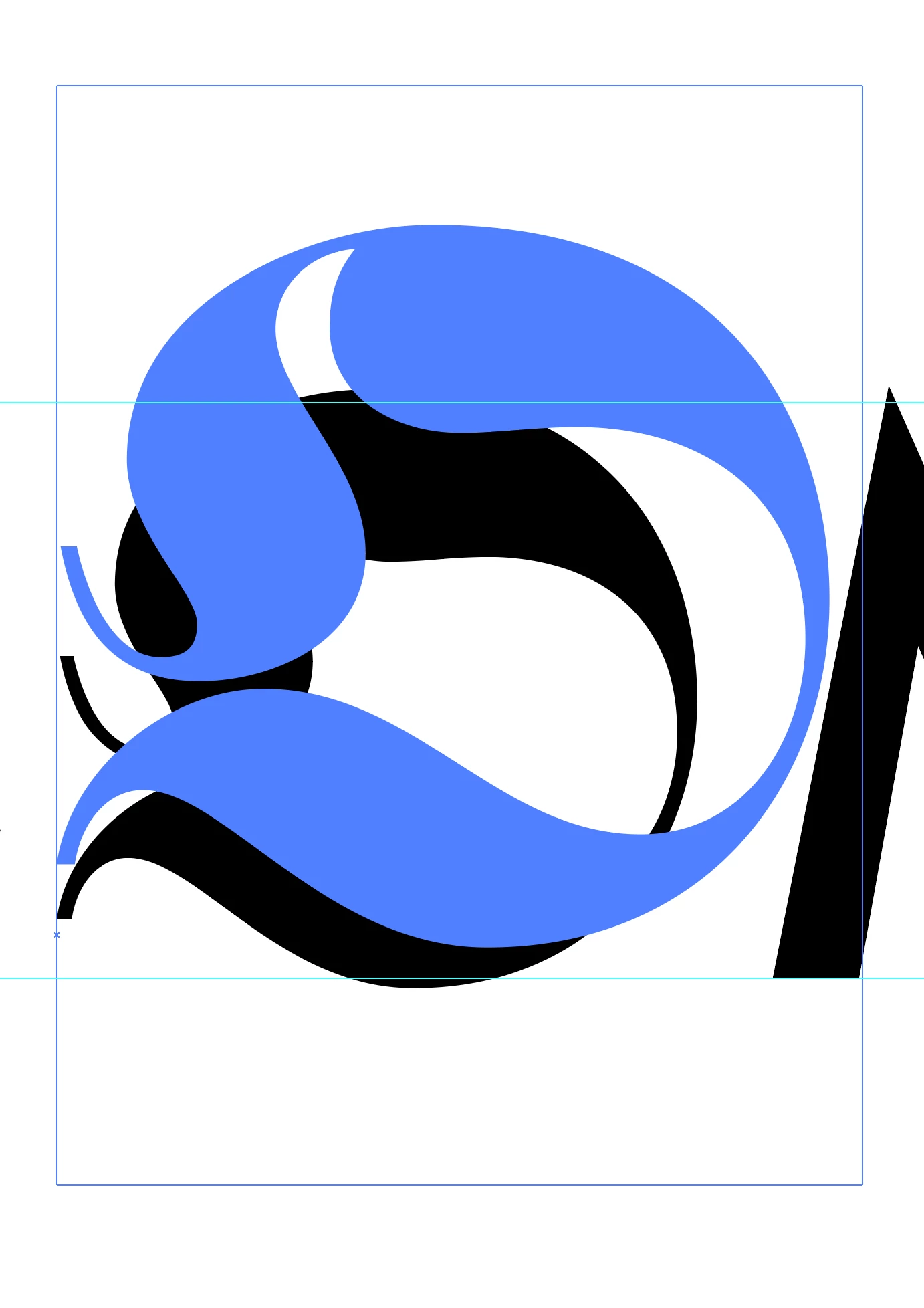
I'm creating a word out of a number of different typefaces, I've created a text box for each individual letter so I can quickly alter the typeface used and the size so it fits with the baseline and cap height of the other letters. When I try and scale the individual letters, rather than scaling like InDesign (keeping the bottom fixed in place and in the direction dragged), it moves the bottom up as if it were magnifying it from a point. This is incredibly difficult to explain but I've tried to attempt this in the images attached below. I don't know if there's a quick fix to this or this is an unsolvable 'quirk' of illustrator. I know I could create outlines but this removes the ability to quickly edit the letters. It's not a huge problem but having to resize it and then move it every time is incredibly frustrating and takes about double the time.

I hope this makes at lease vague sense!

Blue lines are baseline and cap height
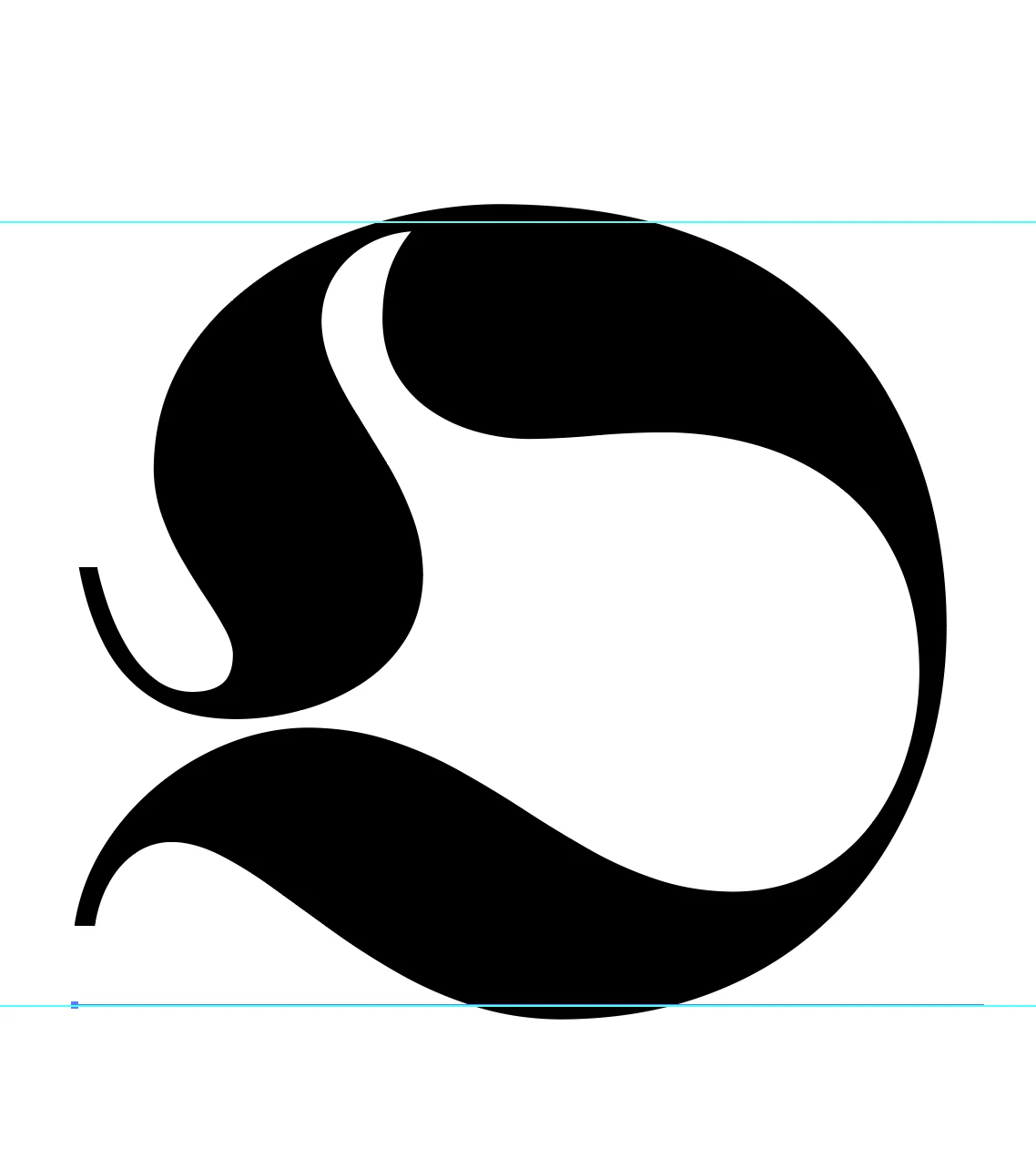
When resized the baseline of the textbox moves off the point I've placed it on.
This topic has been closed for replies.

2 replies

Doug A Roberts
Community Expert
Community Expert
September 13, 2017

it does make sense. when you grab a corner and drag to resize, you're scaling the bounding box of the object, which in the case of type has lower bound a certain distance below the baseline. to scale how you want, use the scale tool ('s' key).

DativeAuthor
Known Participant
September 13, 2017

I understand the logic behind it, it's just not how I want it to work in this instance, I was hoping there would be a way to change it to work like InDesign, I understand I could just use the scale tool and switching between the two isn't difficult. It is tricky when you're consistently moving back and forth between InDesign and Illustrator and you have to remember one rule for one program and another rule for the other.

Bill Silbert
Community Expert
Community Expert
September 13, 2017

You said that you created each letter as a separate text box (known as area type in Illustrator). If you were to either put all of your text into a single area shape so that it is all on the same baseline or use the point type tool which sets type from a single insertion point and would also keep it all on the same baseline. Then enlargements of individual letters should all originate from the same baseline.

DativeAuthor
Known Participant
September 13, 2017

I haven't used area type, I've used point type, it hasn't kept it all on the same baseline though? As I said, I can't put it all in the same area shape because I want to be able to quickly scale each letter individually.

Doug A Roberts
Community Expert
Community Expert
September 13, 2017

would the touch type tool work for you in this instance?