
Known Participant
January 22, 2023
Answered

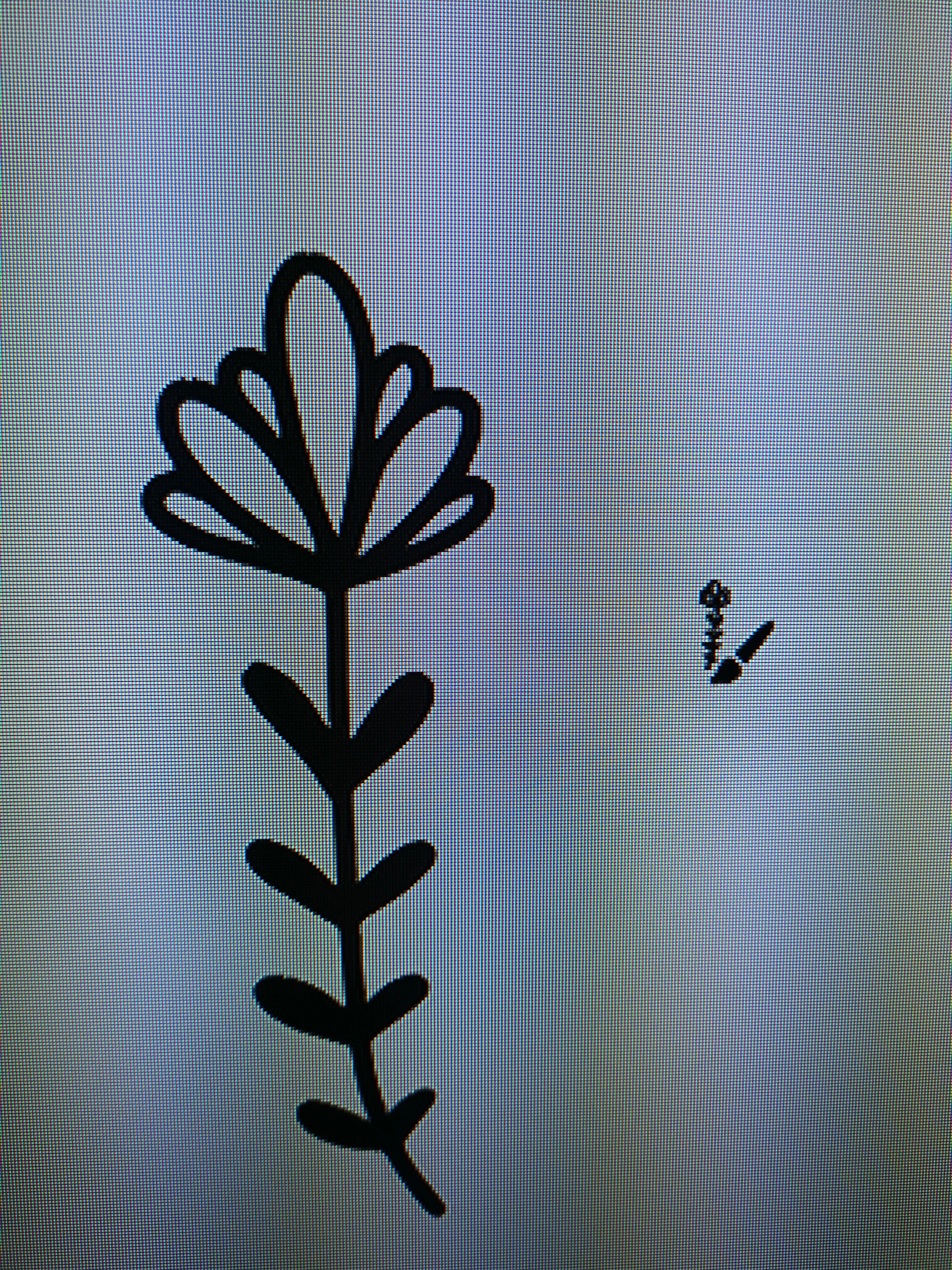
Illustrator vector brush changes size depending on length
  • January 22, 2023
  • 1 reply
  • 1612 views

Hello, as per the above, the left brush stroke is longer and is subsequently much larger in width and general size. I'd like it to stay the same size regardless of length.


I've tried unchecking the 'scale strokes and effects' however it doesn't seem to do anything.


If you can provide the solution for an iPad that'd be great please however I'd also be interested for the solution on pc.


Thank you in advance.


This topic has been closed for replies.
Correct answer Monika Gause

Ok thanks, is it possible to convert this to a pattern brush?


In Illustrator on the desktop: drag the brush out of the brushes panel onto the desktop. Then drag it in again and make a pattern brush.

1 reply

Monika Gause
Community Expert
Community Expert
January 22, 2023

When you create a new brush on the iPad you can set the scaling options so that the brush just gets longer.

On the desktop you can double click the  brush in the brushes panel to edit the options.

Known Participant
January 22, 2023

Thanks for the reply, I have tried but it doesn't seem to work. Could you walk me through it so I can make sure I'm following the right steps?

Monika Gause
Community Expert
Community Expert
January 22, 2023

On the iPad you cannot just double click the brushes in the brushes panel. That works on the desktop.


Can you please detail what does not work for for you?