
laura@ad
Participant
December 3, 2020
Answered

Illustrator warp tool outline result differs to preview?

  • December 3, 2020
  • 3 replies
  • 589 views

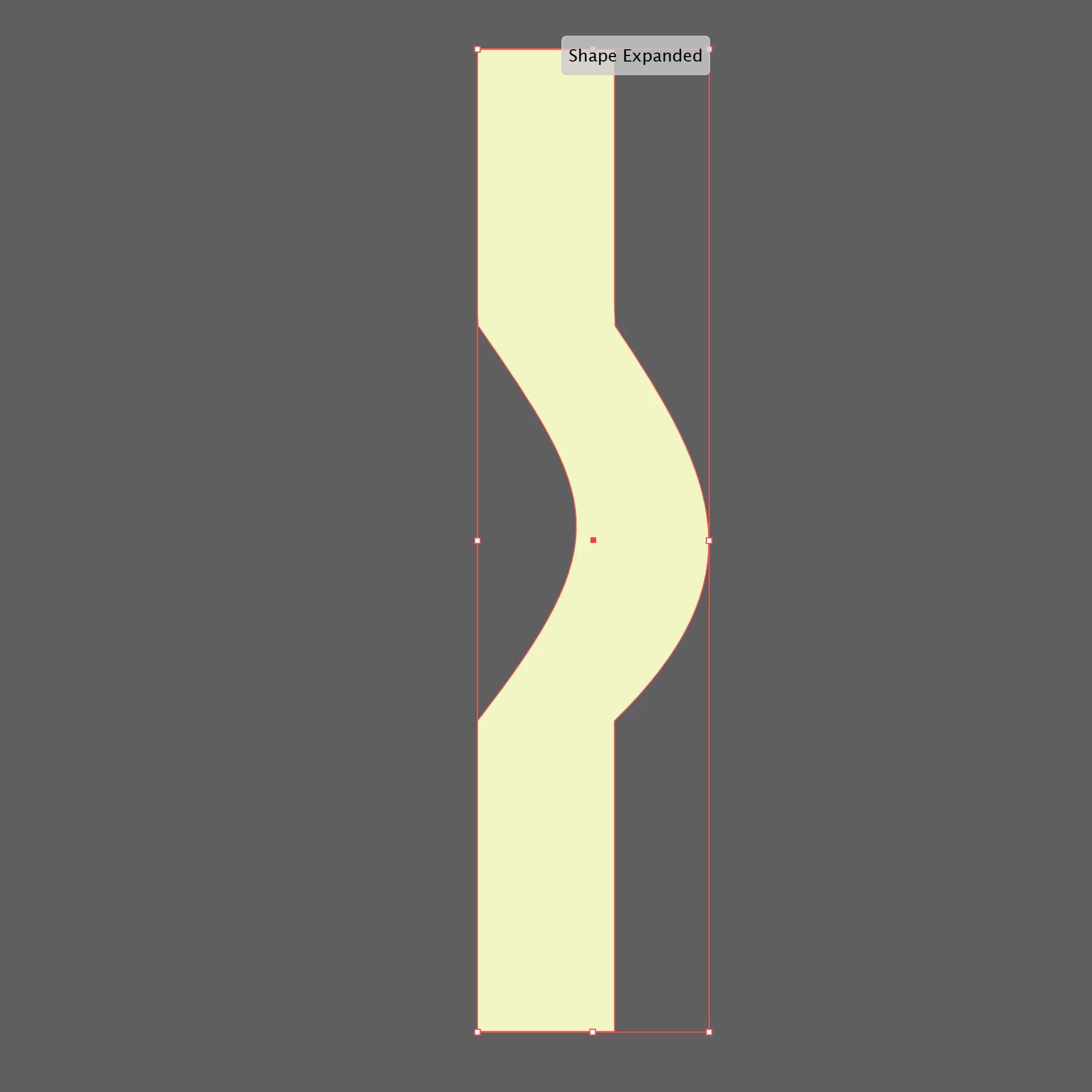
Wondering if there is a preference I can select to ensure the warp tool result matches the smooth red preview outline Illustrator generates (which I have seen on online tutorials) as mine creates sharp corners? Before and after files of a simple closed path rectangle attached.

This topic has been closed for replies.
Correct answer Jacob Bugge

Laura,


You have probably experienced a temporary corruption of a kind that can be healed by simply restarting the application/computer one or more times; there are more serious corruptions that require more.


Or, if you have started over in a new document and (only then) succeeded, you may have experienced a corruption of the original document, in which case you might have been able to copy the artwork to a new document and have it behave.


Both are known causes of wrong/strange behaviour.


None of us can delete posts, except for Adobe staff.


Recently, the More option of editing a post has been removed for newcomers owing to less nice folk joining the forums and posting bad things, and then bypassing moderation by editing the bad things back in; it will appear when you have used the forums some more.


Apart from that, your describing the issue and its vanishing again can be very helpful for others.


3 replies

Jacob Bugge
Community Expert
Jacob BuggeCommunity ExpertCorrect answer
Community Expert
December 4, 2020

Laura,


You have probably experienced a temporary corruption of a kind that can be healed by simply restarting the application/computer one or more times; there are more serious corruptions that require more.


Or, if you have started over in a new document and (only then) succeeded, you may have experienced a corruption of the original document, in which case you might have been able to copy the artwork to a new document and have it behave.


Both are known causes of wrong/strange behaviour.


None of us can delete posts, except for Adobe staff.


Recently, the More option of editing a post has been removed for newcomers owing to less nice folk joining the forums and posting bad things, and then bypassing moderation by editing the bad things back in; it will appear when you have used the forums some more.


Apart from that, your describing the issue and its vanishing again can be very helpful for others.


laura@ad
laura@adAuthor
Participant
December 3, 2020

Oddly, today the warp tool works smoothly and I can’t delete the original post — the “… More” button simply shows an empty lozenge — although keen to see what caused the original result, for future reference.

laura@ad
laura@adAuthor
Participant
December 3, 2020

After scouring the web I was expecting something smooth and simple like this: https://www.youtube.com/watch?v=ZGD963pBV9M