



Participant
January 15, 2023
Answered

Illustrator - When exporting to PDF the colors and images are saturated

  • January 15, 2023
  • 2 replies
  • 5571 views

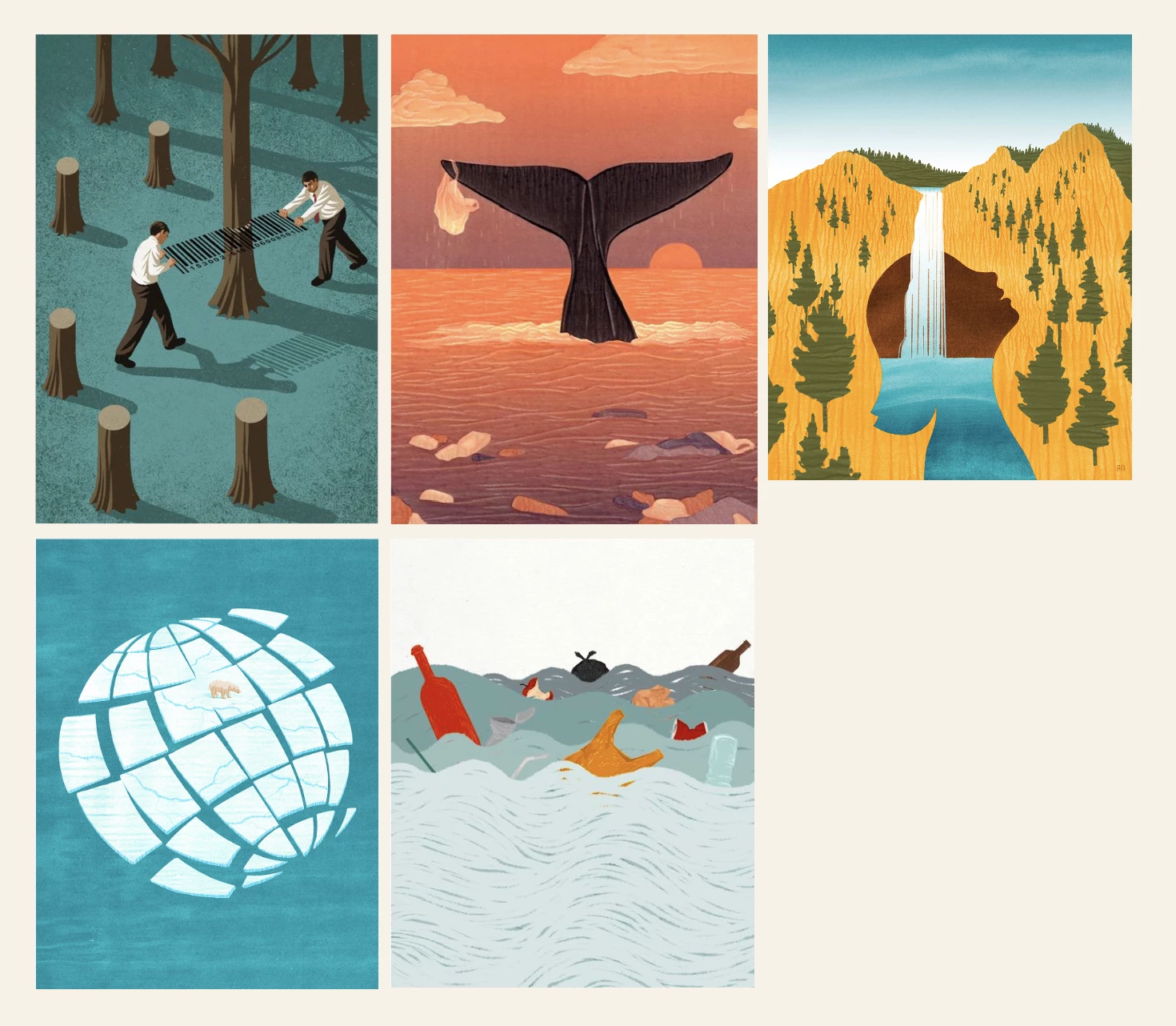
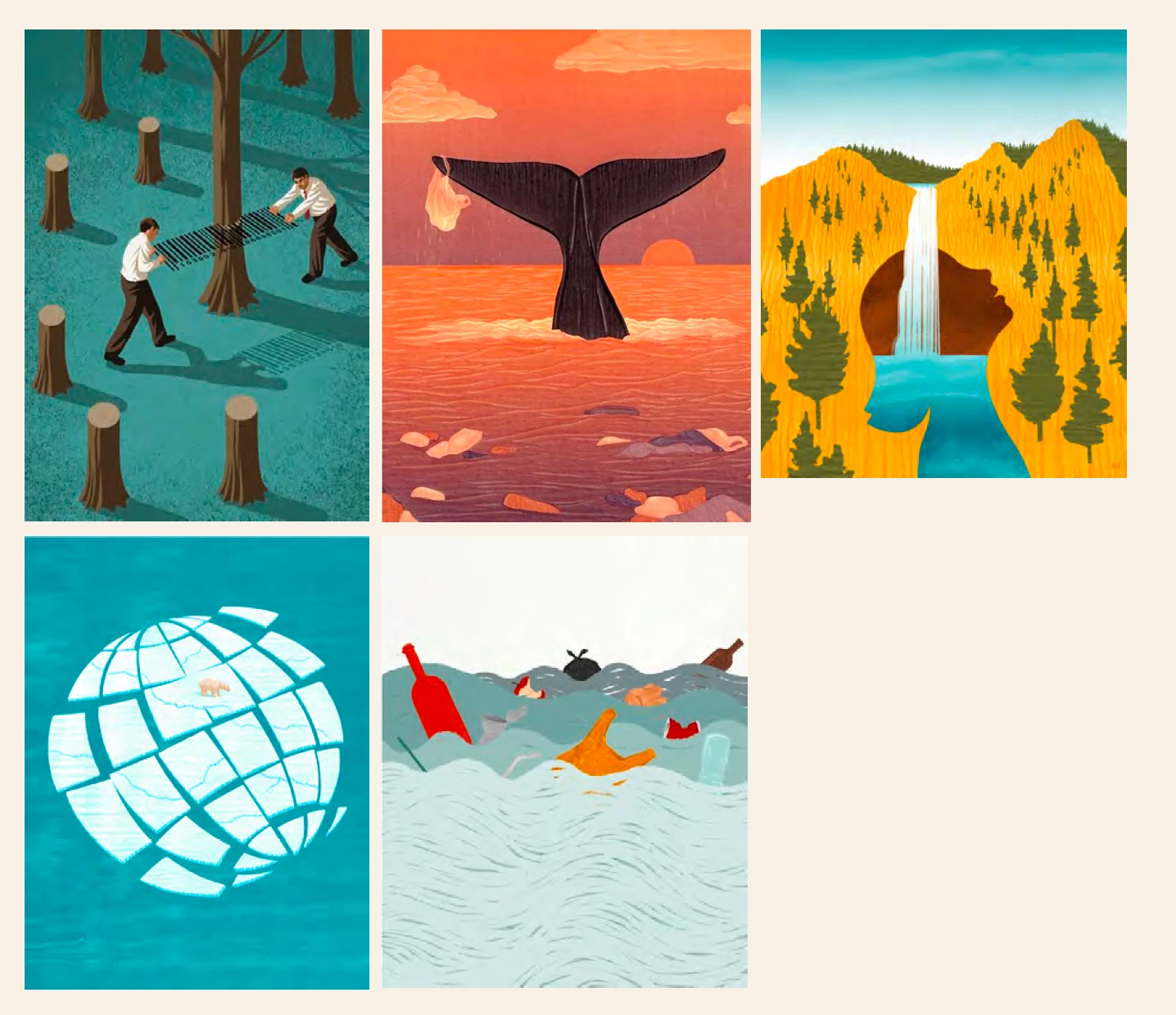
Hi everyone. I'm currently trying to save as PDF a project that I'm working on, but when I save it, the colours and images are more saturated than in my AI file. I asked a friend if he could try saving it, just in case it was a problem with my laptop or something, but it keeps happening. I'm working in RGB colour. Do any of you know how I can solve this? 


This is in my AI file:
 

This is when I save it as PDF
This topic has been closed for replies.
Correct answer ari.ar

Thank you, make sure that the settings in Acrobat are the same and check your document color profile (location as shown in the screendump above).


Thank you very much! I just checked the Acrobat settings and the RGB wasn't the same as my AI document, but I changed it and now the colors look exactly like my AI project. 


And my document color profile is the same as the RGB in the Color Settings.

2 replies

Ton Frederiks
Community Expert
Community Expert
January 15, 2023

And how do you view your PDF?

ari.arAuthor
Participant
January 15, 2023

I view my PDFs in Adobe Acrobat

Ton Frederiks
Community Expert
Community Expert
January 15, 2023

Can you give us some more info about your Edit > Color Settings and your Document Color Profile:

ari.arAuthor
Participant
January 15, 2023

Yes, I'll attach the screenshot. And the document color mode is RGB color. 


Ton Frederiks
Community Expert
Community Expert
January 15, 2023

Thank you, make sure that the settings in Acrobat are the same and check your document color profile (location as shown in the screendump above).
