

Illustrator windows and tools scrambled after sleep (hide and seek tools)
Just got a new 16" Macbook pro (M1 pro). Switched from an intel iMac. Completely clean install on the new computer (didn't transfer any apps). I like to keep illustrator parked on my drawing screen.
Whenever the laptop sleeps the location of tools and workspace are scrambled into new locations upon wakeup (see before and after sleep images). Driving me crazy.... every time I try to do anything I have to search around for my pallets and tools. Each time things are moved into new and different locations like a game of hide and seek.
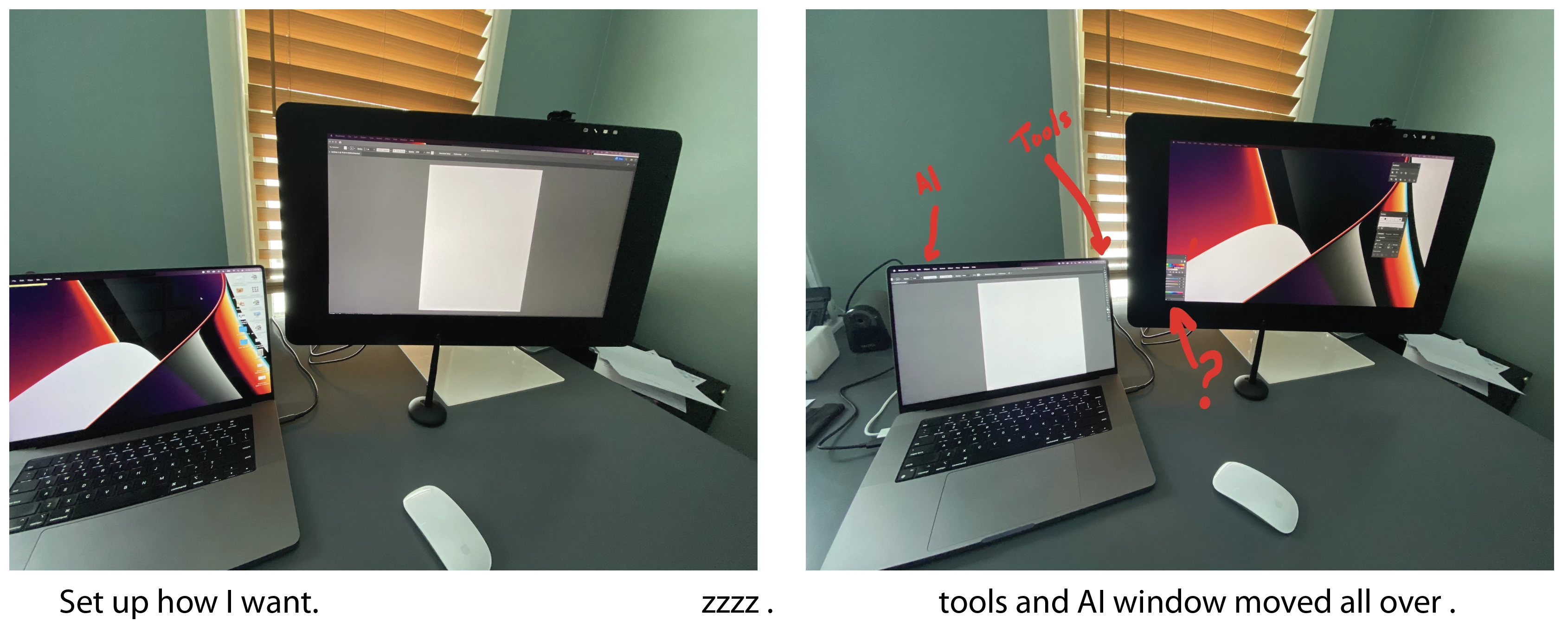
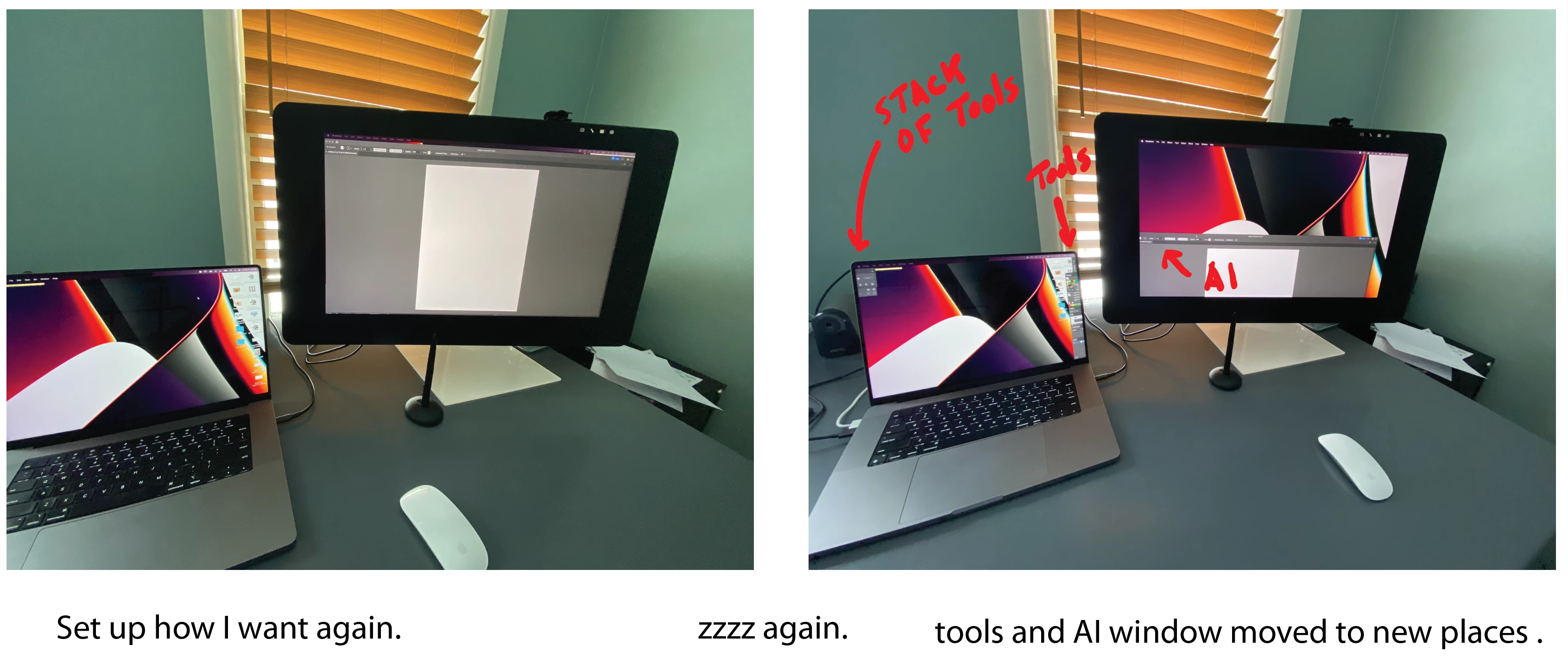
Illustrator 26.0.3
I have a Wacom Cintiq pro 24 as my 2nd monitor and I have encountered issues between adobe/ apple/ wacom drivers many times. This doesn't happen with the same monitor connected to my imac and it only happens with adobe software (illustrator primarily).
Adobe customer support asked me to delete preferences, reinstall software. That does not help the issue.
Any ideas??
 AdChoices