df_grafik
Participating Frequently
January 24, 2019
Answered

Ilustrator CC in Dateien mit komplexen Vektoren unbrauchbar langsam

  • January 24, 2019
  • 2 replies
  • 864 views

Hallo Liebe Adobe Community,

wie im Titel schon beschrieben arbeitet Illustrator in Dateien mit mehreren Komplexen Vektordateien extrem langsam.
Ich verwende häufig Vektorgrafiken von verschiedenen Früchten, die ich von Fotolia bezogen habe. Diese weisen oft komplexe Pfade, Schattierungen etc. auf

Wenn ich mehrere dieser Dateien in Illustrator verwende (egal ob als Verknüpfung oder eingebettet -> selbe "Geschwindigkeit") benötigt der Rechner für jede Aktion mehrere Sekunden, bis teilweise über eine Minute. So ist das arbeiten leider vollkommen unmöglich für mich und sehr frustrierend!
Habt ihr eine Idee, hierfür eine Lösung zu finden?

Ich arbeite auf einem Windows Rechner mit nachfolgenden Specs, mein Kollege hingegen arbeitet auf einem iMac mit ähnlicher Leistung und hat das selbe Problem:

Meine specs:

Windows 10

Intel Core i7-6700HQ CPU, 2,6 GHz
16gb Ram
Nvidia GEFORCE 960M

    This topic has been closed for replies.
    Correct answer Mike_Gondek10189183

    Hey again Mike,

    I get all of my used vectors directly from Fotolia, so I doubt an infection to be honest.

    As prevoius stated my collegue is on mac and has the same Problem (it's even a bit worse on his end).

    I'll try to reset the Could OOBE and let you know if something changes!

    UPDATE:
    I removed the opm.db File as you suggested and it actually had quite the Impact on the testfile I uploaded earlier, so it seemed to work!

    Althought I noticed something wich might put the case to a rest.
    I tried working on another file wich is packed with different Vector files and noticed a rather big difference in Speed while trying to edit different vectors within the same file. Now I'm starting to think that it's just a Problem with how the vectors are built.
    To specify the Thing I noticed, I uploaded another testfile for you to check out:

    https://drive.google.com/open?id=1CMM5gr-GT5fVT1bvCcZwZqzk_-BPWHyM

    Some of the Vector files within this document work like a charm but the Pineapple for example is notably slower in everything I try to do with it.

    So Maybe it's just those specific vectors, wich are packed with alot of gradiants and anchor Points wich cause the slowdown of the Overall Performance?


    Thankuyou for sharing a file, this helps so much to be able to offer you help.

    Firs your image size is very large.

    Do a Save as and turn off pdf compatible and you will save 100mb. The 2nd file you posted, still runs fast on my computer I never had to wait moving and transforming opbjects
    I see you are working in RGB, is the final destination for this to be a digital image? If not and for print you need to change to CMYK. For this of art, I would work in photoshop. You have many vector paths that are adding an organic look.
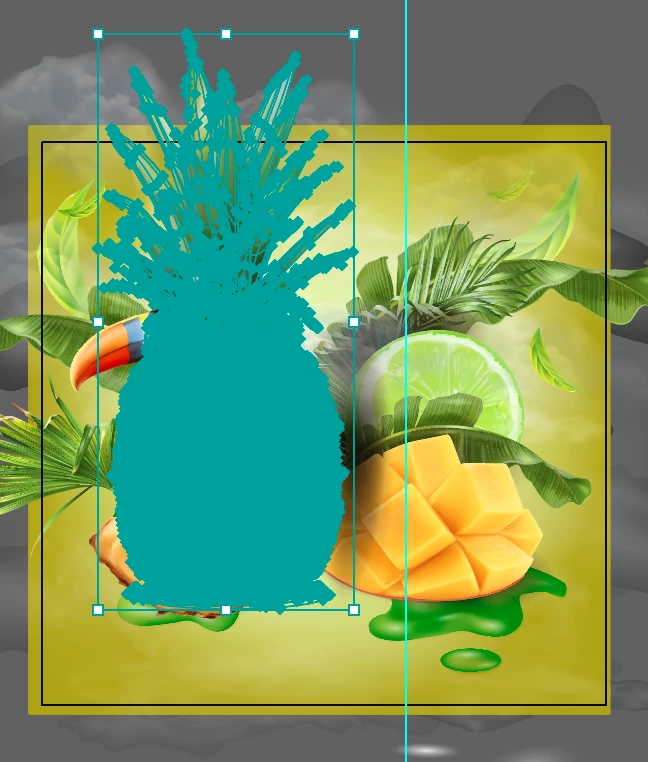
    The illustrations have an air brushed look that photoshop brushes are ideal for. I rasterized the pineapple to show you this looks good as bitmap.
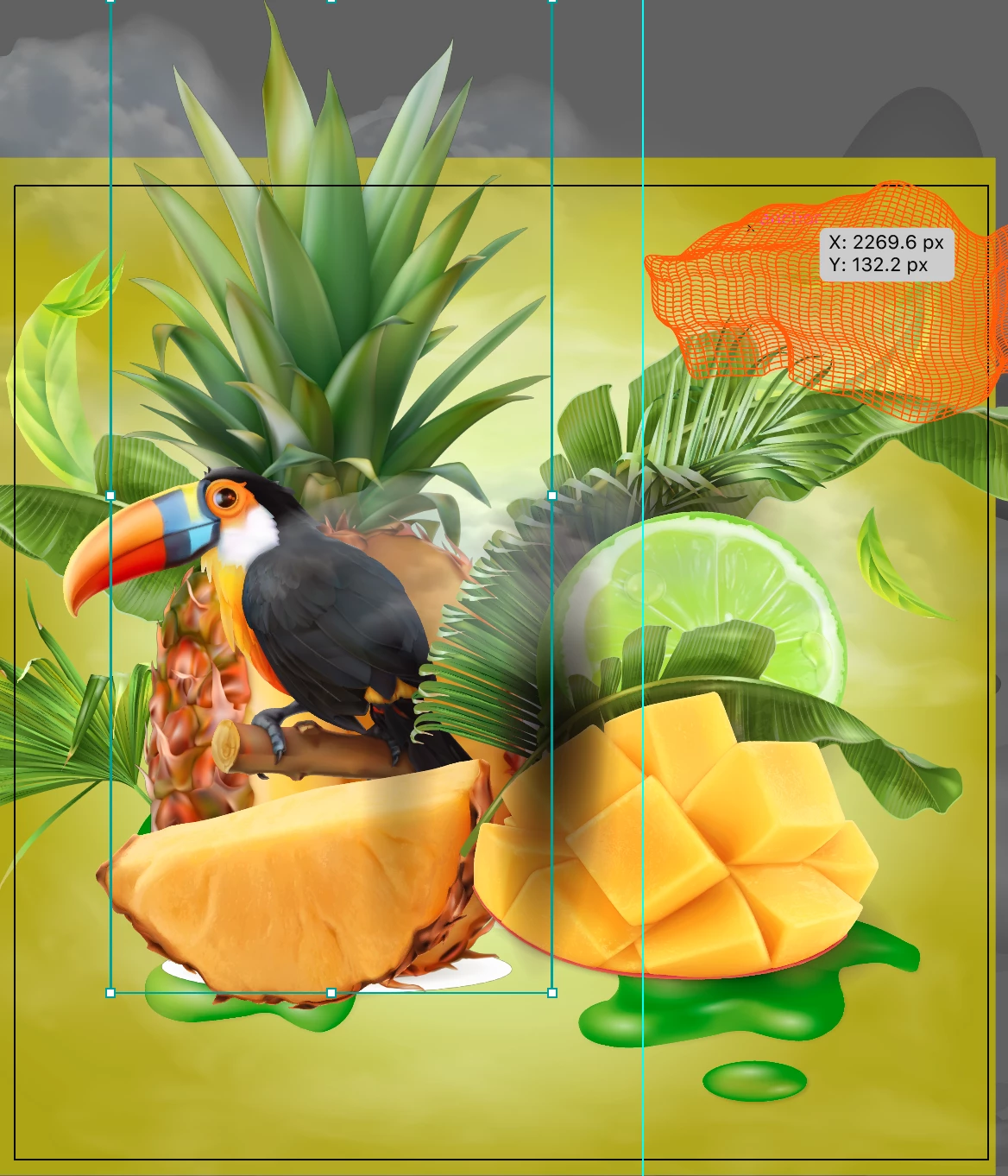
    Starting from scratch I would paste your Fotalia vector art into Photoshop and rasterize each as a layer (or smart object, if you plan to for example removed one grape).

    2 replies

    Bill Silbert
    Community Expert
    Community Expert
    January 28, 2019

    Since, as you say, one of your colleagues is having the same problem that makes me wonder if you are working over a network rather than locally on your hard drive. Illustrator does not do well over a network and that could very well be the reason for the problem that you are having. I especially think so since Mike did not have the same issue when he tested the files. If you are working on a network try working locally and see if the problem persists.

    df_grafik
    df_grafikAuthor
    Participating Frequently
    January 29, 2019

    Hello Bill,

    thank you very much for your answer!

    while there is a Network present in our Office, we both are working locally and use it just to Transfer data.
    I tried testing this throught disabling all links to the Network and rebooting my PC with only the essentials and Illustrator with the same results.

    To further elloborate, I get most of my vectors from Fotolia and save them all on my hdd. When I'm done with the file I upload it to our Network, so it shouldn't affect Illustrator at all.

    Is it a possibility that the HDD is the issue here?
    Since Illustrator is installed on my ssd and has to read the files saved on the hdd because of the limited space on the ssd?

    Monika Gause
    Community Expert
    Community Expert
    January 29, 2019

    So Illustrator runs from a disk with a limited amount of storage?

    And how is Scratch disk set up in the preferences? Also on the HDD?

    Mike_Gondek10189183
    Community Expert
    Community Expert
    January 24, 2019

    What version fo Illustrator. Do you have GPU performance on?

    Can you post a sample of the file using google drive or dropbox. This would help us to see file construction and make better suggestions.

    df_grafik
    df_grafikAuthor
    Participating Frequently
    January 25, 2019

    Hello Mike,

    thanks for the Suggestion.
    Yes, I have the GPU Perfomance turned on.
    You can find a link to an example File here:

    https://drive.google.com/open?id=186agYqfkbGcBqUPVZC3hVAp8dDQ0ds1P

    Mike_Gondek10189183
    Community Expert
    Community Expert
    January 25, 2019

    I would say the issue is with your computer, as file worked good for me and file construction is efficient with many gradient meshes and not overabundance paths.

    Apologies my movie is not pretty and looks slower than I usually work, as I do not do many screen recordings and the lower  frames per seconds makes jumpy. But may give you an idea of my speed.

    Try restarting your computer and booting nothing else but Illustrator. How is the speed?