Participant
December 4, 2020
Answered

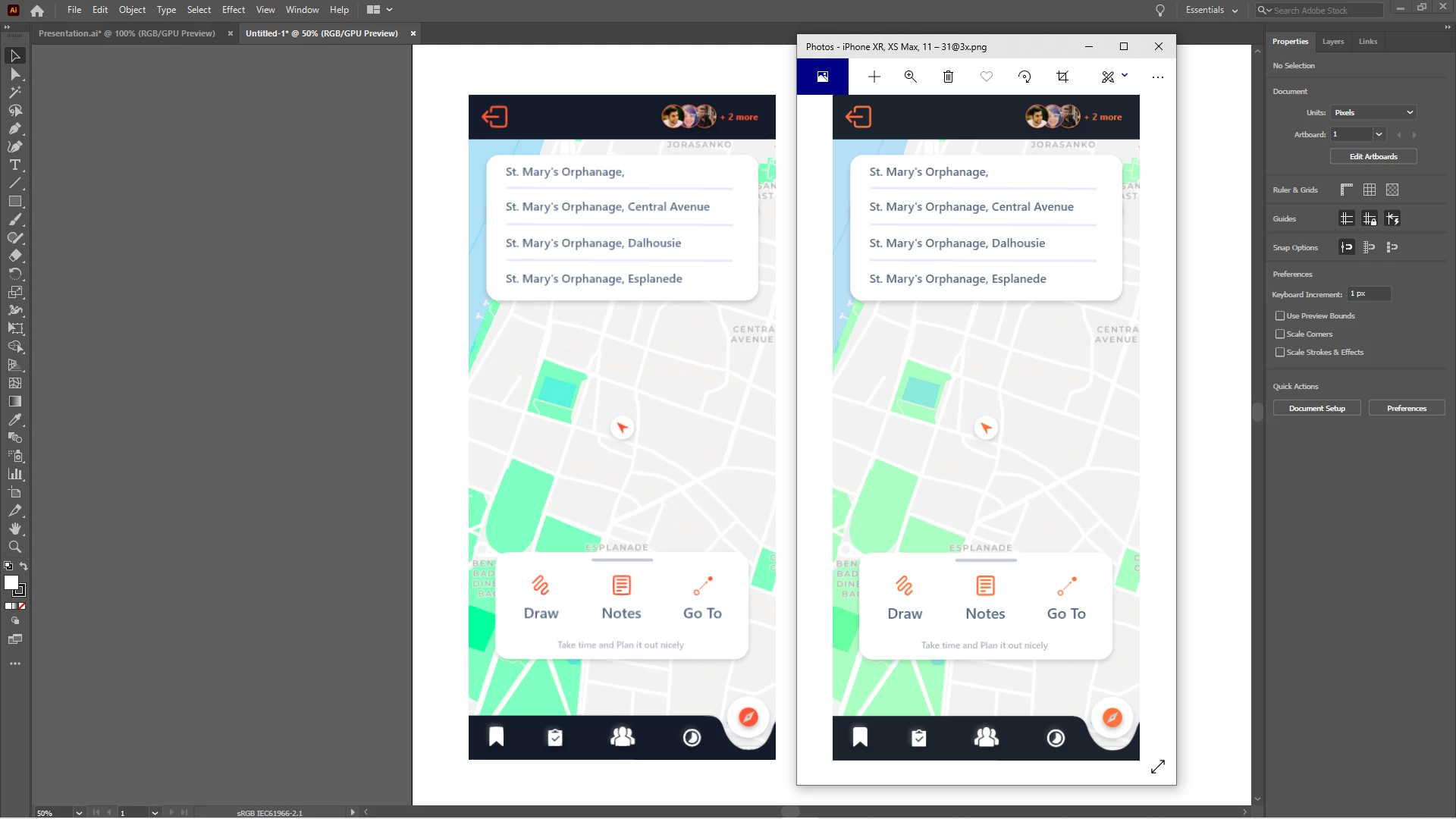
Image gets blurred when importing to illustrator

  • December 4, 2020
  • 3 replies
  • 5308 views

This topic has been closed for replies.
Correct answer PrepressPro1

Or if you have pixel preview active under View>Pixel Preview.

3 replies

PrepressPro1
PrepressPro1Correct answer
Legend
December 4, 2020

Or if you have pixel preview active under View>Pixel Preview.

Mylenium
Legend
December 4, 2020

That happens when the DPI don't match and the image is not placed at exact pixel coordinates, so that's your answer: Check the document DPI, place the images correctly at full pixel values to avoid resampling.


Mylenium

Ton Frederiks
Community Expert
Community Expert
December 5, 2020

Illustrator files don't have a document dpi.

Monika Gause
Community Expert
Community Expert
December 4, 2020

It's a PNG?

That is a raster image, expect some blurriness.