


kornleard
Participant
March 6, 2025
Question

Image misalign when save with include linked file option

  • March 6, 2025
  • 1 reply
  • 669 views

Hi,


I’m using Illustrator 29.3.1 and encountering a strange bug when saving with the “Include Linked File” option. All images in the clipping mask are moved or misaligned.
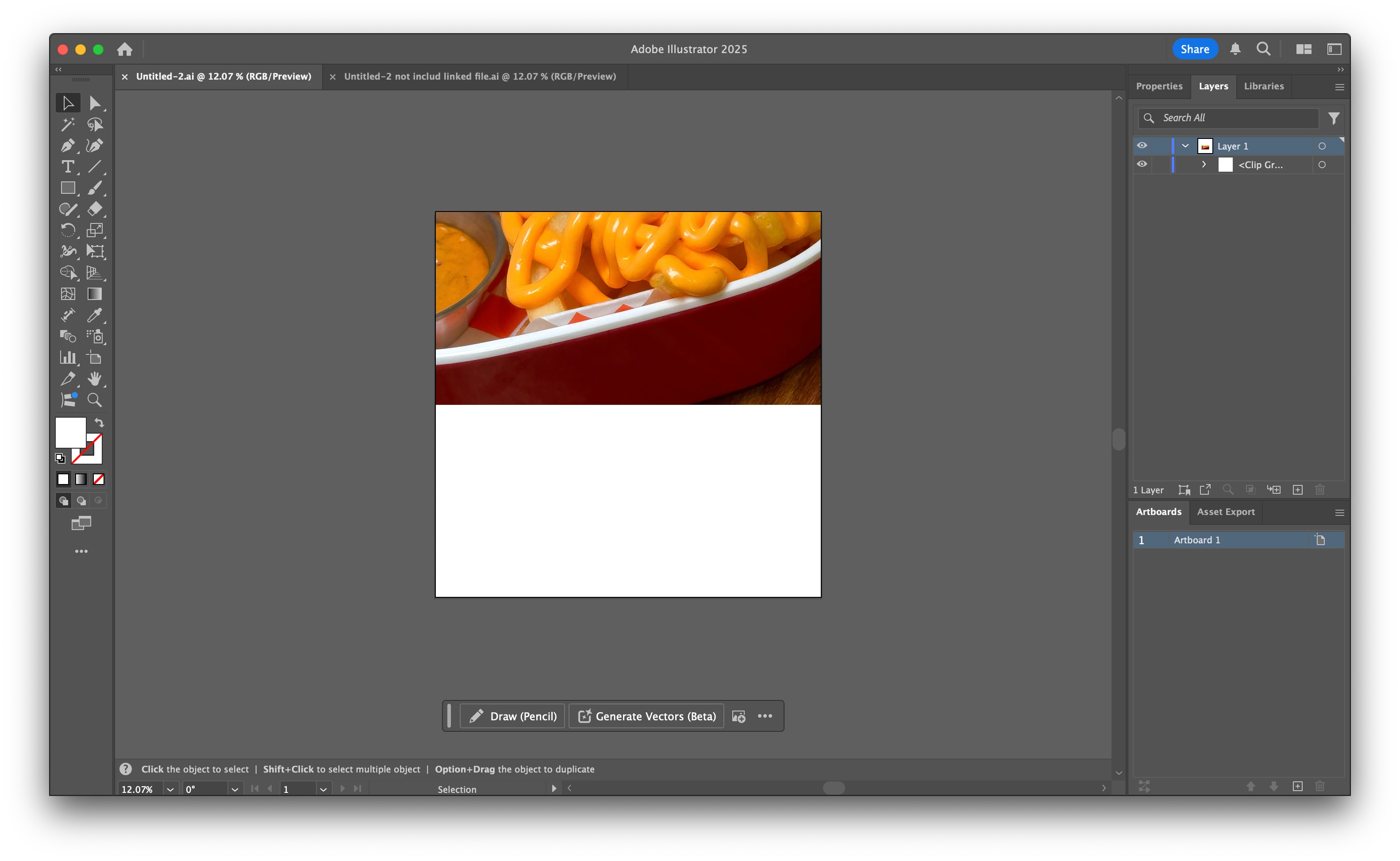
When I uncheck “Include linked file options,” the images are in the correct position.
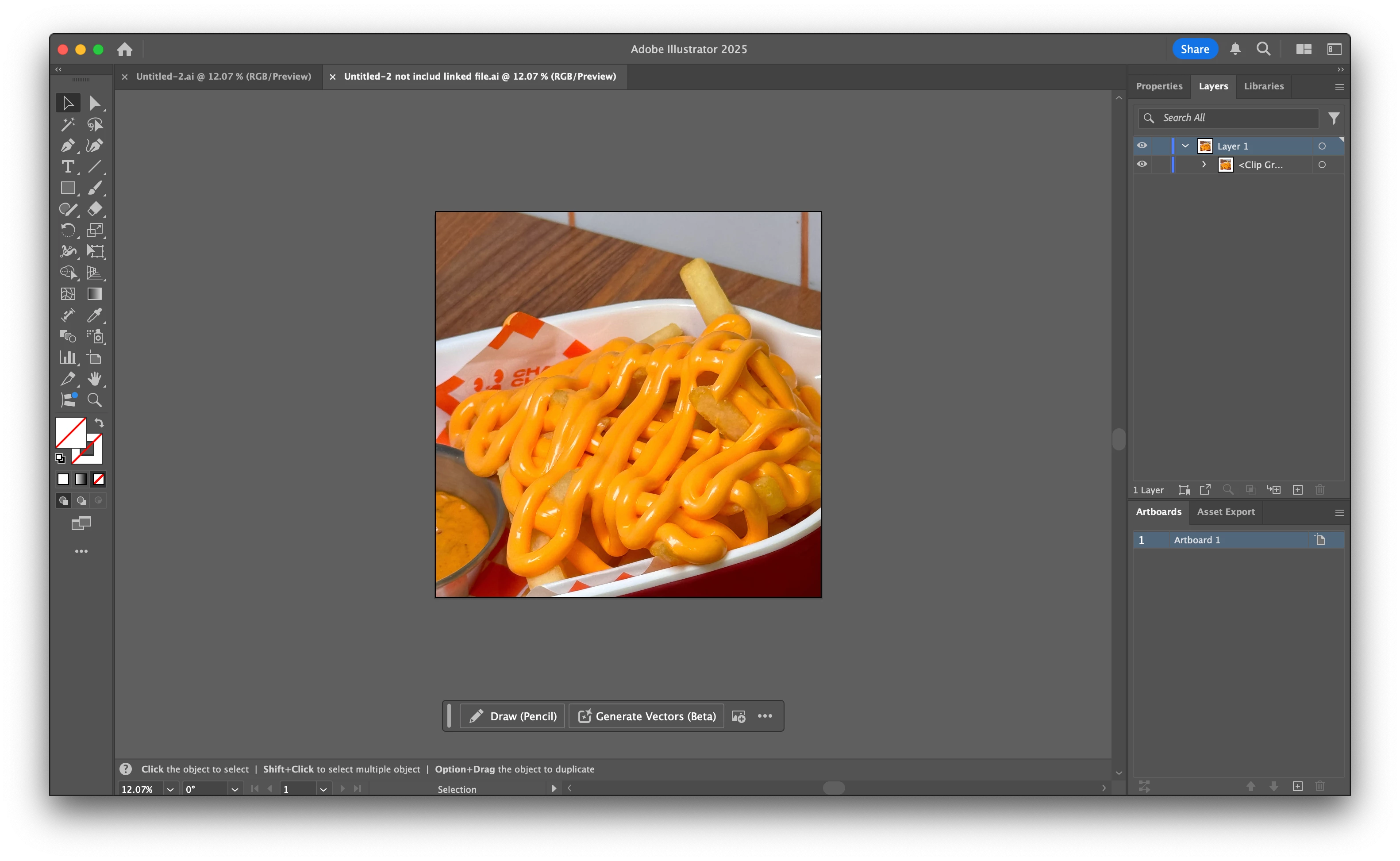
Does anyone experience this issue? Here’s the screen recording: https://share.cleanshot.com/bp1Jtzd9


(Actually, it happened since illustrator 29.3)

1 reply

Community Manager
March 6, 2025

Hello @kornleard,

I tried replicating this on my end but could not. Would you mind trying to replicate this with a different file or saving it to a different folder location to check if it helps?
Also, try running Illustrator under a different administrator account (macOS) and share your observations.

Looking forward to hearing from you.


Anubhav

kornleard
kornleardAuthor
Participant
March 6, 2025

Hi Anubhav,


I have try saving it in other folders the issue persists.

Then I uninstall the app via Creative Cloud app and create a new administrator account.

I logged into that account and do the process inside Illustrator again. The issue still persists.

Here is the recording screen : https://share.cleanshot.com/8p6prySs


Thanks,

Inspiring
March 7, 2025

Same issues to a "T". Well represented in video. Thank you kornleard. I feel the challenge is in the linked files... not necessarily the masking. I use screen captures on multi page documents and every page is saved with embedded links. Only to open later and absolute mayhem.. Examples shown are (1) during creation - and (2) open the following day. This is ongoing since latest ai update 29.3.1. Mac M2.