Participant
January 24, 2024
Question

Image opacity not displaying correctly in PDF

  • January 24, 2024
  • 1 reply
  • 263 views

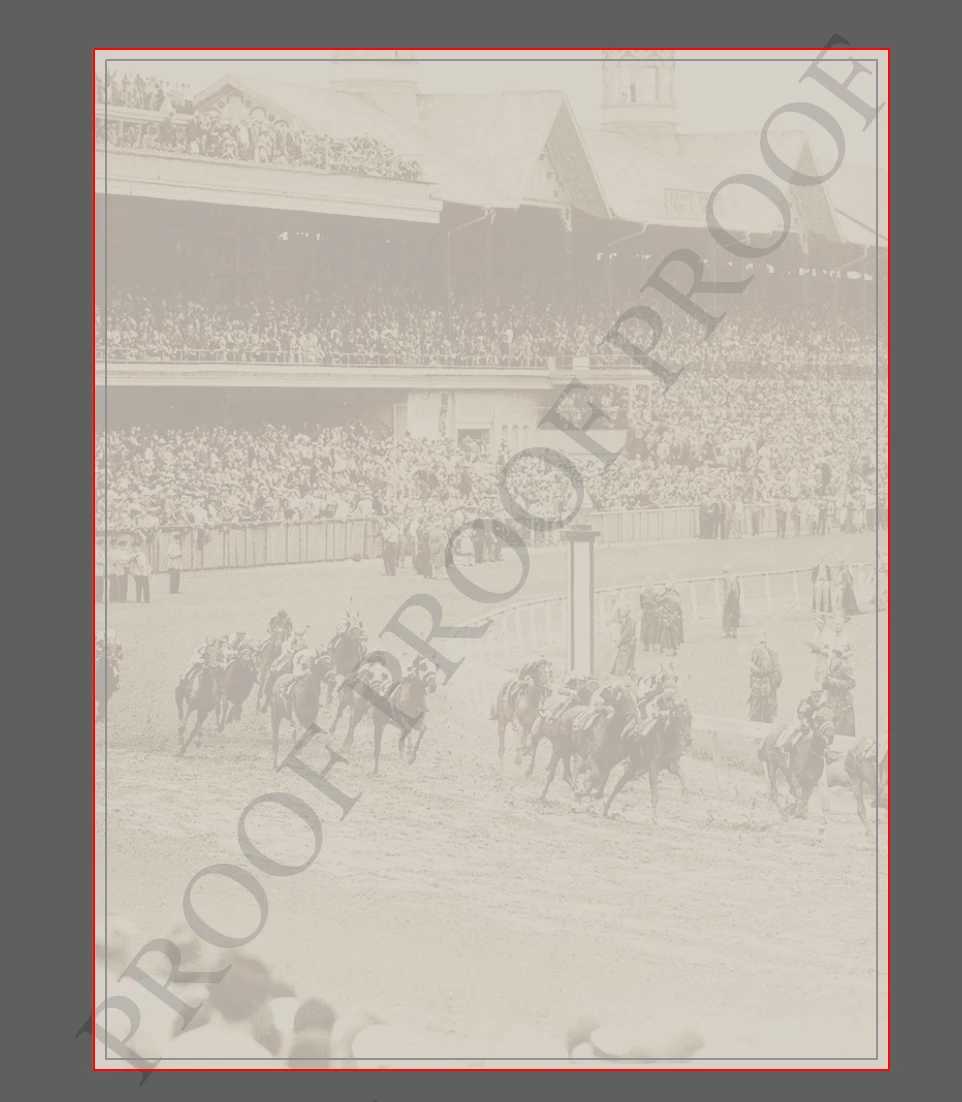
I am currently experiencing a new issue where the opacity of an image I set in Illsutrator appears much less opaque when I save as a PDF. 

Left is the PDF and Right is in Illustrator
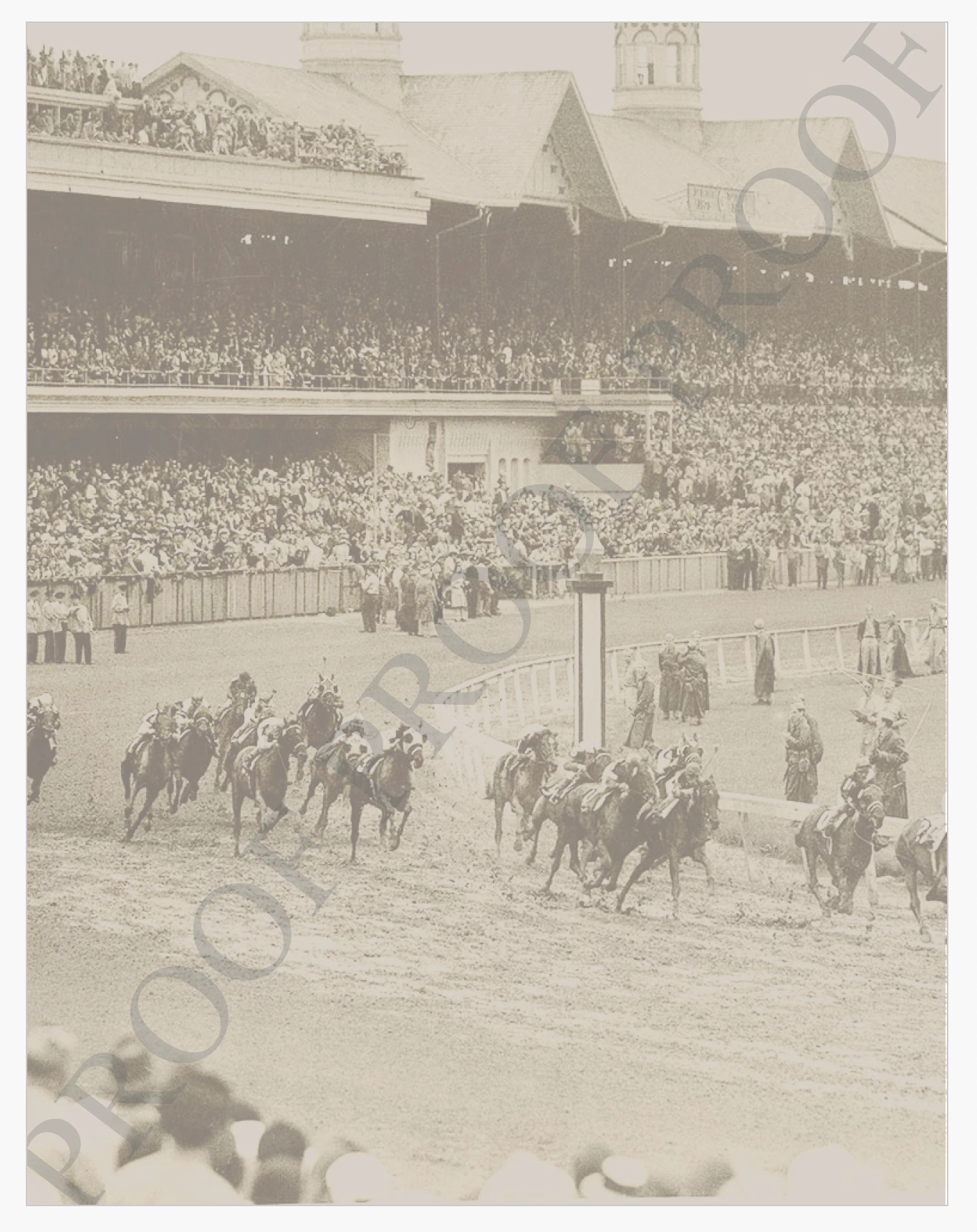
 

This seems to have started this year. Anyone else having this issue or any ideas what could cause the sudden onset of the problem?


Thank you

This topic has been closed for replies.

1 reply

Participant
January 24, 2024

I and my colleagues are also having a similar issue. When I apply a transparency, then export to either PDF or JPEG, the opacity is much less opaque. See attached images. 1st image is in AI and 2nd image is exported to jpeg. It's really hampering with my ability to work properly, since the color/transparency output is not accurate.


We are not sure but we think it may be linked to the latest few versions of AI. Before I updated, I believe I was on version 27.8.1, and I never had this issue.


It would be super helpful if anyone has any solutions for the current version 28.1!

Participant
January 26, 2024

Well I guess I am glad I am not the only one. I was afraid that I altered some setting on accident but it is definitely a recent problem, so I think you are right, it must have something to do with the recent updates.  It is incredibly annoying. I work with restaurant menus a lot and I often have many semi-transparent backgrounds and I have to drop them down to 5-10%, which means I can barely see it in AI, for it to look mostly normal in the export...


Hopefully the issue gets addressed soon!

Thanks for your reply