

Image placed in Illustrator wont appear in Photoshop or Indesign
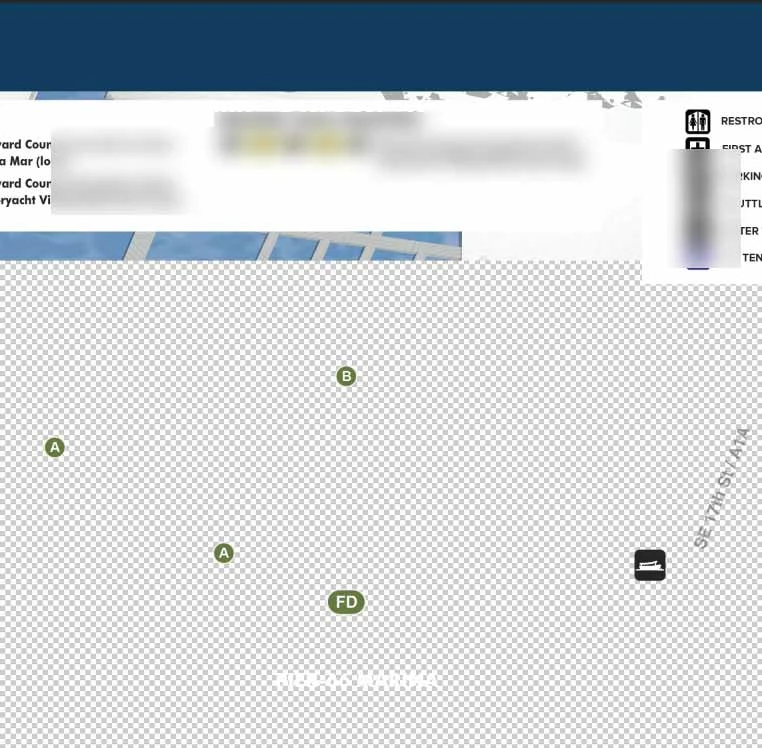
I created an illustration (which is a TIF bitmap) as the background to a double page spread. I can see it in Photoshop just fine. When I place it in Illustrator I can also see it, but when I save that Illustrator file and try to open it in Photoshop I can only see the top of the original bitmap illustration (approximately the top 25%). Although the vector graphics I overlaid on the bitmap display fine most of the bitmap appears transparent. If I try placing the Illustrator file in InDesign it appears the same as in Photoshop with most of the bitmap transparent.
I can Export, Save For Web (Legacy) from Illustrator the image appears correctly in a JPG. I have tried disabling my GPU in Photoshop. I have tried saving the TIF as a PSD and I still get the same result.
I've attached a partial screen shot. I blurred some parts in the screen shot on purpose to hide text and stuff.
Windows 11 (fully updated) Photoshop, Illustrator and InDesign all updated to the latest.
I am working with many files like this at the time and only this one is doing this.
Any suggestions?


 AdChoices