


Participating Frequently
April 23, 2025
Answered

Image Repeating and not Transforming

  • April 23, 2025
  • 2 replies
  • 3326 views

I have an image exported from Matlab as a pdf, since I often overlay additional pdf/vector-friendly elements on overall figures. The problem is, I cannot resize or move the image, it seems to only start repeating itself. I have done this sort of workflow for years and have only just encountered this with some images from Matlab.

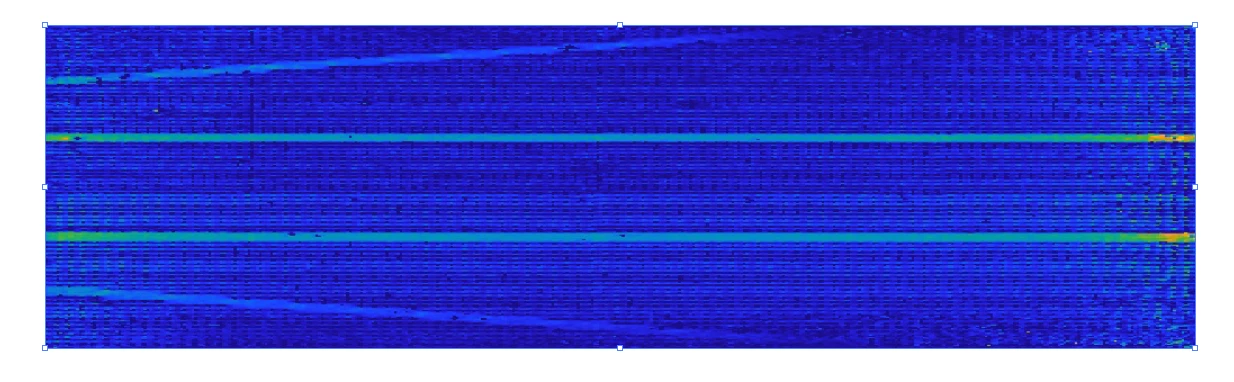
Default image with its bound box (in a pdf file):

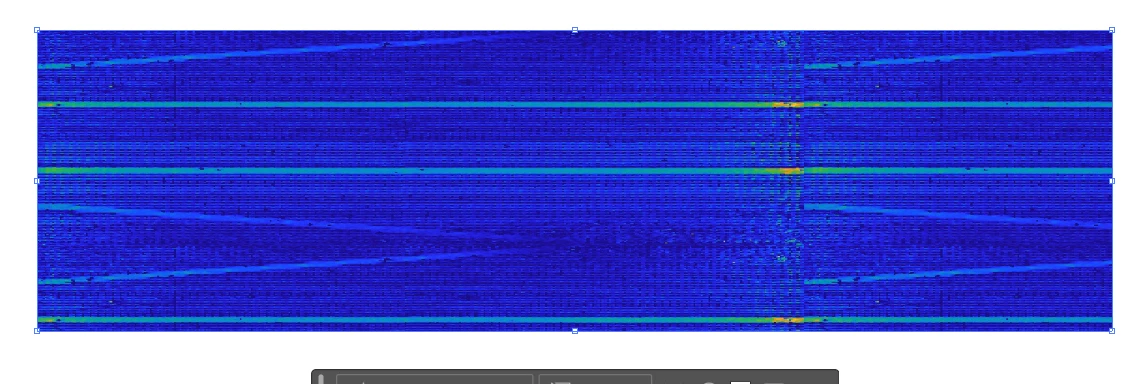
Attempting to scale the image casues a repeat of the image starting from the old boundary rather than just scaling the size:


Same thing with moving the box (downward here) - it does not actually move the image, but seems to "roll" it:
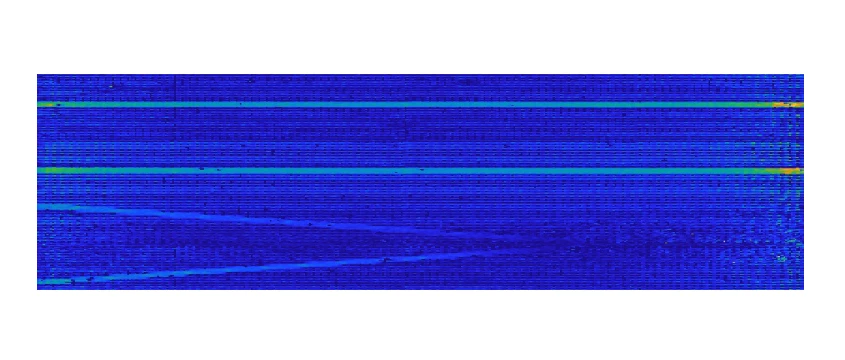



Correct answer Rene Andritsch

I can't recall what the original file was, but this test_0.pdf has the same issues as any other pdf created this way. Thank you.


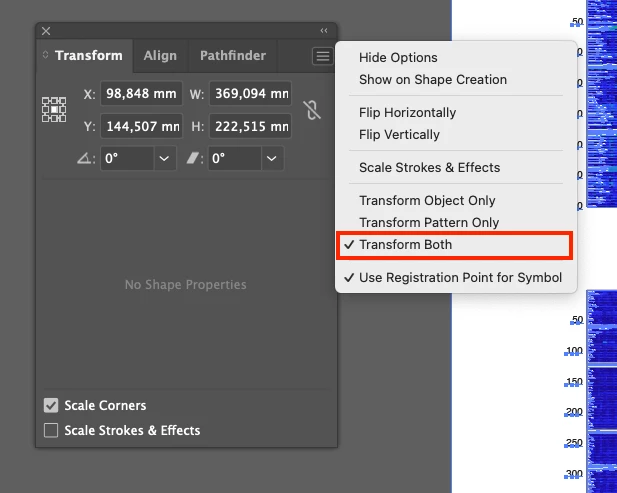
@adam_7198 now I could replicate it. Somehow a pattern is part of all this but if you open the “Transform Panel” and open the flyout menu in the top right corner of the panel, activate transform both. That should fix it.


2 replies

Monika Gause
Community Expert
Community Expert
May 13, 2025

This looks very much like a pixel image. 

Are you sure that Matlab has created what you think it did?

Can you check if it maybe created a pattern?

adam_7198Author
Participating Frequently
May 13, 2025

It is a pizel image. Creating the same image elsewhere does present a problem. I have been looking through pattern settings/options but am not familar with it, or aware of a way to "turn it off".

adam_7198Author
Participating Frequently
May 13, 2025

*Creating the same image elsewhere does not present a problem. 

Rene Andritsch
Community Expert
Community Expert
May 13, 2025

@adam_7198 Which version of Illustrator are you using and on which operating system? Are you able to provide the file? I can try to see if this issue happens on my end as well.

adam_7198Author
Participating Frequently
May 13, 2025

Version 29.3.1 on Mac. 

The attached pdf shows the problem, whereas I also tried generating an eps file then saving as an ai file (attached) where it is not a problem. It would be good to not have this issue in pdfs.

adam_7198Author
Participating Frequently
May 13, 2025

Okay this website won't accept the .ai file........ but nonetheless the pdf shows the issue.