Rahat Al Yeasin
Participating Frequently
March 15, 2023
Answered

Image size get from 300dpi to 72dpi or blurry after export

  • March 15, 2023
  • 2 replies
  • 1872 views

Hello, I am facing a problem with exporting in illustrator lately. I'm using cc19 for my windows.


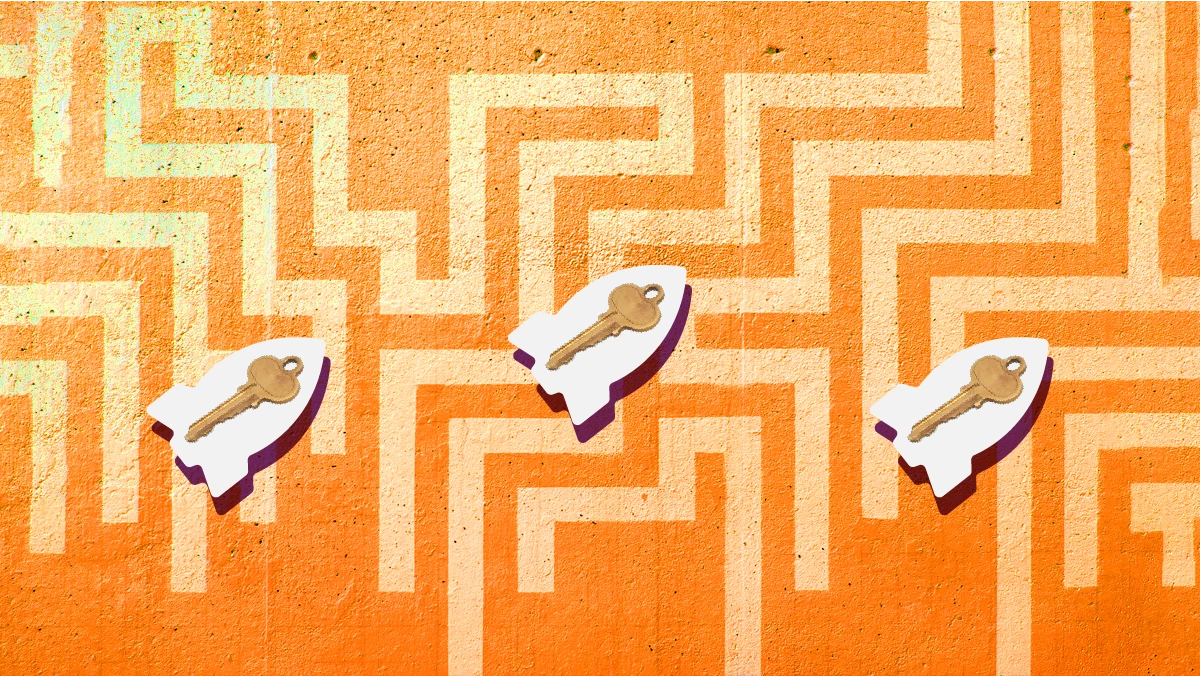
Here's how it looks-It's a screenshot before this project. 
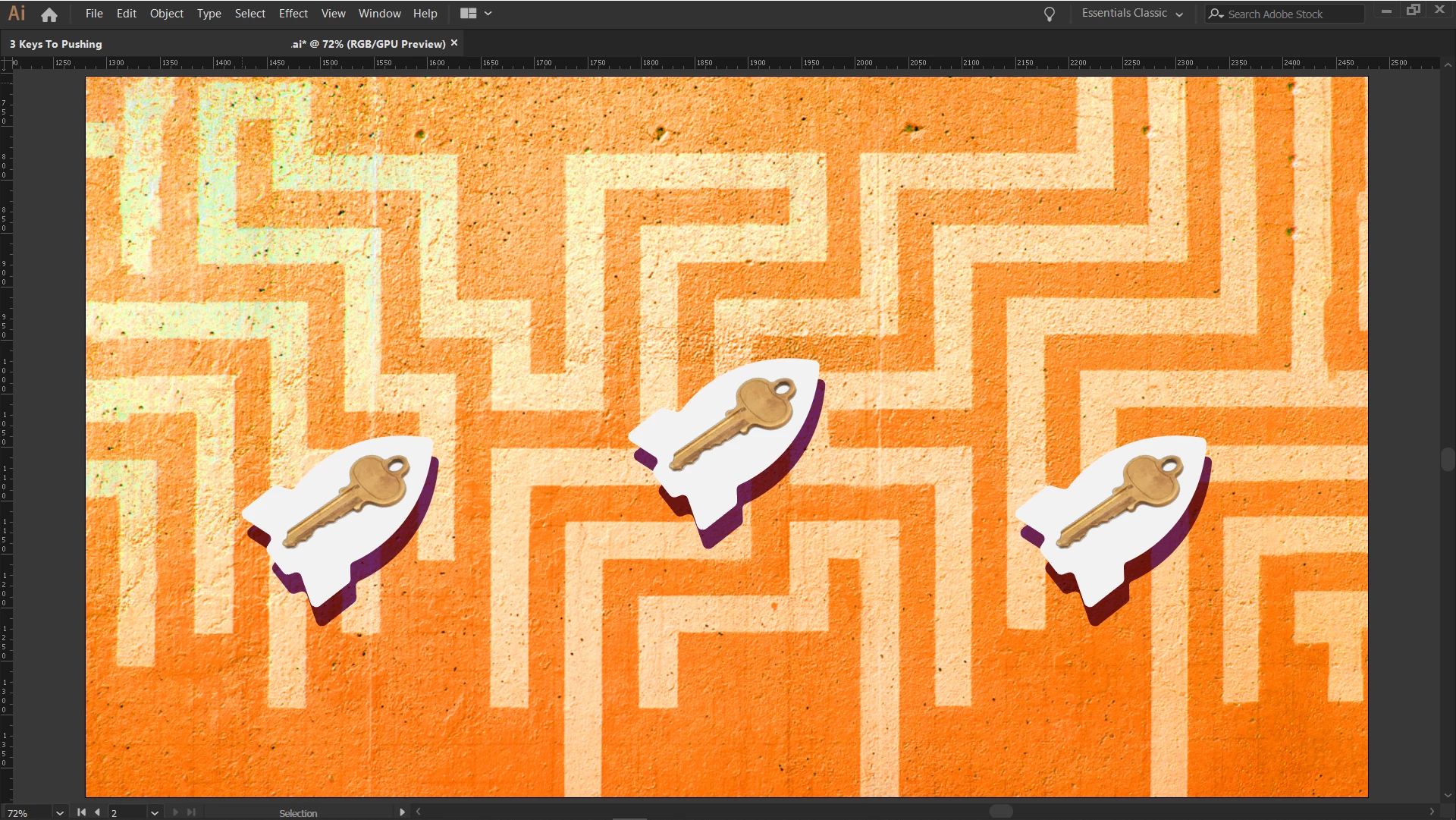
and this is after I export this as png. If you can see closely, the 2nd image is a bit blurry more than the 1st one.


So, what I did. I create an artboard in size 72dpi res and then created my graphic and also export it in png/72dpi. And then it happened. The final output looks blurry than the actual image I created on Ai.


Please help me with this.

Thanks.

This topic has been closed for replies.
Correct answer Jacob Bugge

How about (Art) Optimized in the export options, Rahat?


https://helpx.adobe.com/illustrator/using/exporting-artwork.html


2 replies

Jacob Bugge
Community Expert
Community Expert
March 15, 2023

Rahat,


I am still puzzled by the heading, Image size get from 300dpi to 72dpi or blurry after export, there seems to be no further mentioning of 300dpi?


And in Asset 5, the key is very irregular, in contrast to the key in Asset 4. How are the two Assets made?


Rahat Al Yeasin
Participating Frequently
March 16, 2023

Sorry for not clarifying certain things. I use that headline clearly as you can see. 


So, I used images of keys that are 300 dpi. But as I said, I created the artboard from the start in 72 dpi and exported it in the same dpi as well.


The difference between asset 4 and 5 was 1st one was a screenshot and the 2nd one was the direct exported image.


But it seems I fixed this problem with your previous reply above. ☝

Thanks for that help mate. 

Jacob Bugge
Community Expert
Community Expert
March 16, 2023

Ah, thank you for clarifying, Rahat.


And your way of exporting is fine, so it had to be something else.


Jacob Bugge
Community Expert
Community Expert
March 15, 2023

Rahat,


Are you using Anti-Aliasing/optimization?

Rahat Al Yeasin
Participating Frequently
March 15, 2023

yes @Jacob Bugge I use Anti-Aliasing.

Jacob Bugge
Community Expert
Jacob BuggeCommunity ExpertCorrect answer
Community Expert
March 15, 2023

How about (Art) Optimized in the export options, Rahat?


https://helpx.adobe.com/illustrator/using/exporting-artwork.html