Participant
June 13, 2023
Answered

Image Trace Colours Not Showing Up

  • June 13, 2023
  • 2 replies
  • 340 views

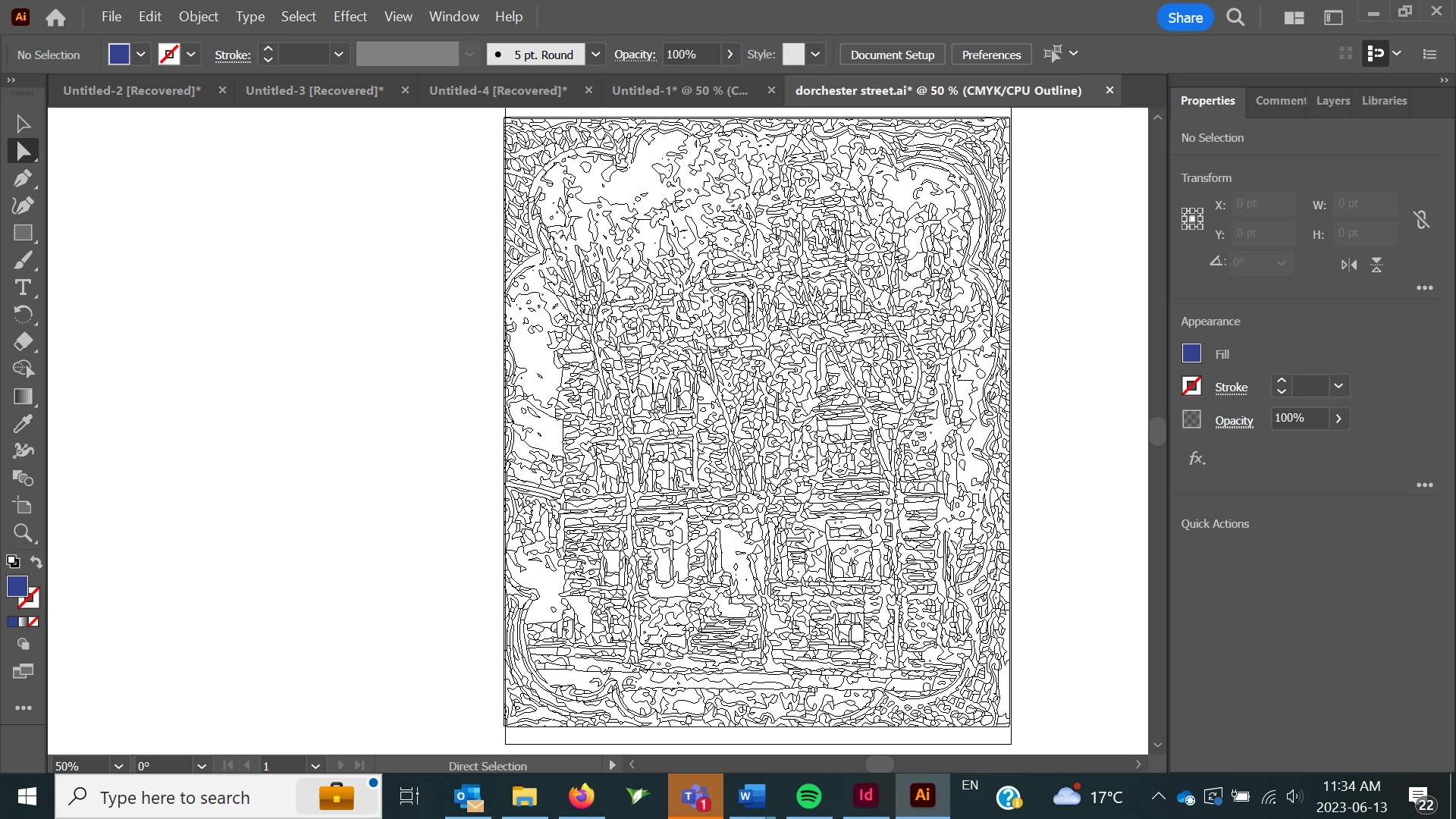
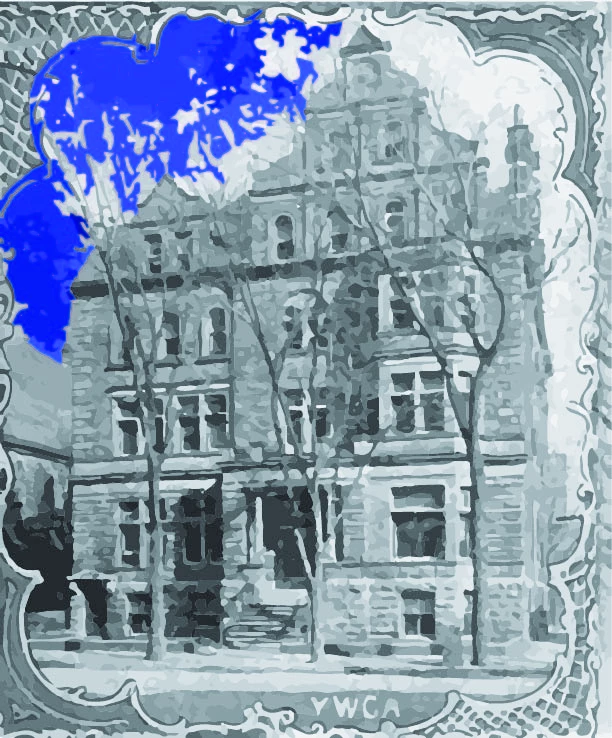
I tried to colour multiple parts of an image trace at once and all of a sudden the whole image just went black and white. When I export the image it's in full colour but when I edit the image in Illustrator it doesn't show any of the colours being changed. How do I get it back to how it was before. I've attached an image of what the image looks like when I export it versus how it looks in Illustrator.
This topic has been closed for replies.
Correct answer Doug A Roberts

Illustrator may switch to outline mode (and turn off GPU mode) in situations where it runs out of memory (and probably in other, buggier situations). See if you can switch back to preview (View > CPU Preview) and/or turn GPU preview back on.

2 replies

Doug A Roberts
Community Expert
Doug A RobertsCommunity ExpertCorrect answer
Community Expert
June 13, 2023

Illustrator may switch to outline mode (and turn off GPU mode) in situations where it runs out of memory (and probably in other, buggier situations). See if you can switch back to preview (View > CPU Preview) and/or turn GPU preview back on.

Emily303Author
Participant
June 13, 2023

Thank you! This worked.

Monika Gause
Community Expert
Community Expert
June 13, 2023

It has been set to Outline View.

Does it help when you pres Ctrl+Y?


If not, then: How much RAM is installed?