Known Participant
January 13, 2023
Question

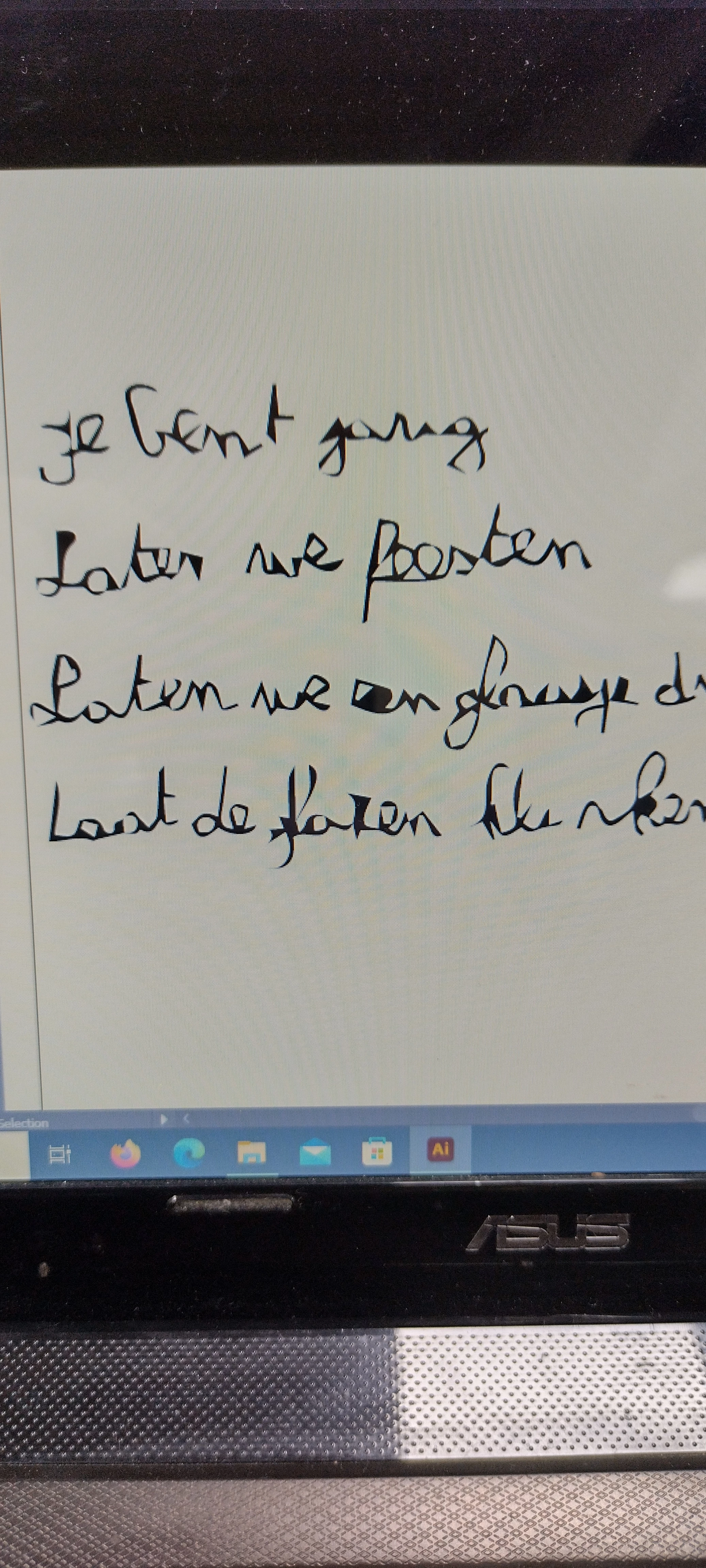
Image trace make and expend problem with written text
  • January 13, 2023
  • 4 replies
  • 766 views

 When i did the correct steps i get this
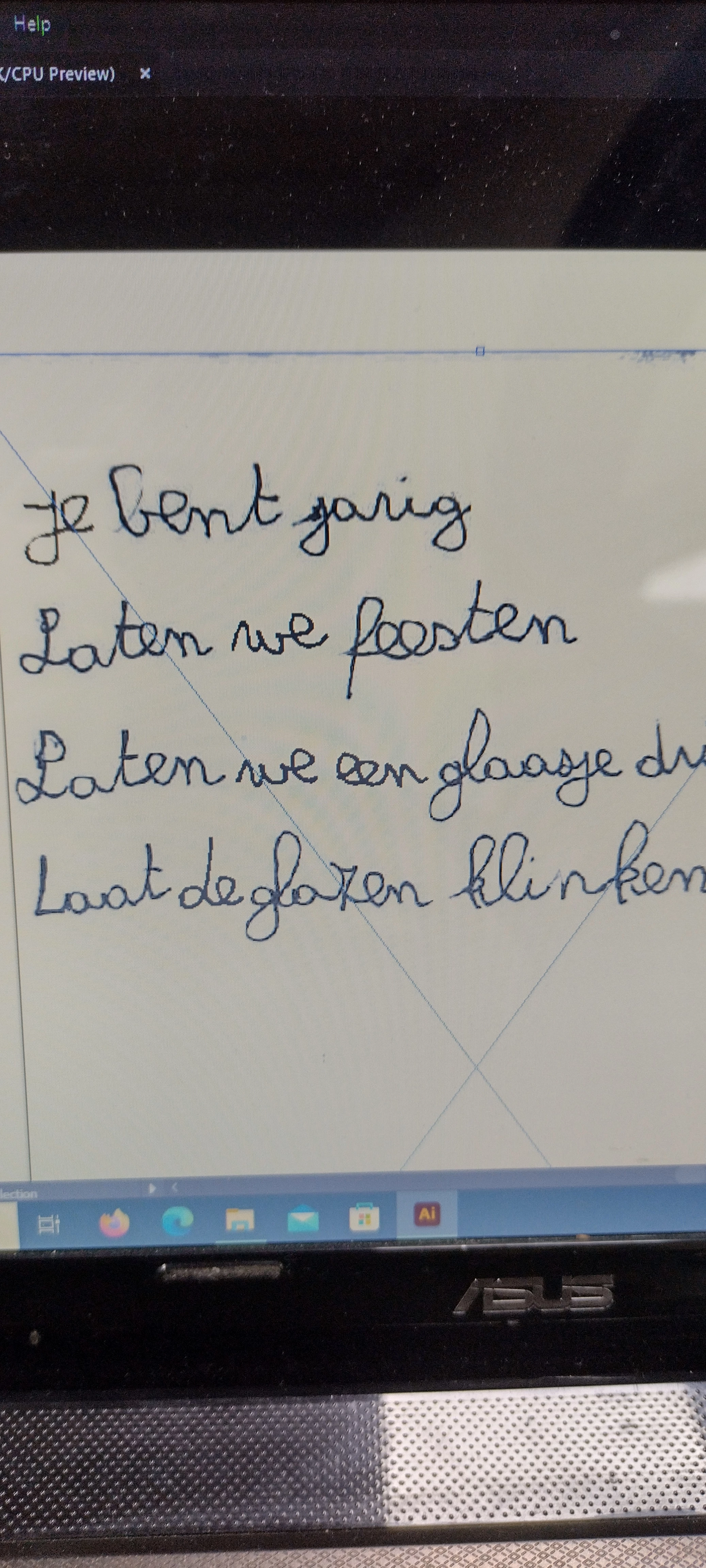
 

 This is original image we want to make a vector of. 

This topic has been closed for replies.

4 replies

Anubhav M
Community Manager
Community Manager
January 25, 2023

Hello @jhon5FBB,


Thanks for reaching out. I hope the suggestions shared by Doug and Ton helped answer your queries.

Feel free to reach out if you have more questions or need assistance. We'd be happy to help.


Thanks,

Anubhav

Ton Frederiks
Community Expert
Community Expert
January 13, 2023

Question, why do you need it as vector? Handwritten text looks better as an image and unless the image is very high resolution, tracing it will not improve it.

jhon5FBBAuthor
Known Participant
January 13, 2023

We need it as vector. So we can modify it / add things to it. 

Ton Frederiks
Community Expert
Community Expert
January 13, 2023

It will be very hard to modify with more than 7000 point.

Ton Frederiks
Community Expert
Community Expert
January 13, 2023

You should be able to get a better result, which Illustrator version do you use?

jhon5FBBAuthor
Known Participant
January 13, 2023

Version 27.1.1 (64bit) of illustrator 

Ton Frederiks
Community Expert
Community Expert
January 13, 2023

That looks good. Please show your settings.

Doug A Roberts
Community Expert
Community Expert
January 13, 2023

What tracing settings are you using? Show a screenshot of the Image Trace panel, including the Advanced settings. Looks initially like Corners is up high, and possibly Path fitting too low.

jhon5FBBAuthor
Known Participant
January 13, 2023

Can you explain these steps cuz i'm confused with what you are trying to guide me trough. 

Ton Frederiks
Community Expert
Community Expert
January 13, 2023

Can you use the screenshot function of your computer?

https://www.take-a-screenshot.org/windows.html