
Image Trace Settings Help
Hello,
I've been recreating a label in photoshop for an old tire balancer than i'm refinishing and am now trying to convert it from raster (Photoshop CC 2019) to vector (illustrator CC 2015) but am having issues and want to know if anyone has an suggestions!
First off, I inverted the colors since the Black lines here will be white on a transparent background. So to preserve the image, I inverted the colours.
Now, there are only 2 colours in this image, black and teal (originally white / red - will color correct later)
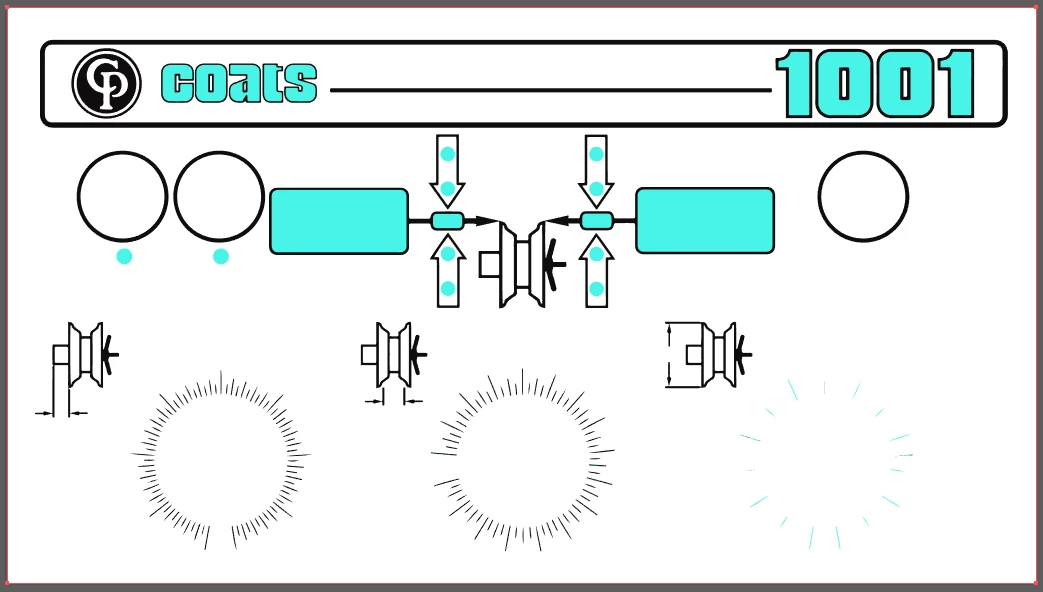
The issue is that the image trace isn't doing a great job of "tracing" the objects. The 3 dials in particular turn out badly, however, I created those in illustrator and have those files still and can delete the ones in the image after the trace and superimpose the originals. So my main concern area are the outlines of the tire rims and arrows.
Here is a zoomed in area before and after image trace:
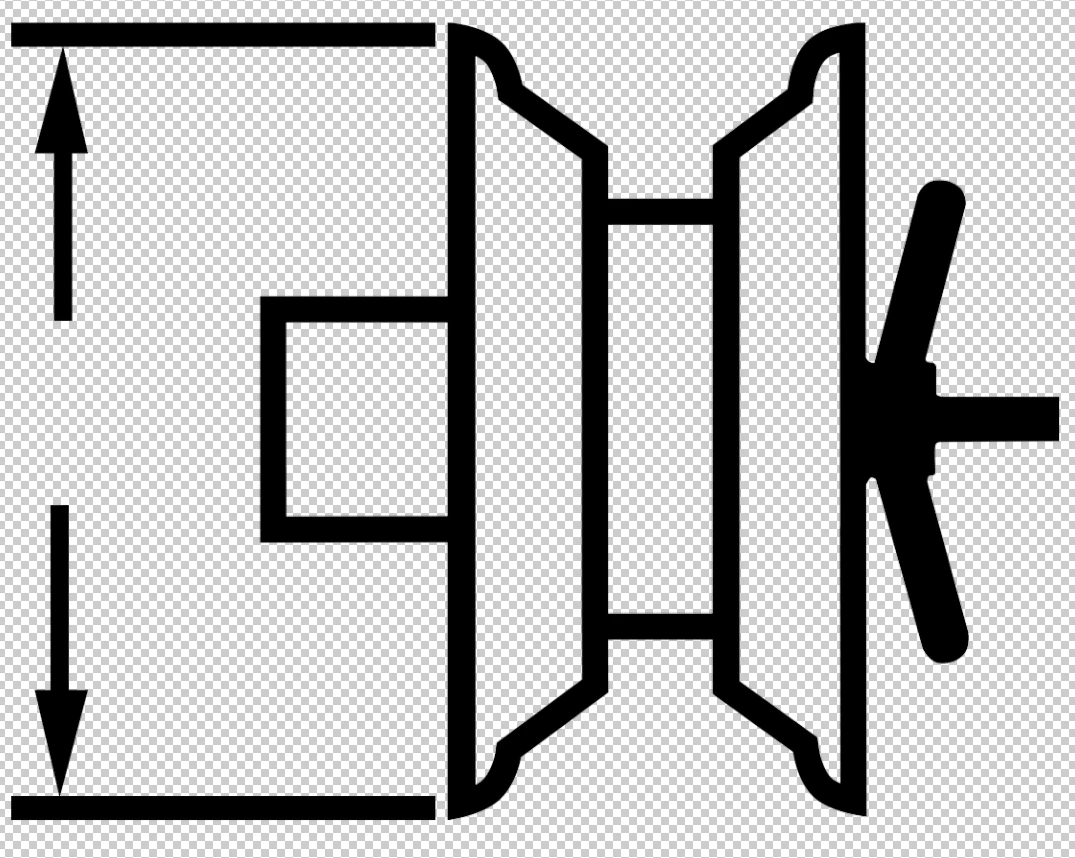
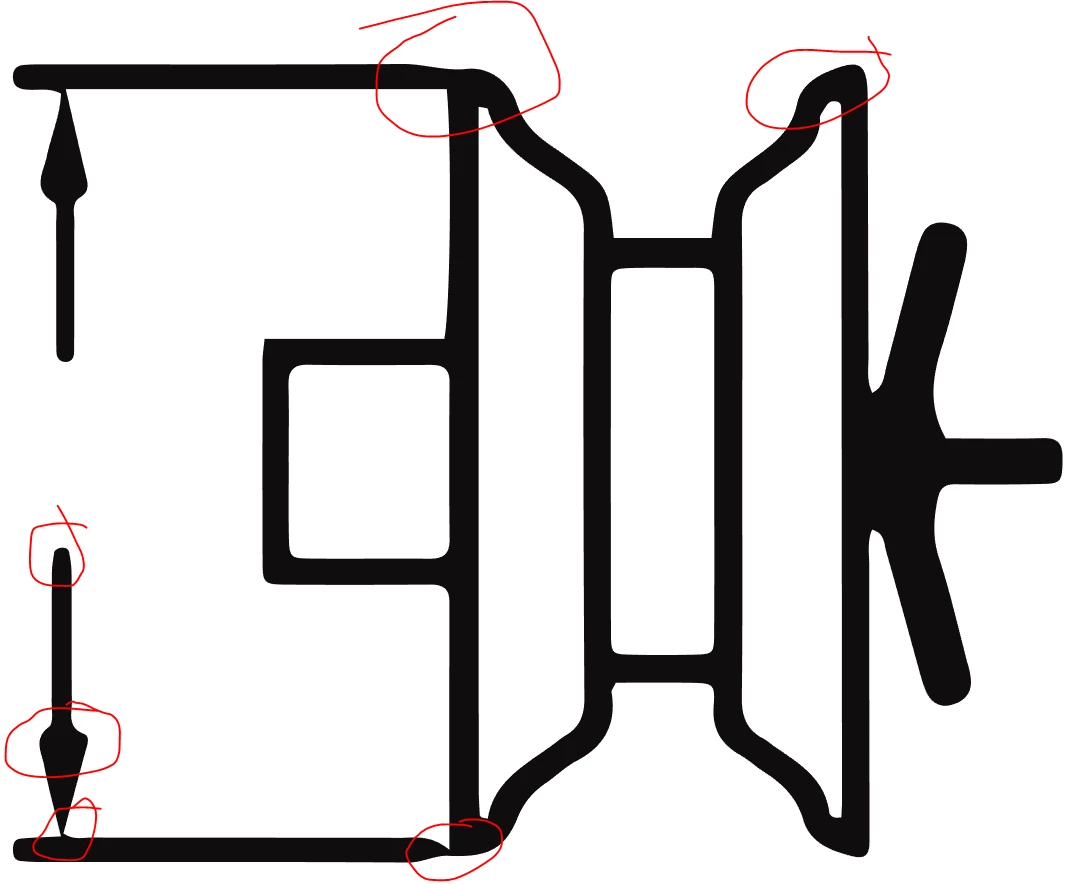
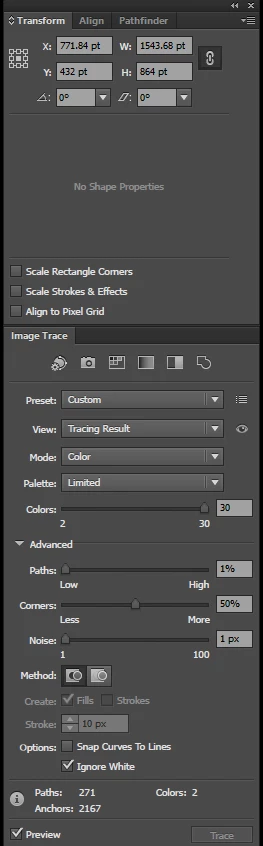
Here are the settings. I was playing around with them but not sure what I should use to make it work and it takes so long in between that I was hoping someone would have a suggestion.
If anyone wants to give it a go for me I could always share the file over google drive...but it's 1.5 GB.
I should not the other reason that I need it to be better is that this is a user panel that is about 22inches wide by 12 inches tall. So all of those issues will be quite visible.
Thanks!
 AdChoices