
Garry Bradley
Inspiring
April 17, 2018
Answered

Images placed with clipping path show as smaller

  • April 17, 2018
  • 1 reply
  • 1093 views

I've encountered a weird 'bug' in Illustrator.

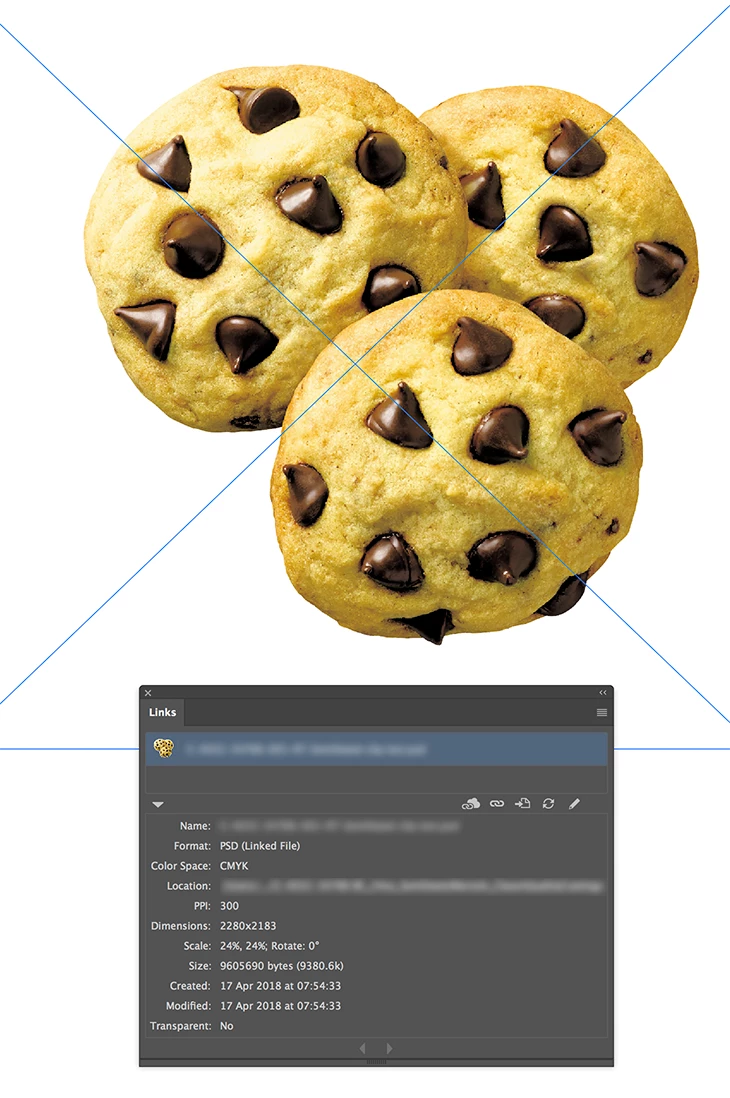
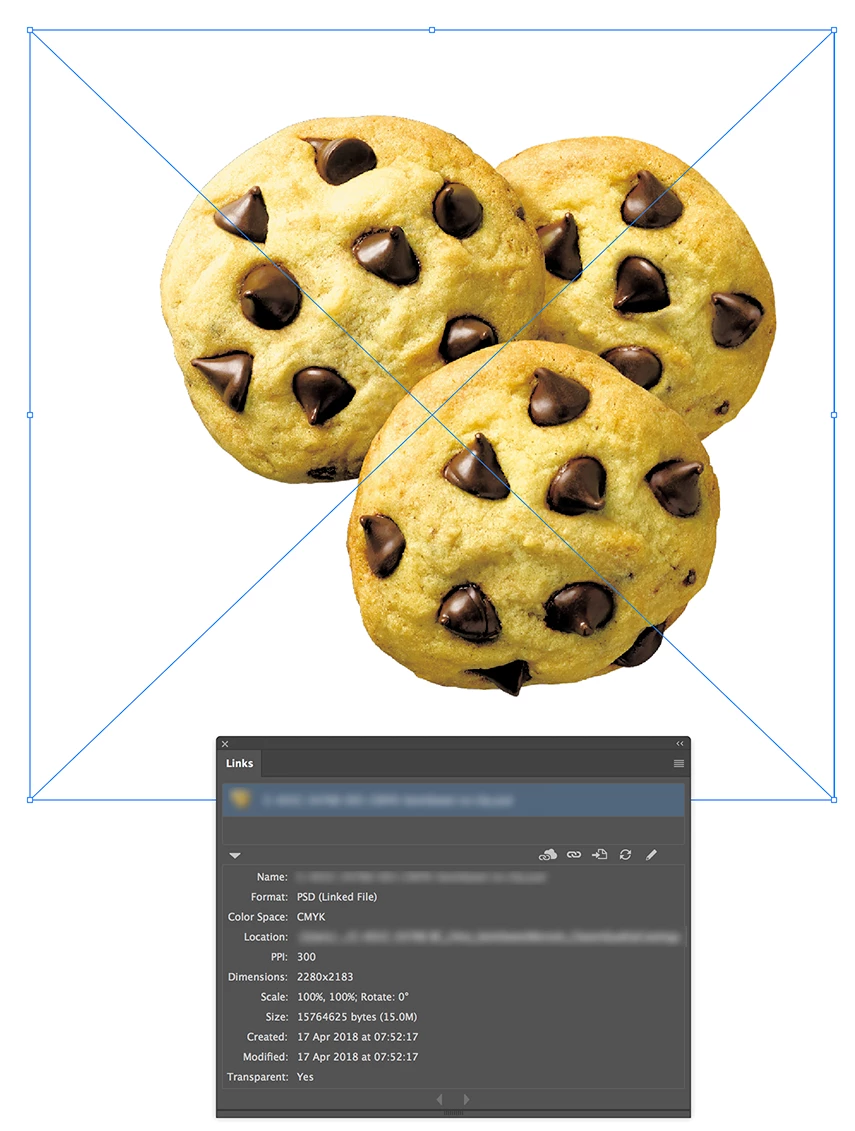
If I place an image from Photoshop with a clipping path it comes in at a smaller percentage in the links palette that when it's not present. Why should this be, does anyone know? The screenshots below show the same image with and without the path and different percentages.
    This topic has been closed for replies.
    Correct answer Monika Gause

    The one that has a clipping path is flattened whereas the non clip has a transparent background, that's the byte difference Ton.

    Flattening the non clip creates the same file size yet the problem still remains.


    Looks like with the clipping path Illustrator treats the placed image like it treats embedded ones. And calculates the scaling factor from the image's resolution.

    You'll see when you try and embed the image without a clipping path.

    1 reply

    Ton Frederiks
    Community Expert
    Community Expert
    April 17, 2018

    Are you sure it's the same image and the only difference is the clipping path?

    The size in bytes is very different.

    Garry Bradley
    Inspiring
    April 17, 2018

    Absolutely the same image. All that's been turned on in Photoshop is a clipping path set to 0.2.

    It's caught me out a few times because we have a client who likes images coming in at 100% and I resize based on what Illustrator tells.  I can't figure out why it thinks adding a clipping path changes the scale.

    Ton Frederiks
    Community Expert
    Community Expert
    April 17, 2018

    Illustrator shows a big difference in bytes.

    Is that the same in the OS?