
Known Participant
October 25, 2018
Answered

Import/Place file appears too small

  • October 25, 2018
  • 1 reply
  • 1766 views


Hi, I want to import from PhotoShop a JPG 1082x1082 CMYK --  1.9 MG at 300dpi. I unchecked the PS preference "resize image during place".

The file, once imported or placed, displays in AI at approx 400x400px instead of 1082x1082px. I want to keep all the detail I can, so I don't want to scale up, any ideas?  When I save the approx 400x400px file in AI format (without my editing the file at all) the small 400x400px saves at 6.3 MG.

Any ideas why, and if I am losing quality when importing into AI? This is jewelry and I want to keep as much detail (300dpi) as I can.

-Anita


PS export preferences :
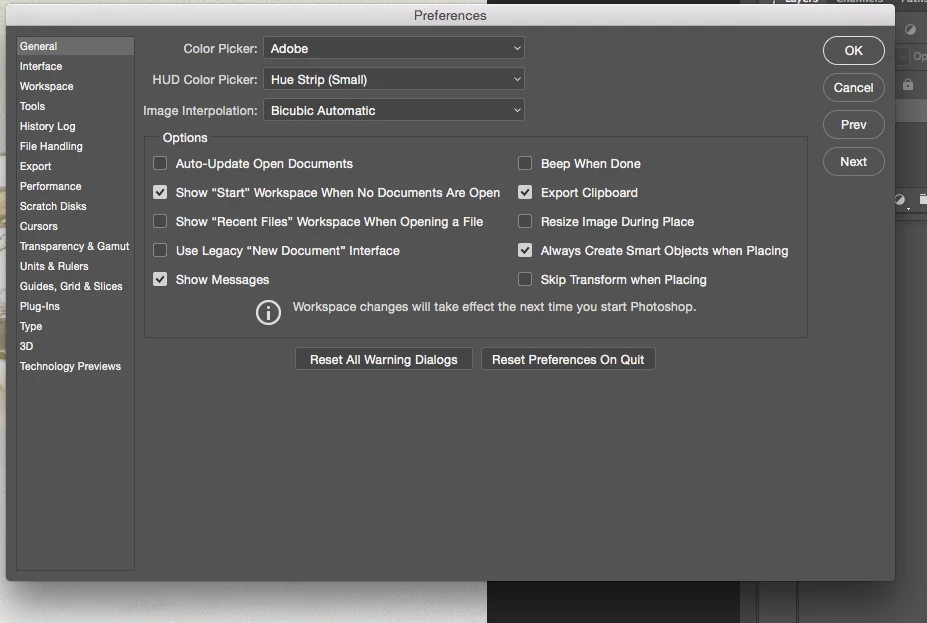
I can't find AI Import Preferences, this is the difference in the "same" file saved PS and AI.
Even though I want the file to display at 1082x1082 in AI, it displays closer to 400x400px, depending if I import or place.

    This topic has been closed for replies.
    Correct answer Ton Frederiks

    You are not losing quality, Illustrator shows the print size at 300 ppi (like you specified).

    Ckeck the (expanded) Links panel) and see that the Dimensions are still 1082.

    If you want to see 1082, save the file at a ppi of 72.

    1 reply

    Ton Frederiks
    Community Expert
    Ton FrederiksCommunity ExpertCorrect answer
    Community Expert
    October 25, 2018

    You are not losing quality, Illustrator shows the print size at 300 ppi (like you specified).

    Ckeck the (expanded) Links panel) and see that the Dimensions are still 1082.

    If you want to see 1082, save the file at a ppi of 72.

    anita1390Author
    Known Participant
    October 25, 2018

    Thanks, Ton. Where is Links Panel -- I looked at Window menu and inside Appearance section.

    Ton Frederiks
    Community Expert
    Community Expert
    October 25, 2018

    Window menu > Links