
Imported Graphic Changing Size
- December 14, 2020
- 2 replies
- 930 views
I'm trying to use Illustrator to create textures to import into SecondLife. I've used Photoshop before but Illustrator handles text much better and keeps the text sharper. I use a grid pattern which is placed on the object in SL and open this same grid in Illustrator so I can position the text or graphics so they fit the object properly when I export. I recently noticed when I open the grid which is 1024x1024 pixels Illustrator seems to change the size even though I create the document at 1024x1024 at 72 DPI. It looks okay and even when I check the document settings it says it is the correct size. But if I draw a box and set it to 1024x1024 it is larger than the document layout. Is there a setting in Illustrator that will keep the dimensions set when I create a new document? I've used this same grid in Photoshop before and don't remember having this issue. I've attached the grid I use.
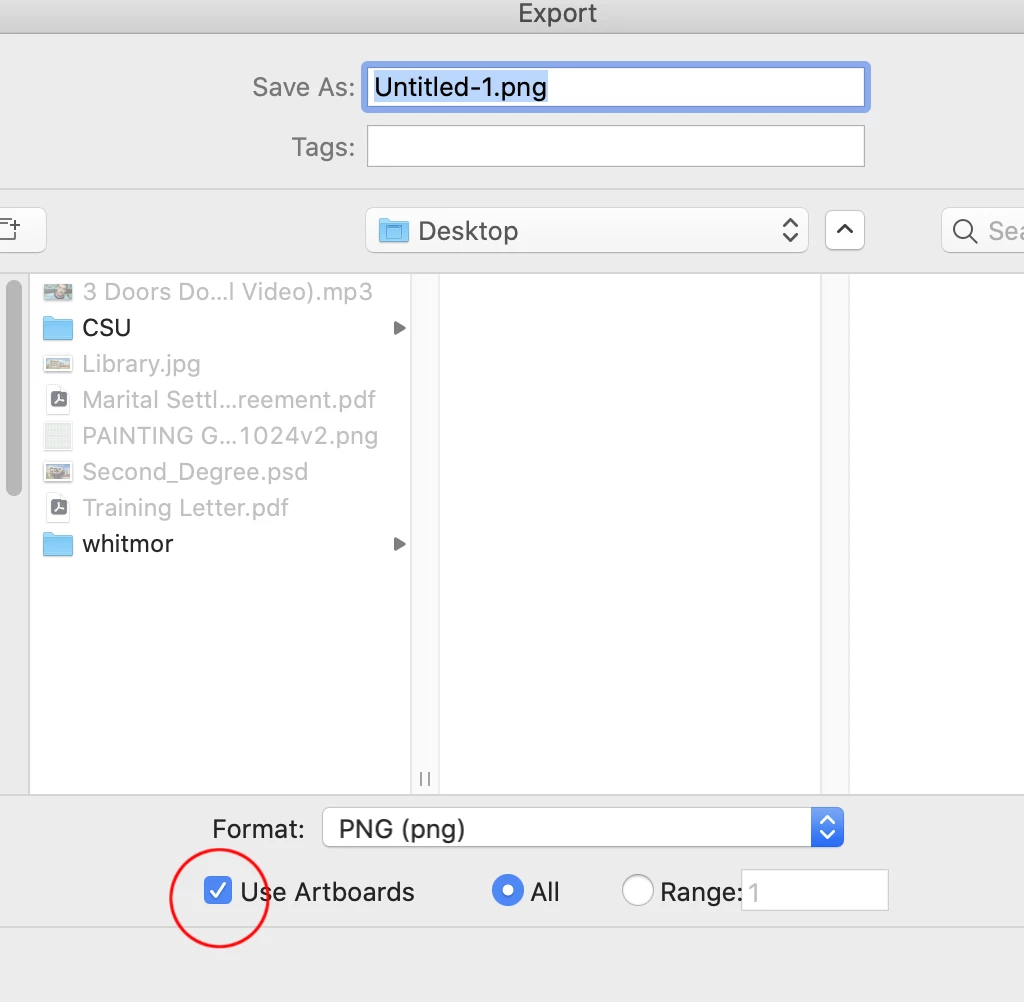
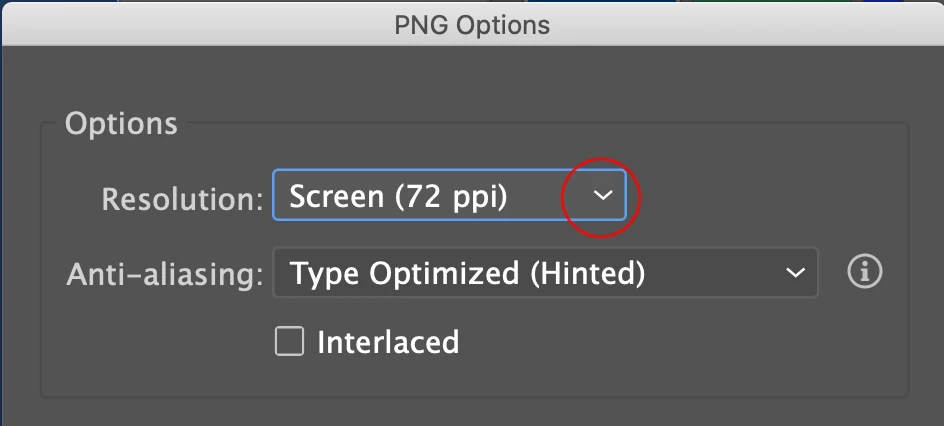
Once I have everything set up I export as a PNG file for upload to the inworld game. The limitations for uploading is maximum 2048x2048 pixels or lower. I really just want to know if I'm missing some setting to keep my graphics from changing size. I hope this makes sense. Thanks
 AdChoices