
Answered
Imported PNG inverting colors?
I imported 4 screenshots from my phone into Illustrator. The one on the left is a jpeg, the 3 on the right are PNG's. Why are the PNG's larger and have their colors inverted?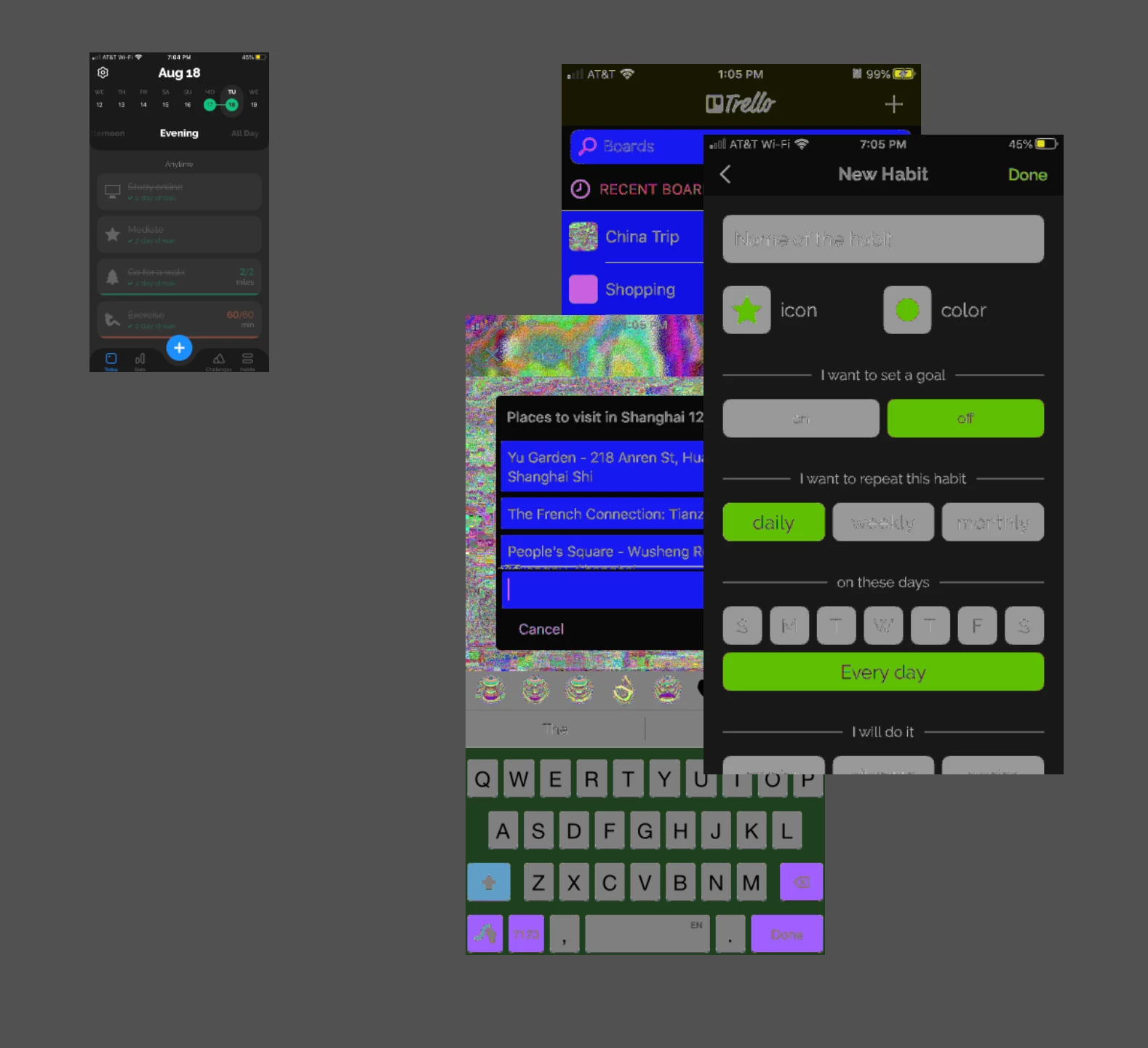
I imported 4 screenshots from my phone into Illustrator. The one on the left is a jpeg, the 3 on the right are PNG's. Why are the PNG's larger and have their colors inverted?
And don't forget to vote here:
Already have an account? Login
Enter your E-mail address. We'll send you an e-mail with instructions to reset your password.
 AdChoices