



Answered
Importing Pattern Brushes?
I’m having a problem with finding my pattern brushes when I save them so I can’t import them into another file. The sequence of folders displayed when I save them is pictured. They go into a folder called “Brushes” in the location displayed.
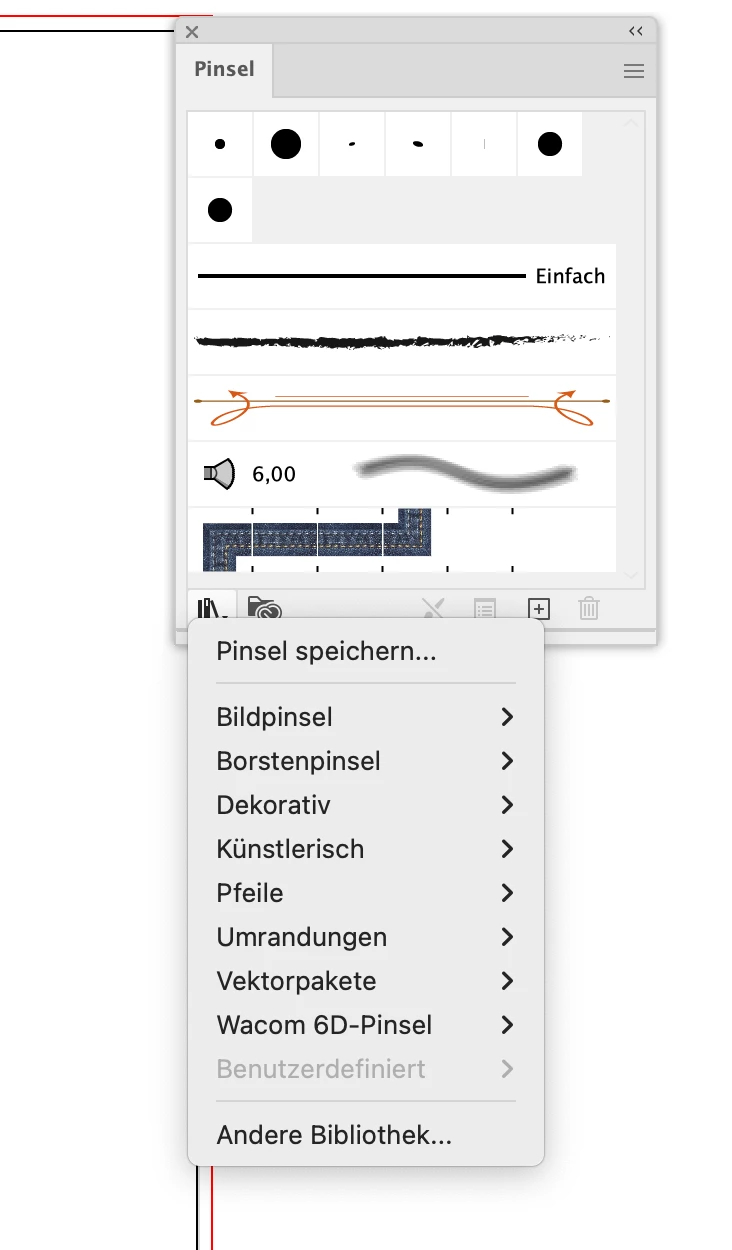
However, this sequence of folders does not exist when importing from the brushes window using the “brush libraries menu” In the “Adobe” folder, the fifth in the sequence, there is no folder called “Adobe Illustrator 29” There is a raft of other differences as well. Library and Users is in the “garethwilliams” folder! Does anybody know what I’m doing wrong?
Many thanks,
Gareth


 AdChoices