Answered
Importing similar sized images, display as different sizes
Windows 10 Pro Build 19044
Illustrator 2022 26.0.2
I'm having issues importing images that change sizes when imported.
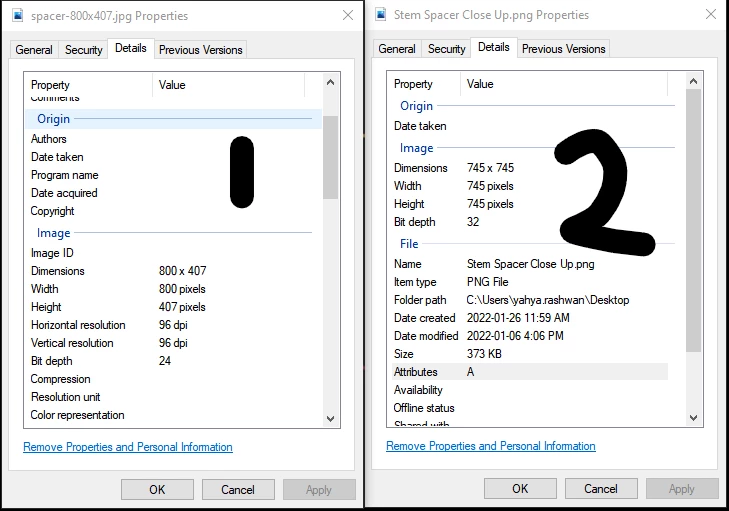
Here are the Properties of each image
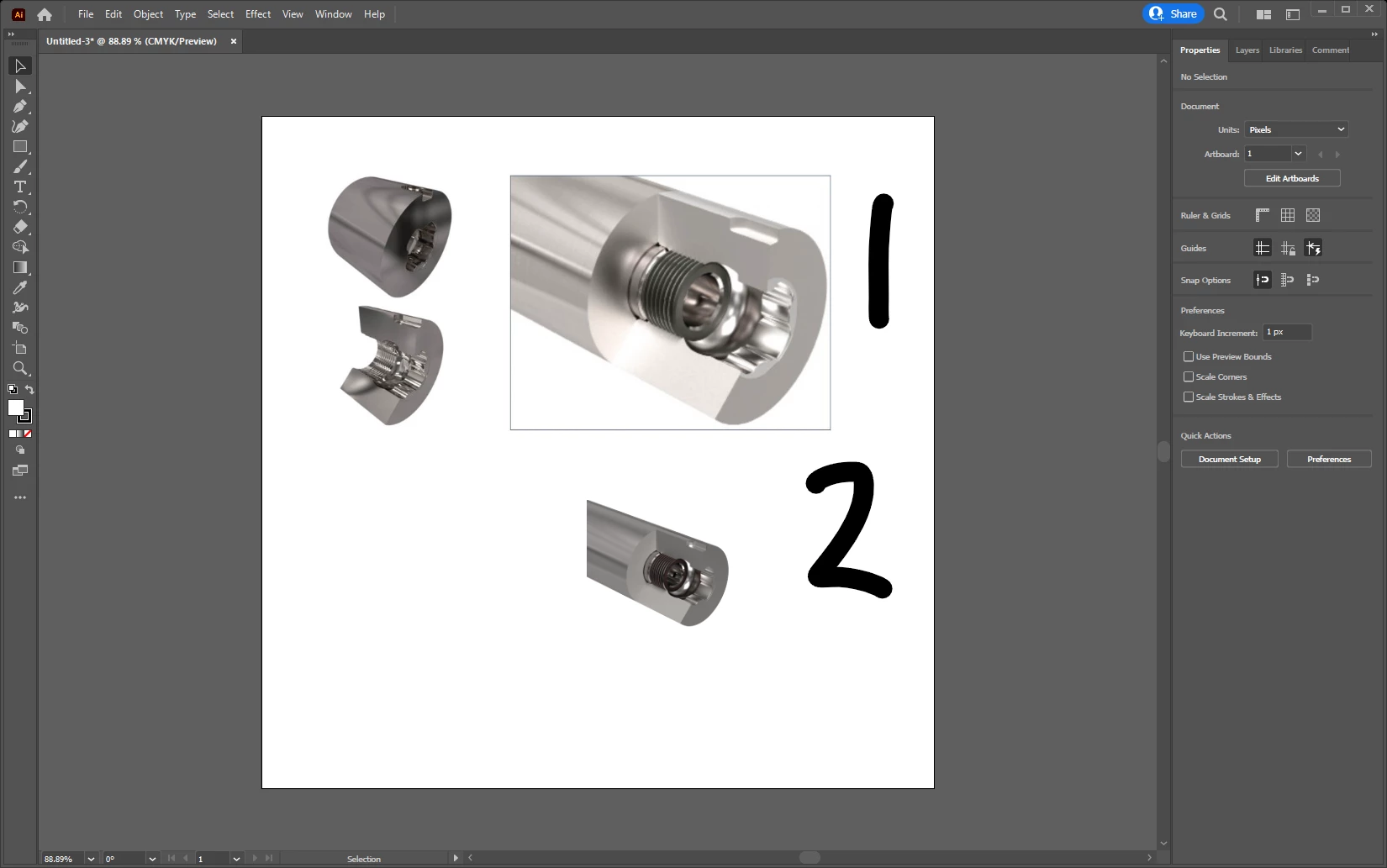
When imported into Illustrator, this happens
I have looked at this in indesign: https://community.adobe.com/t5/indesign-discussions/images-importing-at-wrong-size/m-p/9648456#M86376, but doesn't resolve my issue.
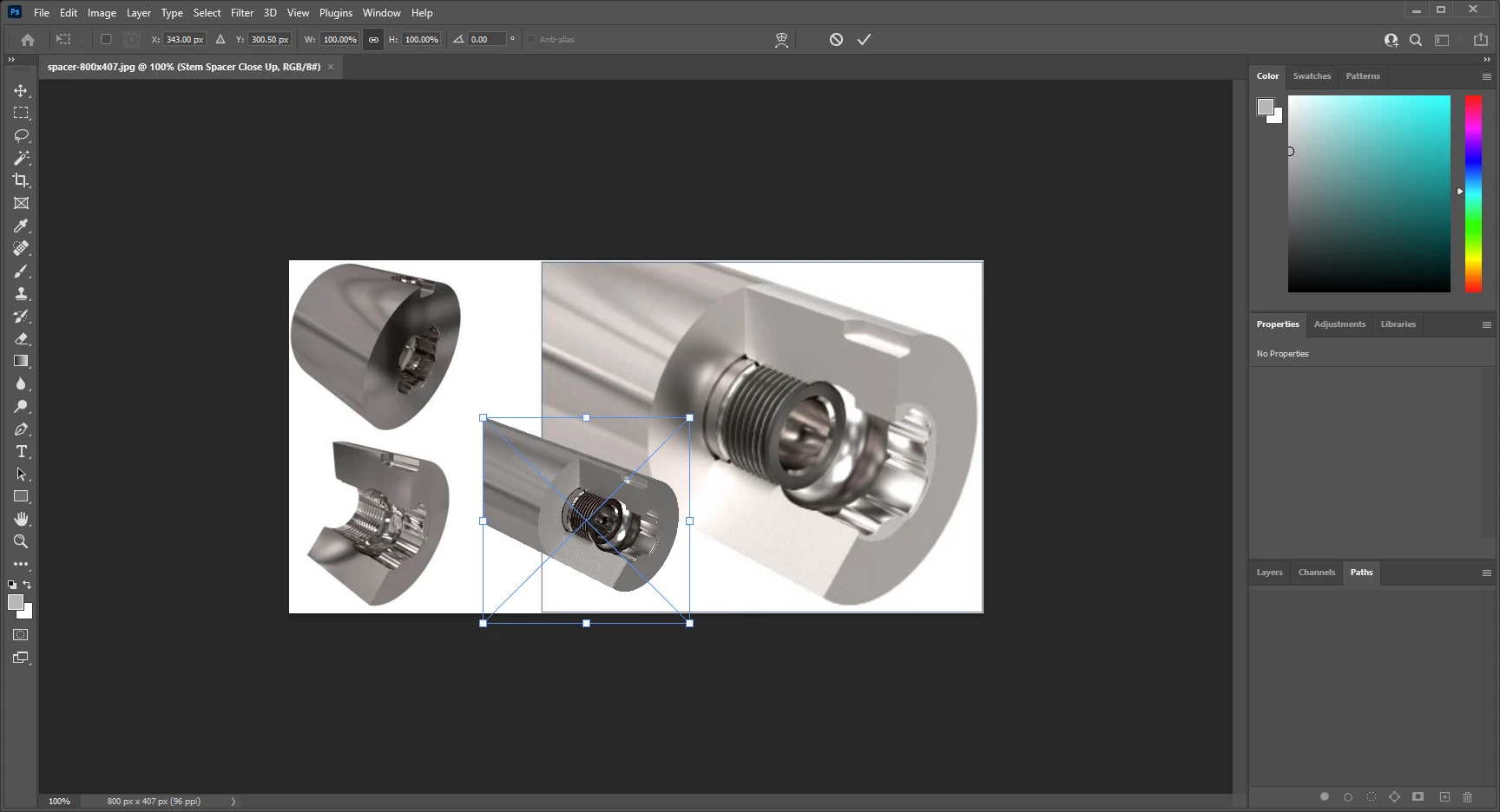
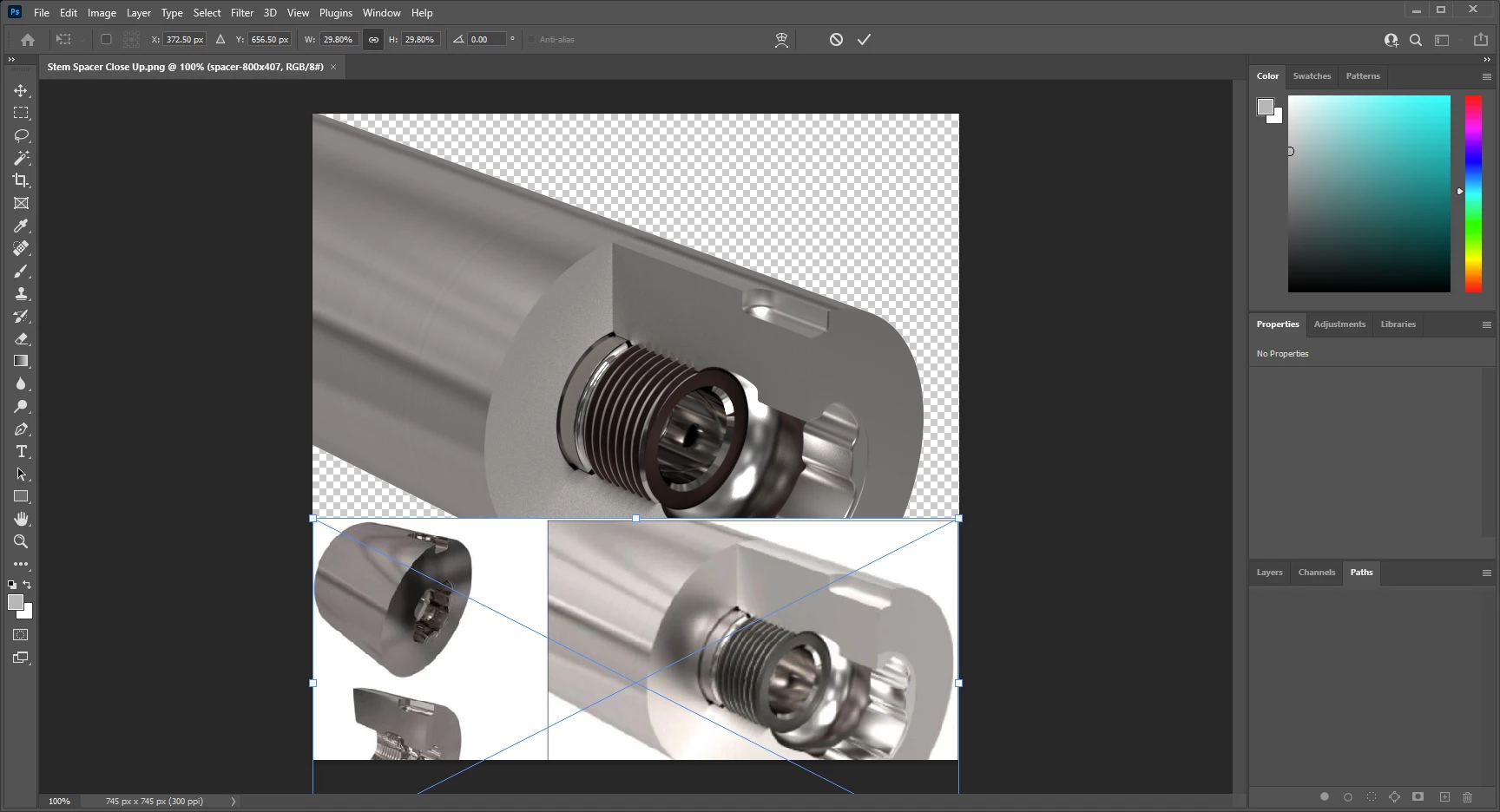
Depending which image I pull into Photoshop first, that becomes the larger image.
Importing 1 first:
Importing 2 first:
This is the first time I've experienced this. It may have been an update that caused this.
Anyone have any suggestions or same issue?
 AdChoices