Known Participant
February 12, 2025
Question

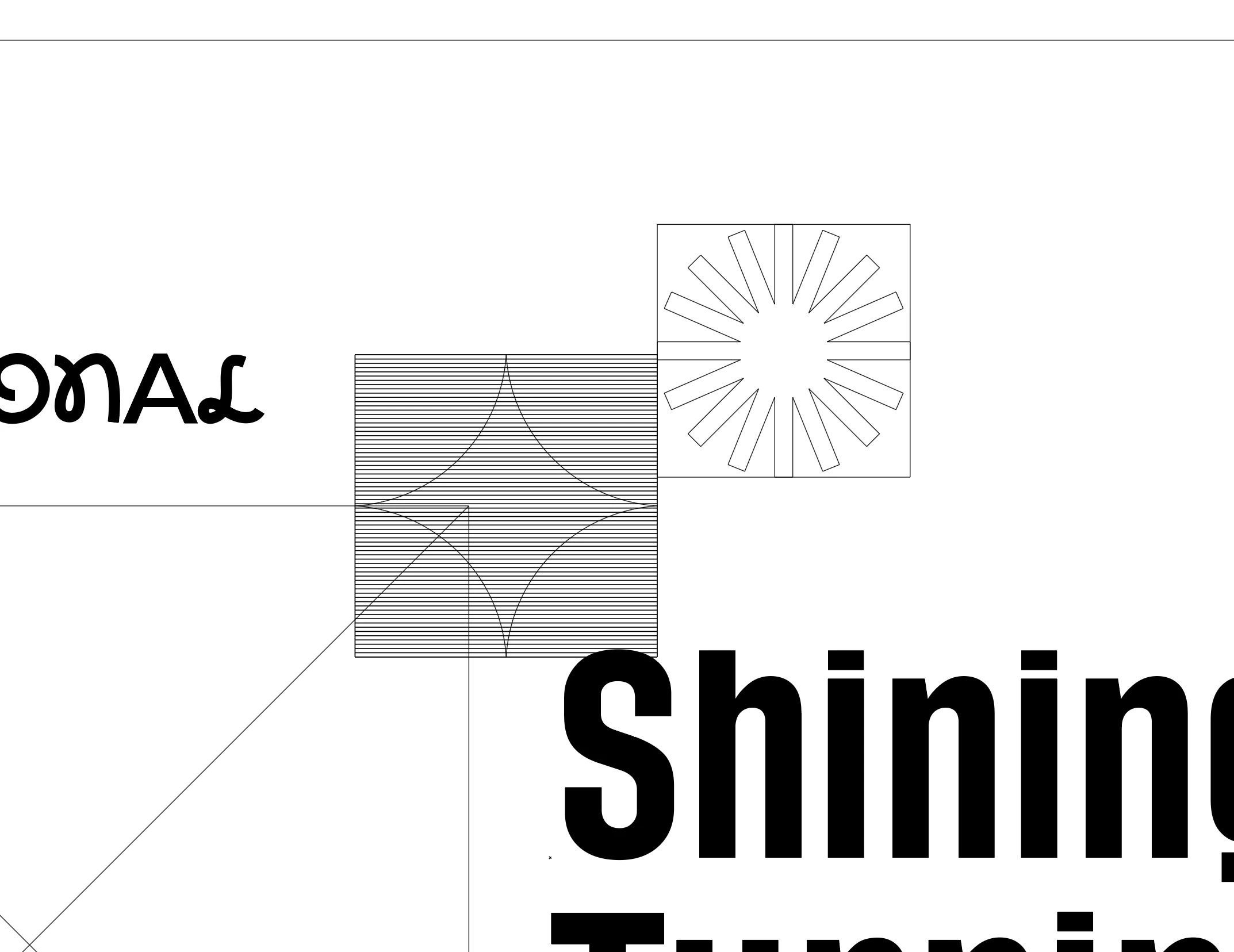
In outline mode and some of my icons have lots of lines on them
  • February 12, 2025
  • 4 replies
  • 1408 views

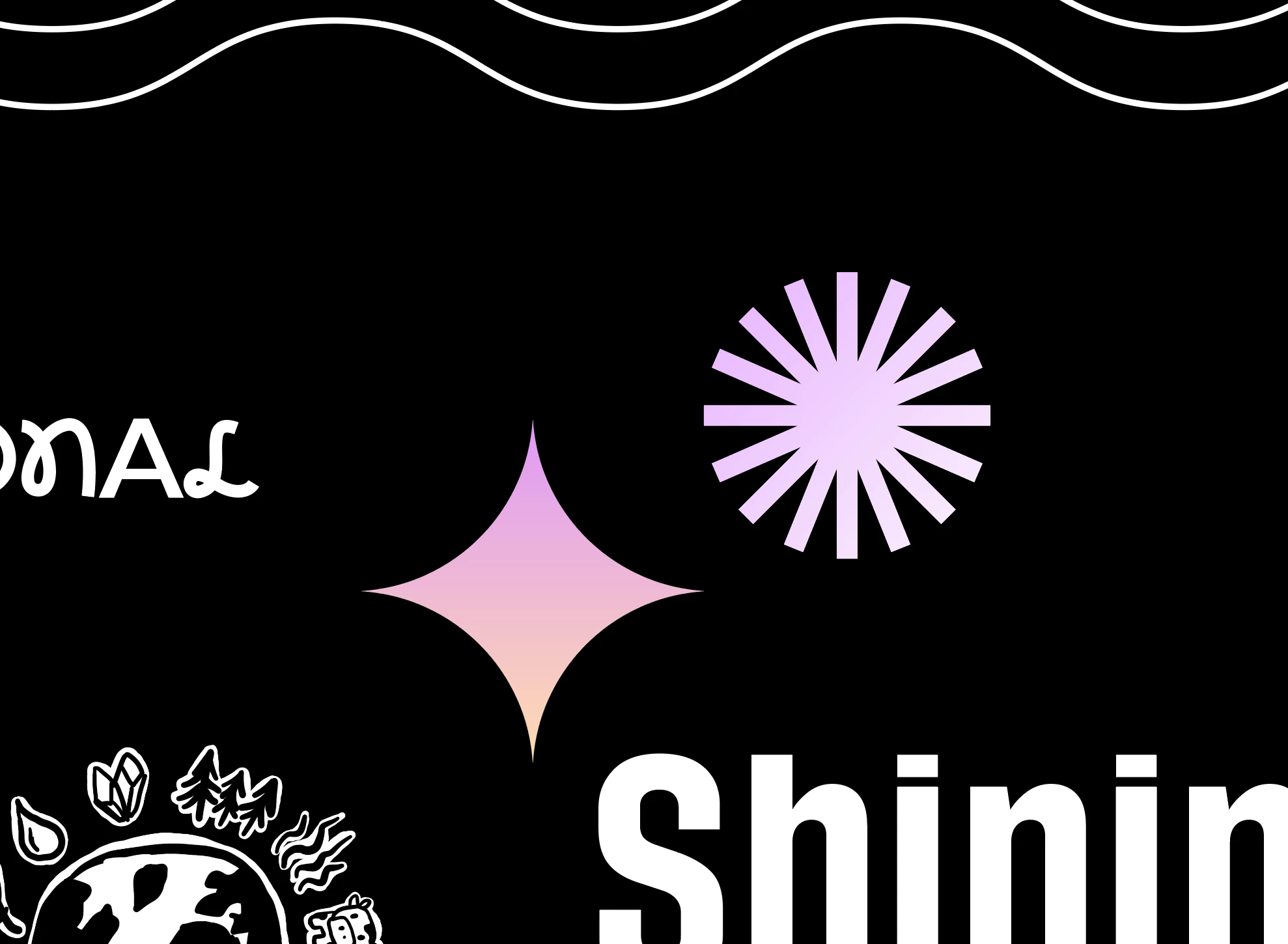
I exported my file to pdf and found that some symbols wouldn't print when opened in Adobe Acrobat. Then I found that these symbols have a bunch of lines on them in the outline mode. 

4 replies

Participant
October 30, 2025

Solution:  Always EXPAND your shape before you create a 'clip mask' otherwise - you will spend wasted time deleting paths.  Hope this helps others.

quote

I exported my file to pdf and found that some symbols wouldn't print when opened in Adobe Acrobat. Then I found that these symbols have a bunch of lines on them in the outline mode. 


By @JohnKChoi
quote

I exported my file to pdf and found that some symbols wouldn't print when opened in Adobe Acrobat. Then I found that these symbols have a bunch of lines on them in the outline mode. 


By @JohnKChoi


Brad @ Roaring Mouse
Community Expert
Community Expert
February 13, 2025

What things are not printing? I'm not clear from your screen grabs what's missing?

Where did these icons come from? e.g. are they old files? perhaps EPS? maybe not even Illustrator files?

Before Postscript was capable of defining smooth gradients (In level 2 and level 3), gradient blends like these were made with individual slices of rectangles. This "blend" was then cropped to shape using a clipping path. This is what you are seeing here (they aren't "lines". If you zoom in, you will see the rectangles.). The first and last one will have the color values of the extremes of the gradient, and the ones in between will change along the way. (This probably has nothing to do with flattening.).

In any case, There's no way to fix them except (as @Ton Frederiks indicates) to redefine the gradient. Create a new gradient swatch using the first and last colors However if they are printing fine, there's actaully no need to do anything, this is the way things were on the "olden days"

If something isn't showing in your printed output, I would suspect there might be an errant overprint assigned to an Icon, so they aren't showing up against the Black background in the printed piece. If you view the file using Separations Preview, and toggle the Overprint Preview on and off, do any of the icons disappear?


JohnKChoiAuthor
Known Participant
February 13, 2025

The icons are SVG and it turns out they were fine when I imported them into my design, but when I expanded them, they became like that in outline mode. Is there a way to fix it? 
When I tried to edit the gradient, each box had a gradient in it (screenshot attached)

JohnKChoiAuthor
Known Participant
February 13, 2025

When opening the Separations Preview panel, the options are all grayed out. When View > Overprint Preview, it doesn't disappear and just looks like attached screenshot below.

Ton Frederiks
Community Expert
Community Expert
February 12, 2025

How does this symbol look in Illustrator? What is the fill color?

Looks like a gradient is converted to blend steps.

How do you save your PDF? Is transparency flattened?

JohnKChoiAuthor
Known Participant
February 12, 2025

The icons that aren't printing all have a gradient, but there are a bunch of icons with gradients that are printing. I tried 'Flatten Transparency', but the lines are still there. I also tried to 'Expand', but it didn't make a difference.  Attached is an example of a page where some icons are fine and some are not.

Ton Frederiks
Community Expert
Community Expert
February 12, 2025

Flatten transparency could be the cause of the lines. Can you get rid of the lines and use a real gradient instead?

JohnKChoiAuthor
Known Participant
February 12, 2025

Does anybody know what they are and how to fix it?