
Question
Inconsistent color when printing in Adobe Illustrator
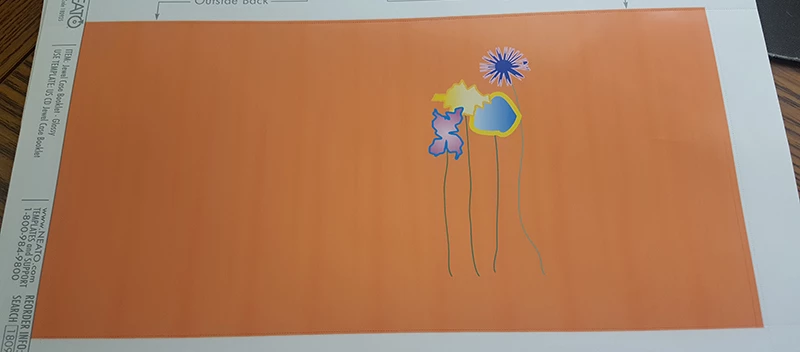
I am trying to print a CD cover with the same solid orange color throughout, and I keep having issues. Hopefully you can see in the image below that there appears to be dark and light orange lines running throughout the print vertically, and I noticed that tiny white lines also appear. I've tried many things to fix this, but I'm not super knowledgeable with the Adobe Illustrator application, so any help is appreciated. I checked the printer - which is a Canon Pixma - to make sure the ink was working properly, and based on the tests I’ve done, it is.
If you need more information, please let me know.
 AdChoices