Question
Inconsistent colors when importing an image in AI
Hallo dear Adobe community,
I have a color problem importing a RGB image into AI.
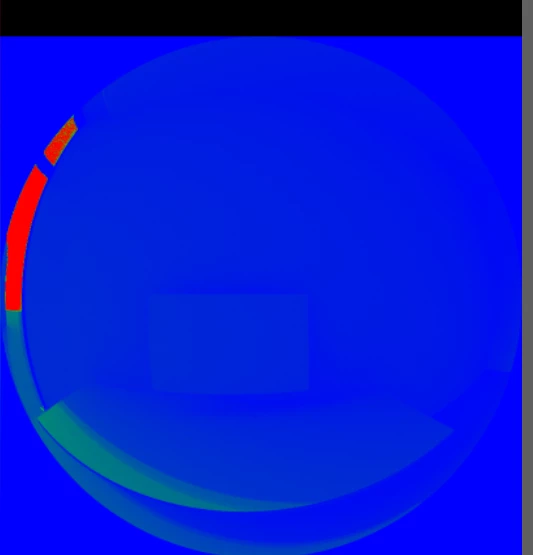
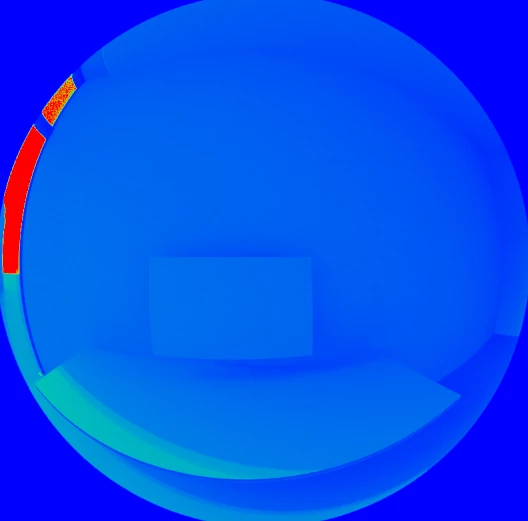
The first Image is it as shown imported into AI, the second is the original version.
I have tested the document color mode between RGB/CMYK option and each of the option under EDIT> Colorsettings, but the result never comes close to the original.
Any suggest?
Thanks in advance
 AdChoices