Answered
Indestructible object?
How do I cut/remove the section in black outline out of this expanded 3d object? I tried pathfinder > divide and it didn't work
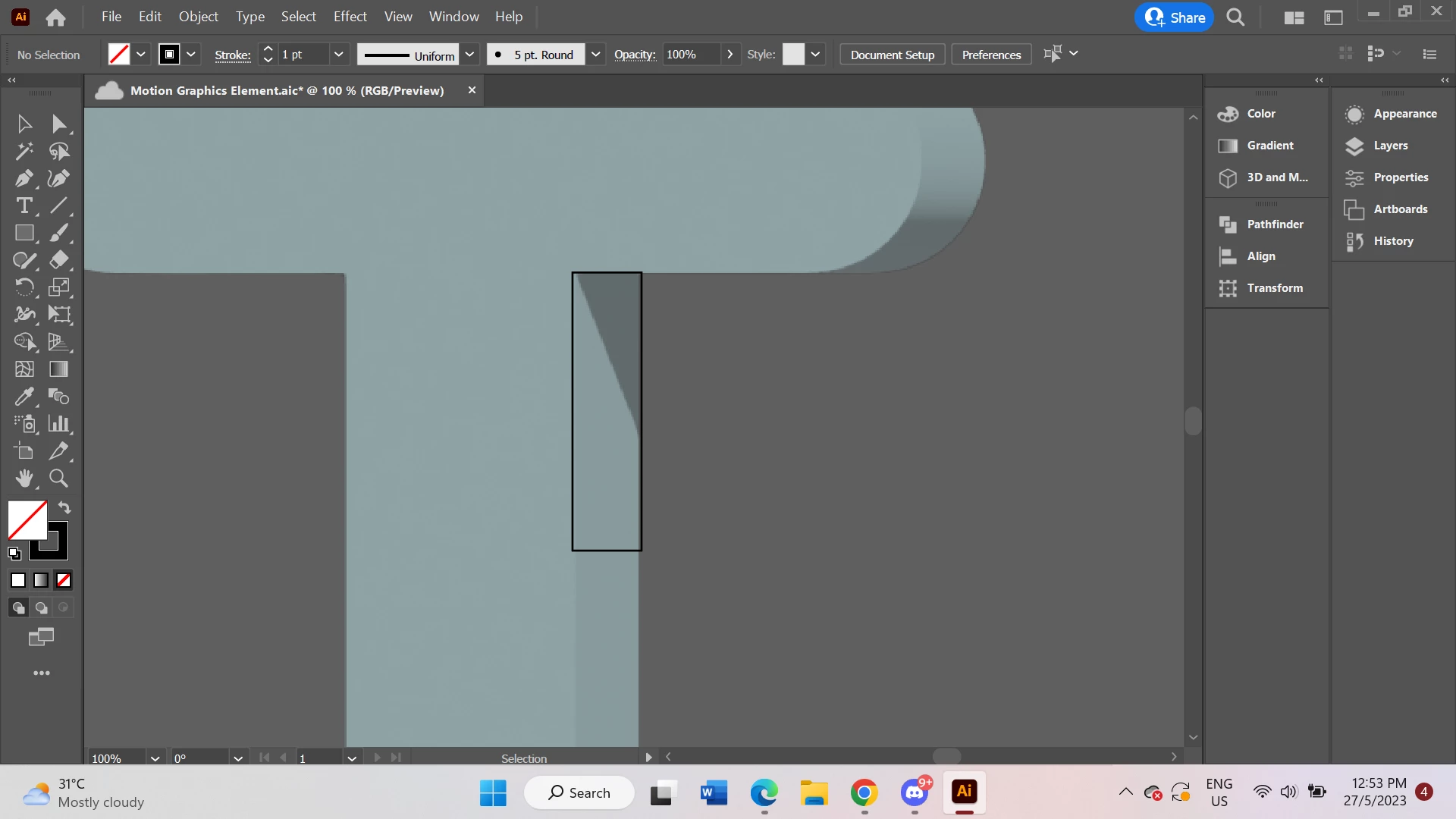

How do I cut/remove the section in black outline out of this expanded 3d object? I tried pathfinder > divide and it didn't work
If you want to be able to edit the resulting vector paths, you'd better use the Classic 3D effects and then expand.
The result might still be difficult to edit, so you might want to reduce complexity. https://www.youtube.com/watch?v=RAhLj5G8eGU&list=PLVqhHu3CSohWYIgvldlIQtqu-vb6aMC7D&index=6
Already have an account? Login
Enter your E-mail address. We'll send you an e-mail with instructions to reset your password.
 AdChoices