
Participant
April 5, 2024
Question

Indic Typography
  • April 5, 2024
  • 1 reply
  • 259 views


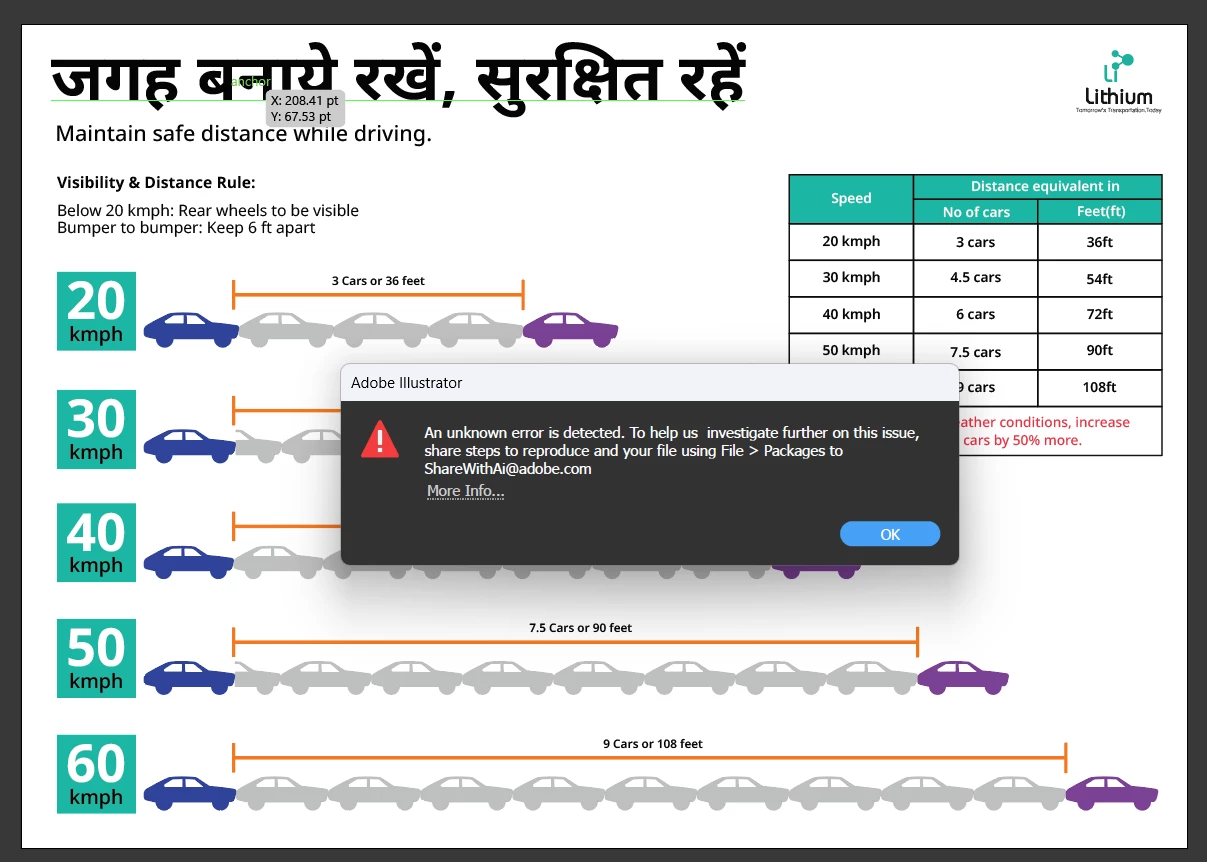
Hello am facing an issue while saving the file

am using Noto Sans Devanagari font

i enabled in prefrences > Indic fonts

And in the paragraph i enabled  Middle eastern and South asian evry line composer 

and when i try to save the file i get this error kindly help

This topic has been closed for replies.

1 reply

Monika Gause
Community Expert
Community Expert
April 5, 2024

Can you please tell us your system?

And also where you are trying to save the file?


If not on the desktop please try that first.

Participant
April 6, 2024

Iam using a laptop 

Spec:

Device name Lithlap253
Processor 11th Gen Intel(R) Core(TM) i5-1135G7 @ 2.40GHz 2.42 GHz
Installed RAM 16.0 GB (15.7 GB usable)
Edition Windows 11 Pro
Version 23H2
Installed on ‎8/‎25/‎2023
OS build 22631.3296
Experience Windows Feature Experience Pack 1000.22687.1000.0

I did fix this by saving my ai fiel to eps and then save them to pdf or ai formats

Monika Gause
Community Expert
Community Expert
April 6, 2024

So EPS worked, but AI and PDF didn't?