
Participant
May 15, 2024
Answered

Installing CS6 - Windows 7

  • May 15, 2024
  • 1 reply
  • 525 views

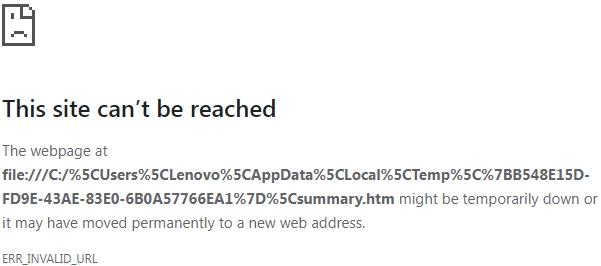
So I have CS6 as a adobe registered product and have downloaded the requisit files to install the program, but the "install" keeps failing with no readable explination as to why. The image attached shows the window that pops up when the install fails, with the "error summary" link failing to connect to anything
 

Adobe online chat support was very unhelpful considering they just tried to sell me a version that isn't even campatible with my Windows 7 machine.


Is even trying to resolve this issue pointless? Unsupported software shouldn't remove active users or owners of previous versions from being able to use the software that they purchased. My company paid for and should be able to make use of our CS6  as all of our computers use windows 7, but how am i supposed to re-install it to my machine if the standard installation process isn't working?

This topic has been closed for replies.
Correct answer Anubhav M

Hello @Phil370188010n1n,

We're sorry for the trouble. It looks like we need to troubleshoot this in a live session. Please head here (https://adobe.ly/44KVRpC) and select the chat button in the lower-right corner of the page. We can help troubleshoot faster that way.


Thanks,

Anubhav

1 reply

Anubhav M
Community Manager
Anubhav MCommunity ManagerCorrect answer
Community Manager
May 17, 2024

Hello @Phil370188010n1n,

We're sorry for the trouble. It looks like we need to troubleshoot this in a live session. Please head here (https://adobe.ly/44KVRpC) and select the chat button in the lower-right corner of the page. We can help troubleshoot faster that way.


Thanks,

Anubhav

Participant
May 17, 2024

This thread can be closed as answered. The issue was a writing and reading problem, due to a firewall/defender that I was unaware of. I had a more computer savvy friend see if I was missing something and he was able to correct the issue and get the program to download correctly. The installer needed to be run as administrator. 


Thank you @Anubhav M for answering my question. we are all good here now, I appreciate your time in responding.