
Question
Inverted photos when exporting PDF
Hi! I have been having a recent issue with my illustrator since updating it when I go to export a PDF. I never had this issue before.
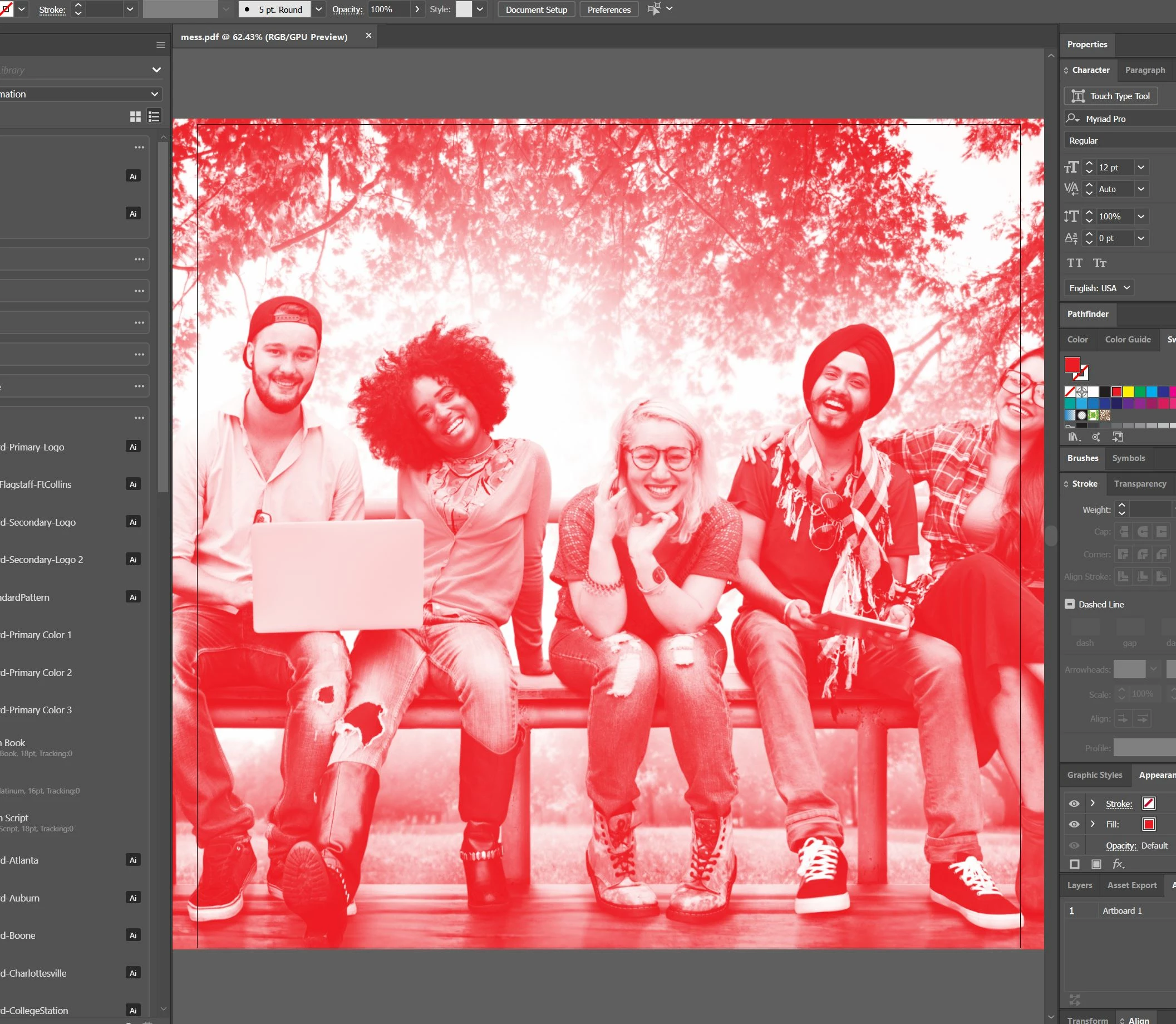
When I place an image and convert the image to Grayscale and then click a color to colorize that image, in Illustrator it looks fine (see below. the darks and dark and highlights are light).
but when I go to export as a PDF (there is "no color conversion") I get this inverted type of error.
All the colors that I have chosen are not spot colors and I have tried different colors too and it has still been interacting like this when I export. Any help?

 AdChoices