


Known Participant
October 1, 2026
Answered

inverting colors on part of design

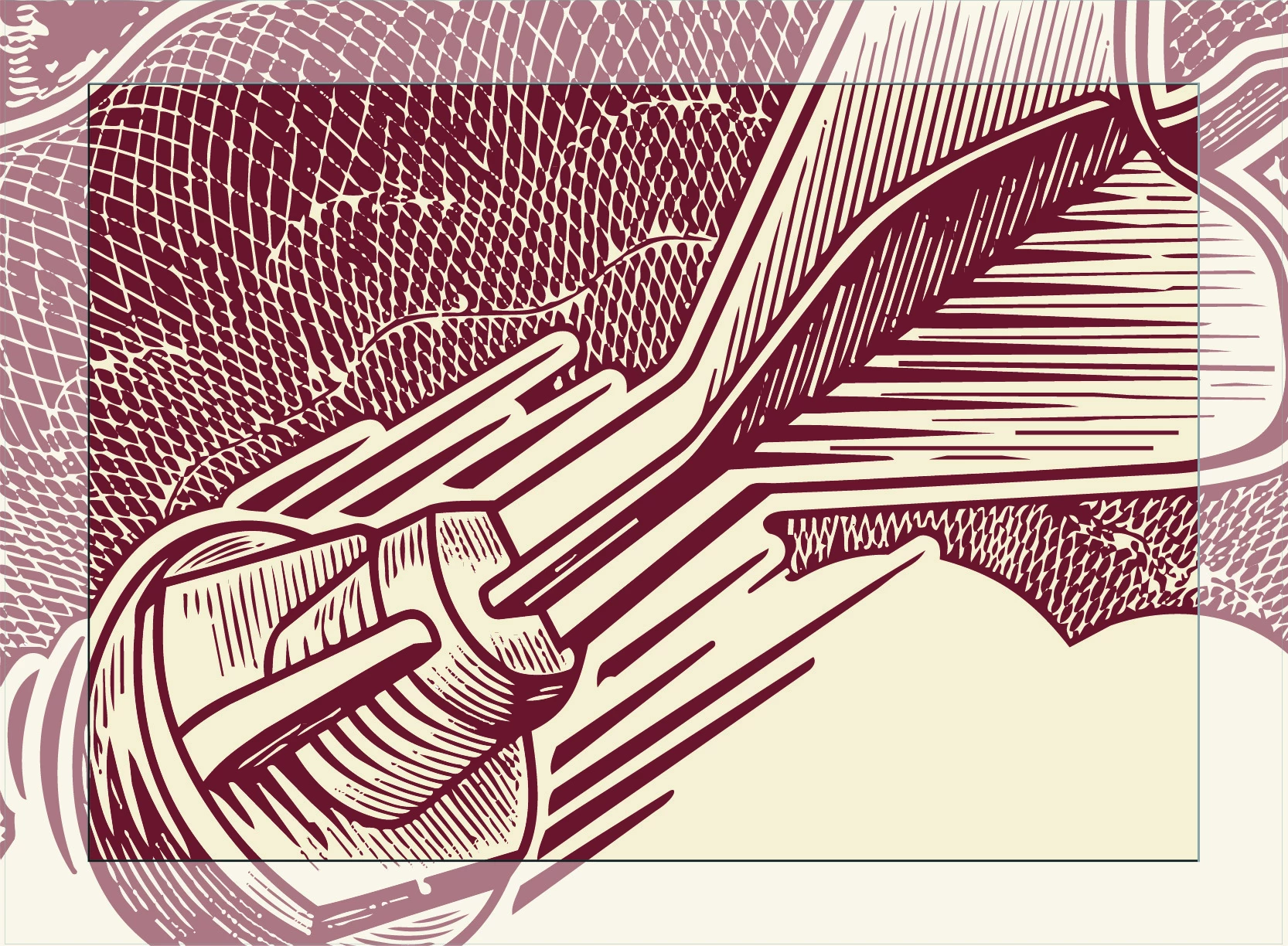
I have a vector design in illustrator.  I have created a “frame” (see image) on a layer above.  I would like to “invert” colors, (red becomes tan, tan becomes red in just the part of the design the frame is covering… Wondering how to do this in illustrator… 
 

    Monika Gause
    Monika GauseCorrect answer
    Community Expert
    October 1, 2026

    Just incase you are wondering how to do that with Recolor artwork: 


    3 replies

    Monika Gause
    Community Expert
    Monika GauseCommunity ExpertCorrect answer
    Community Expert
    October 1, 2026

    Just incase you are wondering how to do that with Recolor artwork: 


    Translate
    Ton Frederiks
    Community Expert
    Community Expert
    October 1, 2026

    Create a swatch group with the new colors you want and use that in Recolor Artwork on a clipped copy of your artwork.

    Translate
    CORCTON34033231
    Community Expert
    Community Expert
    October 1, 2026

    Hi! The reliable way to do this:


    1. Duplicate your design, select the copy and go to Edit > Edit Colors > Invert Colors.

    2. Place your frame shape on top of the inverted copy and choose Object > Clipping Mask > Make — so only the framed area shows the inverted version.


    One note: Invert Colors flips every color to its complement, so it won't map exactly red ↔ tan. If you need just those two colors swapped, use Edit > Edit Colors > Recolor Artwork on the masked copy instead.

    Translate
