
Participating Frequently
July 21, 2023
Question

iOS app not syncing, can't upload from the cloud.

  • July 21, 2023
  • 4 replies
  • 304 views

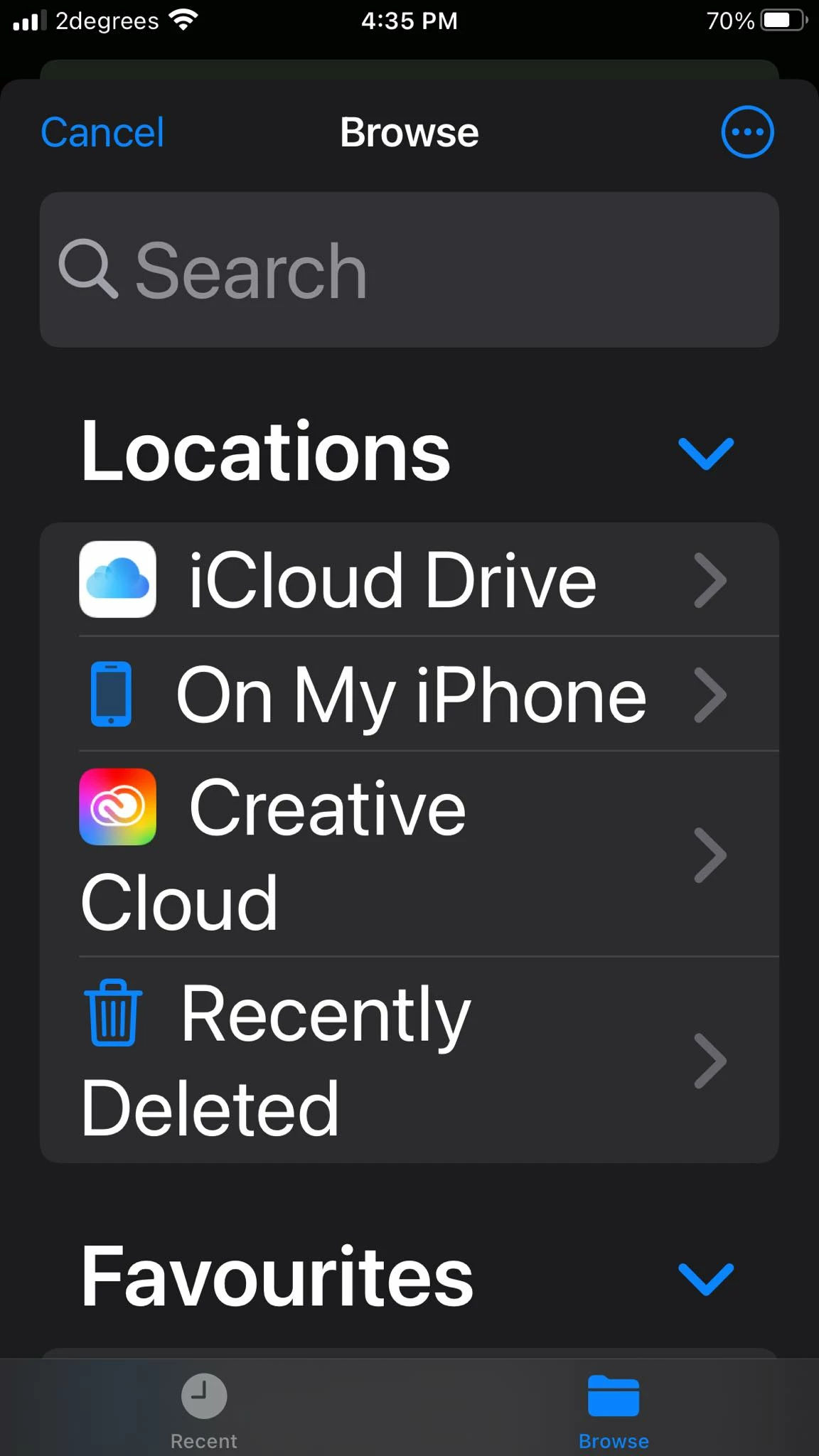
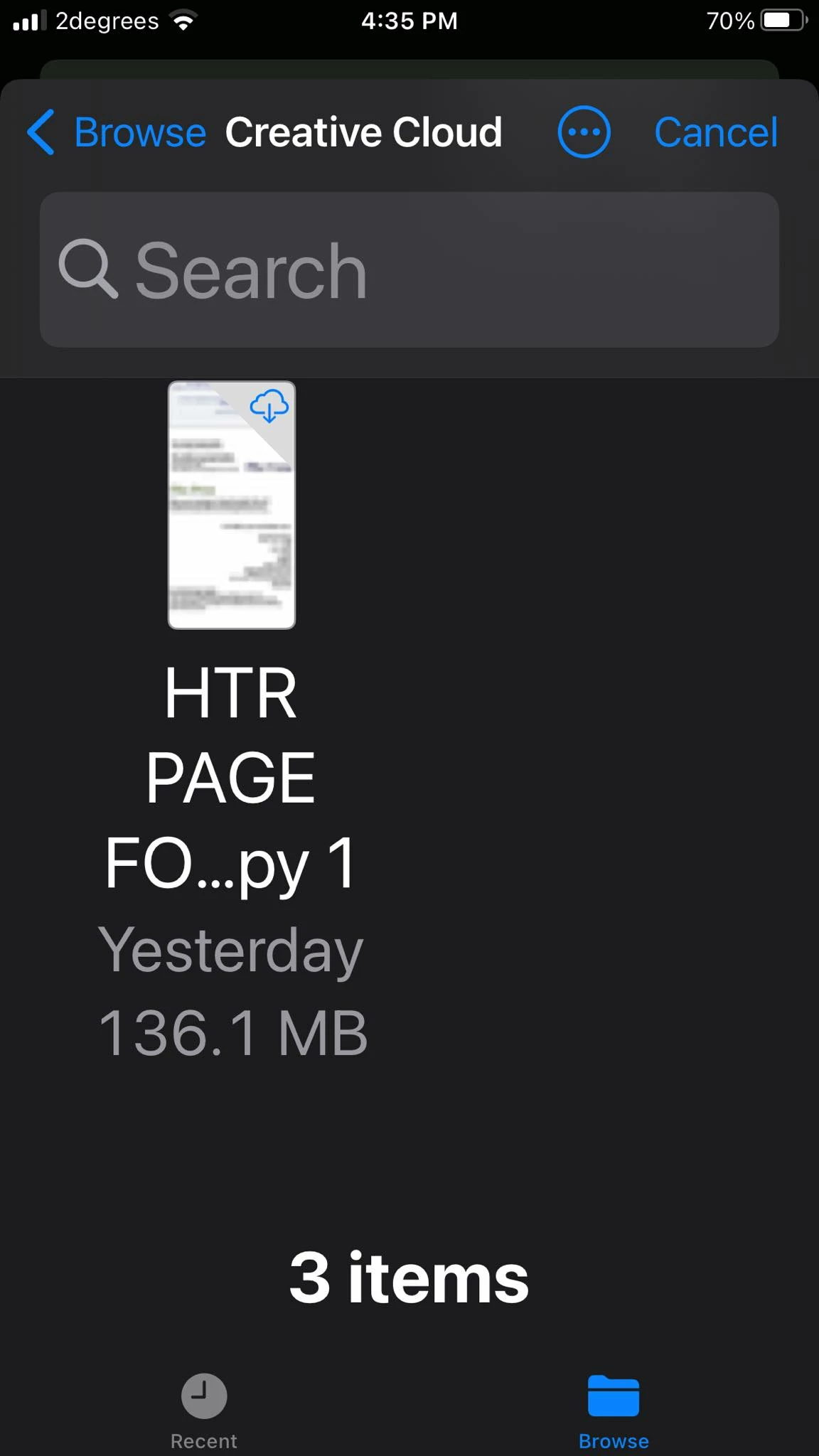
okay so I saved my Aic file to the cloud, and I want to get it to my phone, But when I click  on the upload button on my phone it  doesn't show the recent saved aic file, a cloud document file. 

So the phone is not finding it in the creative cloud. It worked with 2 previous files called htr page, as you can see.
first time Ive used the iOS app.


This topic has been closed for replies.

4 replies

Community Expert
July 22, 2023

Doesn't the iOS version of Adobe Illustrator require an iPad?

Monika Gause
Community Expert
Community Expert
July 22, 2023

The Illustrator version does, but the Creative Cloud app will also run on an iPhone. Ithought that this is what the question is about.

Community Expert
July 22, 2023

I thought he was wanting to open and edit the file on his phone.

Anubhav M
Community Manager
Community Manager
July 21, 2023

Hello @Mike311956451znw,


We understand how frustrating it can be to experience issues, especially when trying to save your files. Would you mind sharing more details, like the exact version of the OS/Application, device make/model, and the steps taken while saving the file so we can investigate this further?


Looking forward to hearing from you.


Thanks,

Anubhav

Monika Gause
Community Expert
Community Expert
July 21, 2023

Maybe sign out and then in again?

Check if the synchronization is working?

Participating Frequently
July 21, 2023

Also, it is not appearing on desktop creative cloud either..