
Participant
February 20, 2018
Answered

Irregular fill at curves in Illustrator

  • February 20, 2018
  • 1 reply
  • 525 views

Hi!

This is the first time I've had this issue using Illustrator CC and I'm finding it difficult to describe but here goes:

The fill does not match the stroke of my shape (in this case its a letter) here's a screenshot:

Where as when I enlarge the shape (not zoom-in just enlarge), it looks fine -see second screenshot:
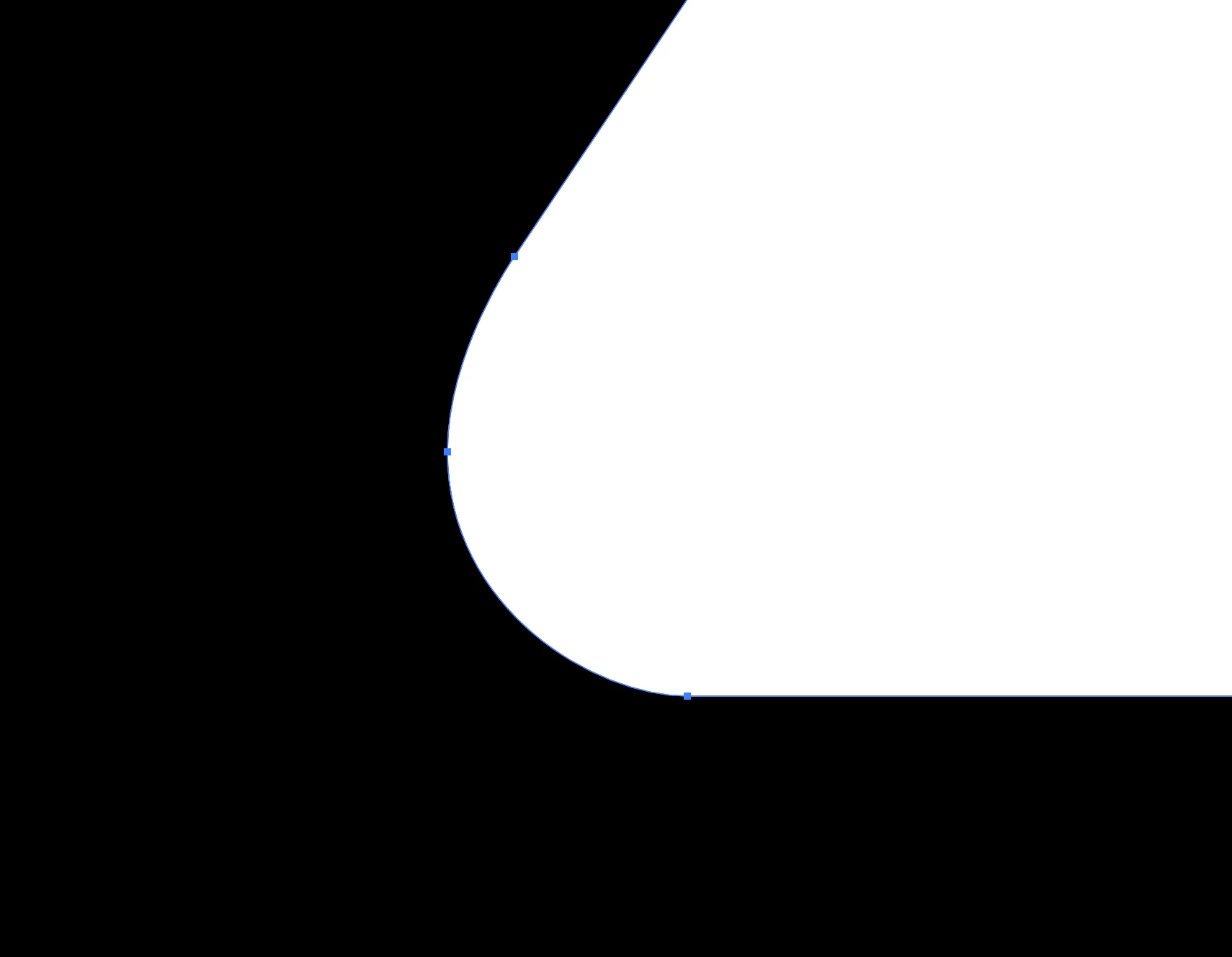
I'd like to avoid working on such a larger scale for the fill to work correctly. Any thoughts?

Thanks in advance.

F

    This topic has been closed for replies.
    Correct answer tromboniator

    My guess is that this is a manifestation of the GPU preview. Try cmd/ctrl-E. If this improves the situation, you may want to click the rocket in the application bar. This opens the Performance pane of Preferences, where you may turn off GPU Performance entirely.

    Peter

    1 reply

    tromboniator
    Community Expert
    tromboniatorCommunity ExpertCorrect answer
    Community Expert
    February 20, 2018

    My guess is that this is a manifestation of the GPU preview. Try cmd/ctrl-E. If this improves the situation, you may want to click the rocket in the application bar. This opens the Performance pane of Preferences, where you may turn off GPU Performance entirely.

    Peter

    Participant
    February 21, 2018

    Yes! Thank you so much

    tromboniator
    Community Expert
    Community Expert
    February 21, 2018

    You're welcome!