
Known Participant
October 27, 2023
Answered

Is it possible to fill a 'template' file with pngs

  • October 27, 2023
  • 2 replies
  • 527 views

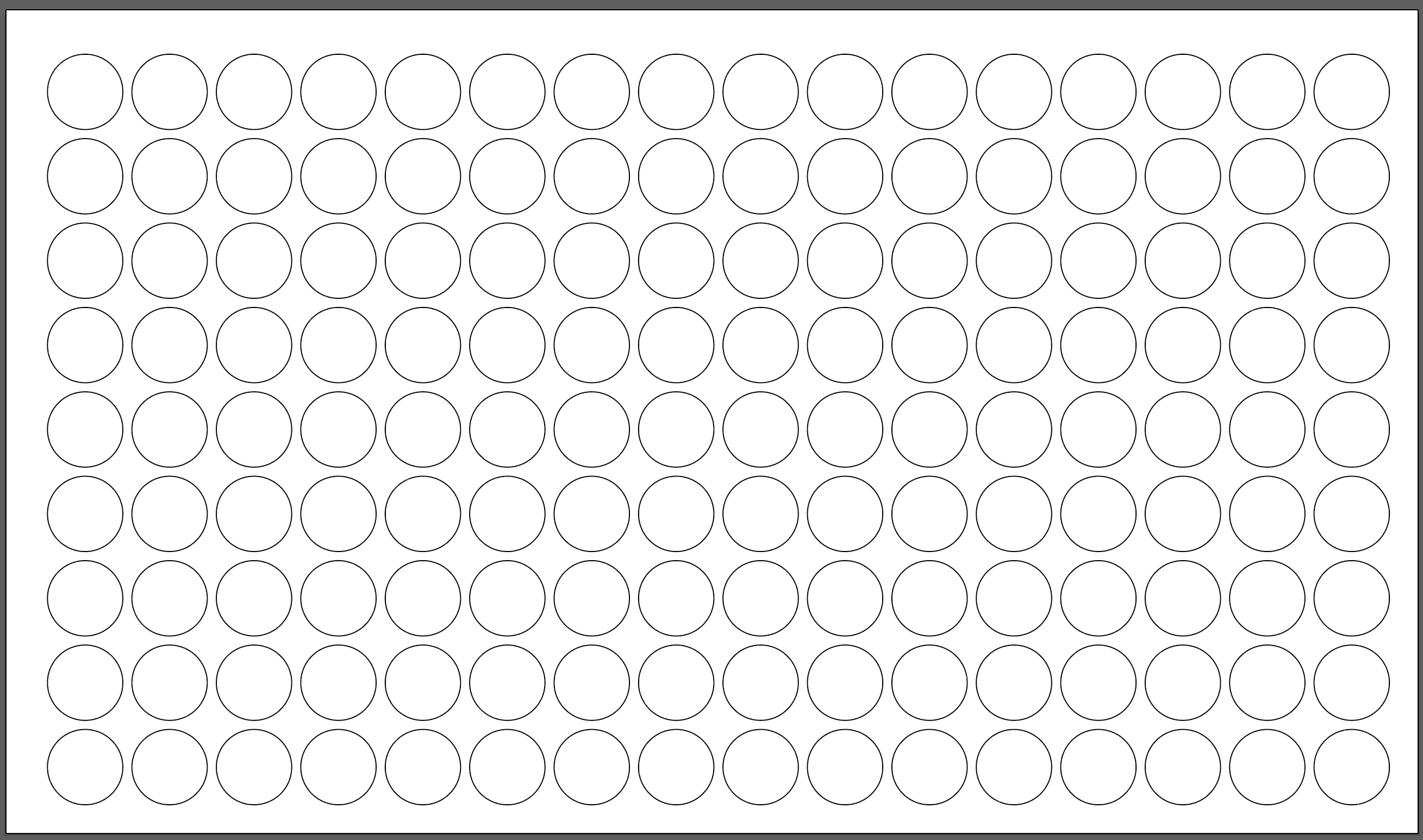
I have a template file which mirrors a milled jig to print 100+ NFC cards at once. Is there any way that I can take the NFC file designs and drop them into the template file so that they populate the 'boxes' I've created for the designs.

At the moment, I'm dragging them into place one at a time which is very time consuming!
This topic has been closed for replies.
Correct answer Kurt Gold

Alexander Ladygin has a nice script called "Harmonizer".


Perhaps you can adapt it.


Harmonizer


2 replies

Kurt Gold
Community Expert
Kurt GoldCommunity ExpertCorrect answer
Community Expert
October 27, 2023

Alexander Ladygin has a nice script called "Harmonizer".


Perhaps you can adapt it.


Harmonizer


Sergey Osokin
Inspiring
October 27, 2023

What format is the NFC design in the folder? They must be linked images or embedded in a file for printing? Will these circles become clipping masks? Should the imported file be placed proportionally within the circle?

sitravelAuthor
Known Participant
October 27, 2023

The NFC is a png and they are almost always individual designs so I'm putting 100+ different designs in the template. They can be either linked or embedded for printing. The imported files need to be centered withing each of the circles. I'm importing the NFCs onto a new layer and, after centering, I hide the layer with the circles so they don't print and only the imported files print.

Sergey Osokin
Inspiring
October 27, 2023

What if the PNG is larger than the diameter of the circle? Do you scale the image size to the size of a circle?