Participant
December 21, 2018
Answered

Is it possible to put perspective text into graphic style?

  • December 21, 2018
  • 3 replies
  • 2871 views

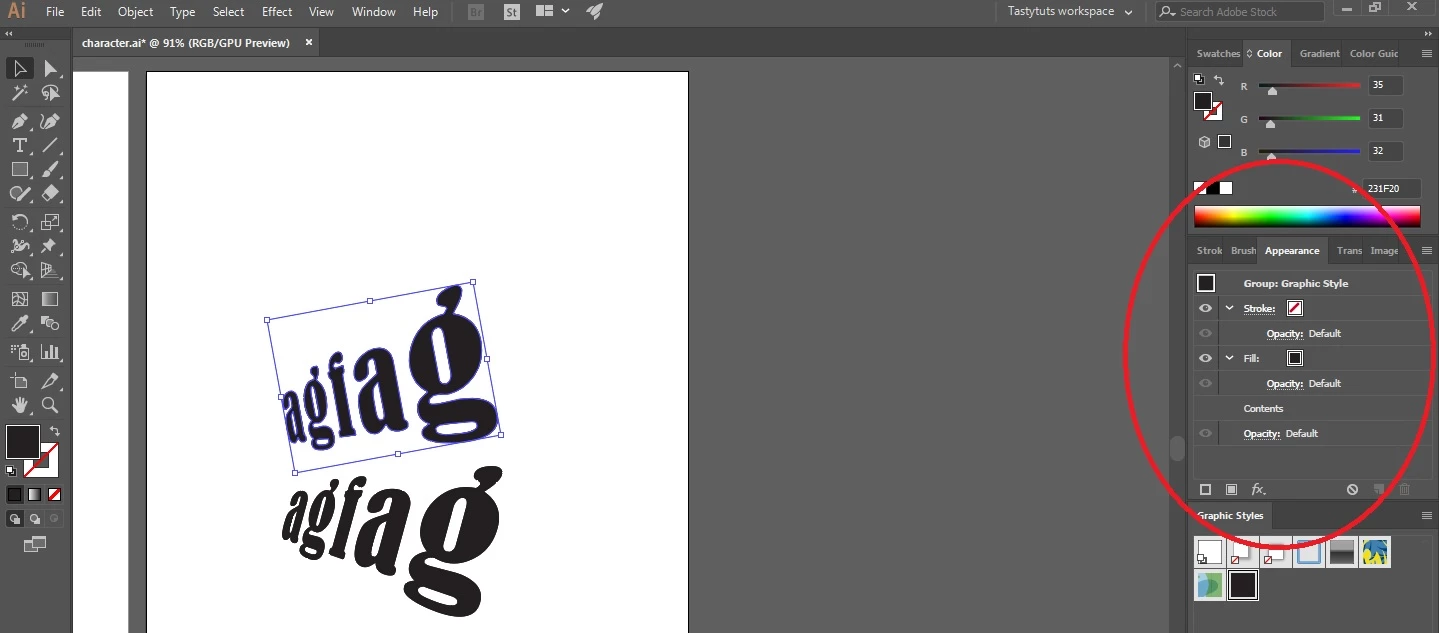
I'm using perspective grid tool and perspective selection tool to create the perspective text but I don't want to make perspective text using these tools again and again. So, how can i apply this effect on type in appearance panel and put it into graphic style?

the appearance panel does not show anything about perspective effect. So, what can i do?
I would be grateful for any help in getting this working.Thanks.
This topic has been closed for replies.
Correct answer mjbelt

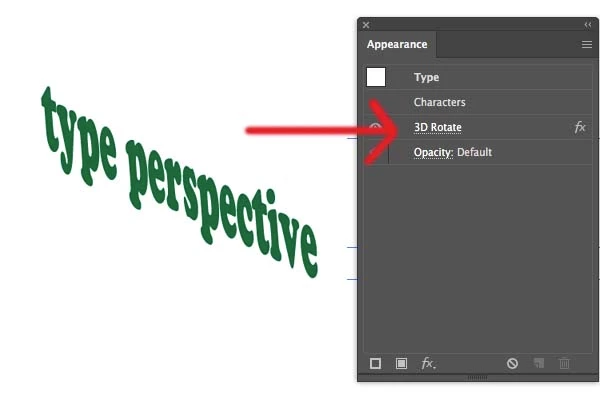
You could try this technique to achieve a perspective effect to type.

Effect>3D>Rotate...

Once applied added to Appearance Panel

3 replies

Myra Ferguson
Community Expert
Community Expert
December 21, 2018

You can use the Perspective Grid as a guide then go to Effect > Distort and Transform > Free Distort...  Adjust the distortion to align to the grid the way you want. If you need to make adjustments, go to the Appearance panel and click on Free Distort to open it back up and tweak it as needed. Then drag the text with the effect to the Graphic Styles panel to create the style.

mjbeltCorrect answer
Participating Frequently
December 21, 2018

You could try this technique to achieve a perspective effect to type.

Effect>3D>Rotate...

Once applied added to Appearance Panel

barbara_a7746676
Community Expert
Community Expert
December 21, 2018

Unfortunately, it is not possible to make a graphic style of perspective text that is created using the perspective grid.

As a workaround, you could type some sample text and put it into the perspective grid. Save the file. Whenever you want to change the text,  you could edit the sample text and save it with a new name.