

Roger Breton
Legend
November 8, 2023
Question

Is there a dialog box for the Free Transform (E) tool?

  • November 8, 2023
  • 2 replies
  • 432 views

Most Illustrator tools share both an interactive and "parameter" mode.

But the Free Transform tool (E) does not seem to have any?
I am trying to recreate this old Herb Lubalin design.

I don't have the exact same font but the only way I am able to get the "right" disorsion is through the right middle side handle, while holding the Alt key (Windows):
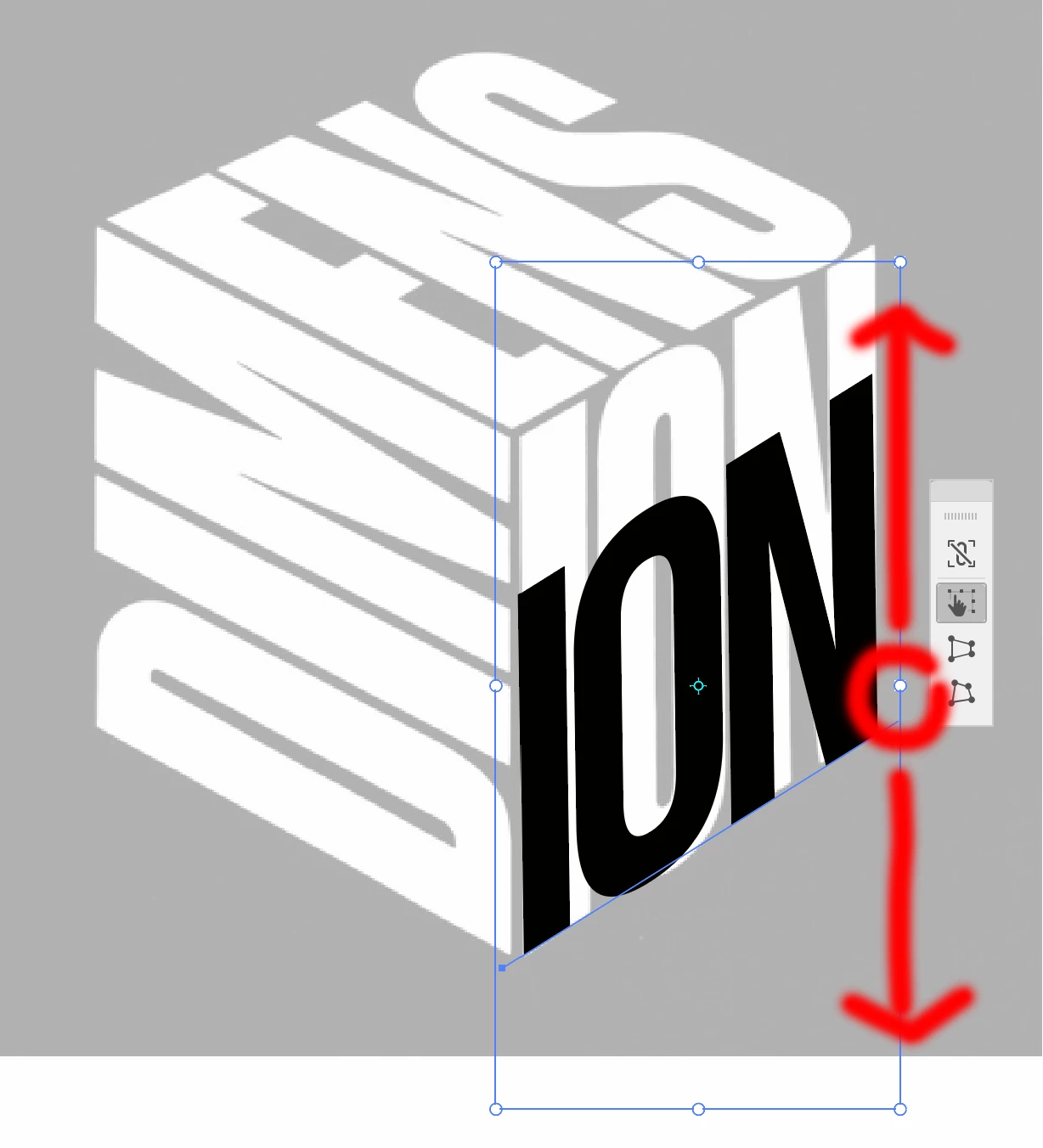
Somehow, the only way to use this tool is "interactive"?

I was hoping for a dialog box, somewhere? 

This topic has been closed for replies.

2 replies

Ton Frederiks
Community Expert
Community Expert
November 8, 2023

You could try Map Art with the Classic 3D effect

Roger Breton
Legend
November 9, 2023

Thank you Tom!! I vaguely remember something along these lines, mapping onto a 3D surface.

Monika Gause
Community Expert
Community Expert
November 8, 2023

It's only interactive. But if you are looking for isometric transformations, use the SSR method. https://design.tutsplus.com/tutorials/how-to-create-advanced-isometric-illustrations-using-the-ssr-method--vector-1058

Roger Breton
Legend
November 9, 2023

Thanks Monika for your valuable reply 🙂
So, no "parameters" method -- only interactive.

That is what I suspected...

Perhaps through scripting? But I'm still trying to stay away from scripting 🙂

Monika Gause
Community Expert
Community Expert
November 9, 2023

You can make actions for the isometric methods. There also should be readymade actions available on the web for that purpose. 

Also there are plugins, such as the Nimbling plugins on Adobe Exchange. Or the AxoTools by rj-graffix.