
Question
Is there a way to inflate both sides in Illustrator?
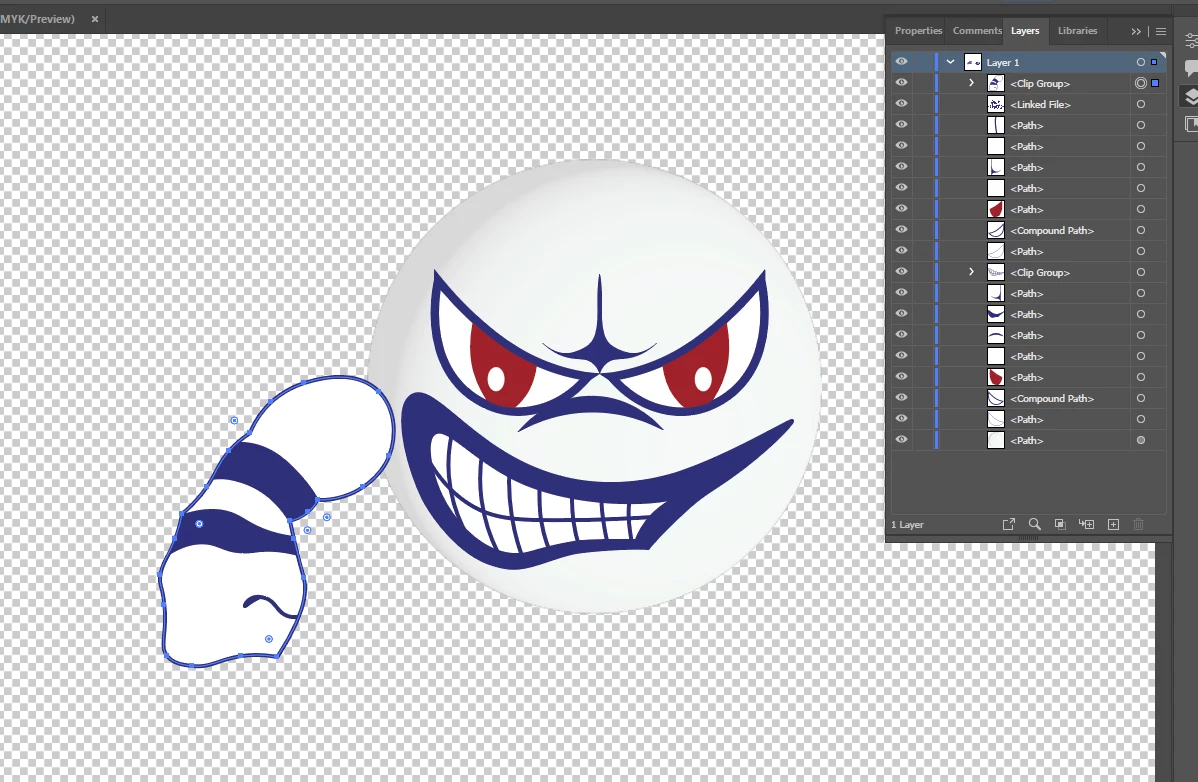
I have an asymetrical shape that I'm trying to make 3D and I'm not experienced with this. I found videos using Photoshop which used the inflate feature from the 3D effects but from what I gather it seems that 3D effects are leaving Photoshop and I just upgraded to 2022- the entire tab is greyed out and I have tried checking Use Graphics Processor and also reset preferences.
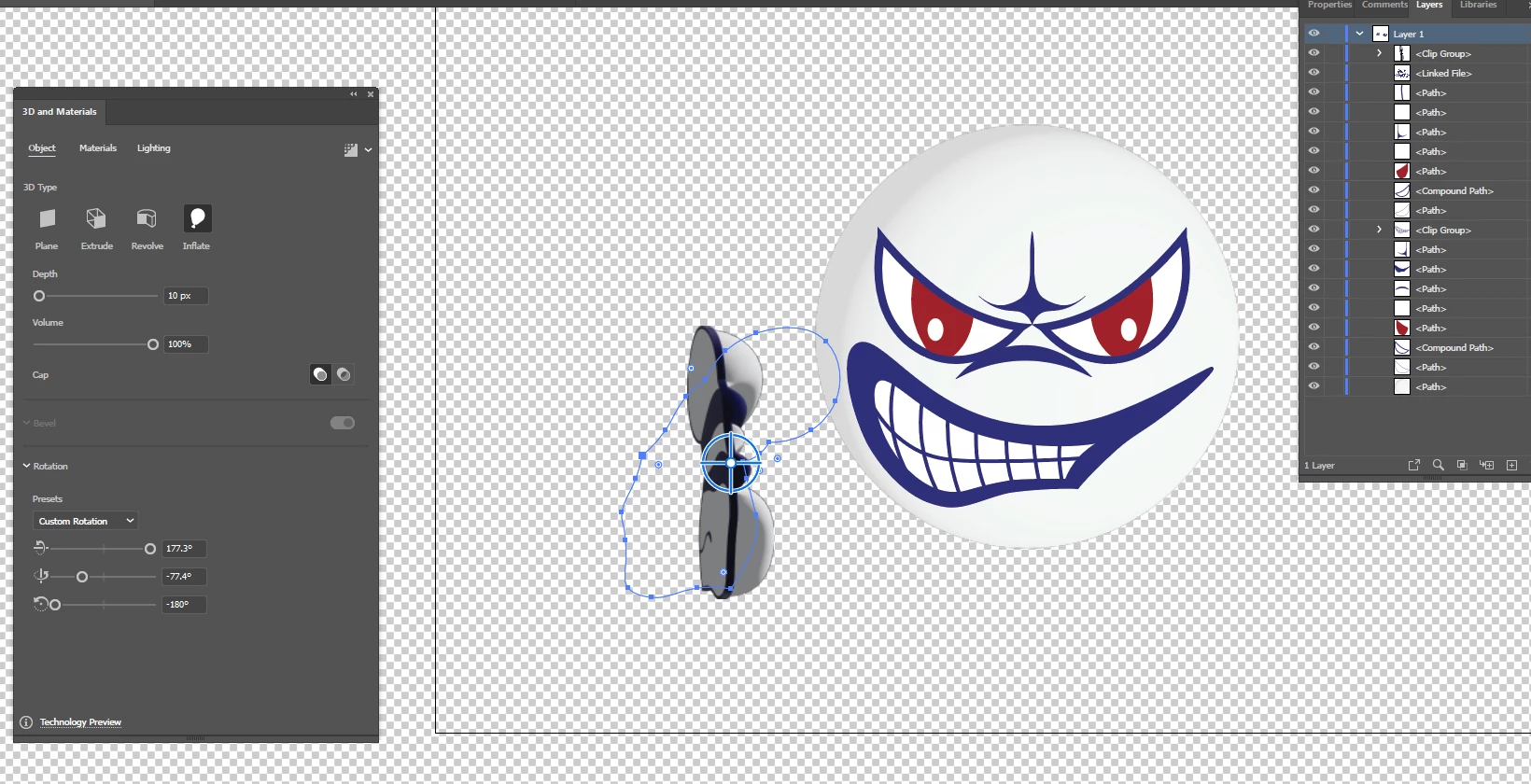
I can still use inflate in Illustrator and it works well but I can only inflate one side and the back is still flat. Is there a way to inflate two sides of a layer?
Inflated Shape-
Original Shape-


 AdChoices