


Is there a way to make text bounding box include extra width/height?
Hi there,
I have text with background set like the following:
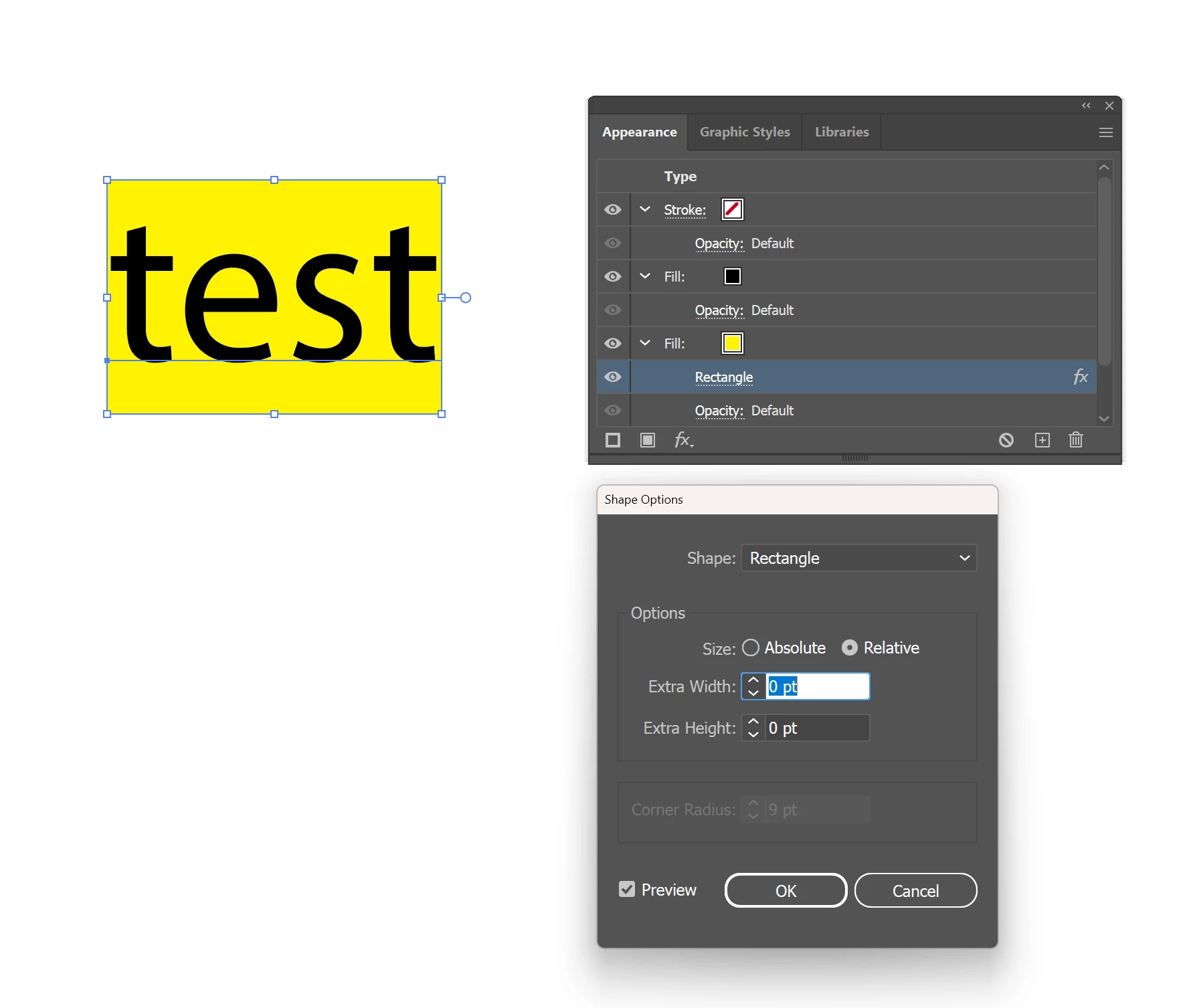
As you can see, the yellow background matches exactly the bounding box of the text. However, I want to add some extra spaces around the text, so I changed the shape options to include some extra spacing:
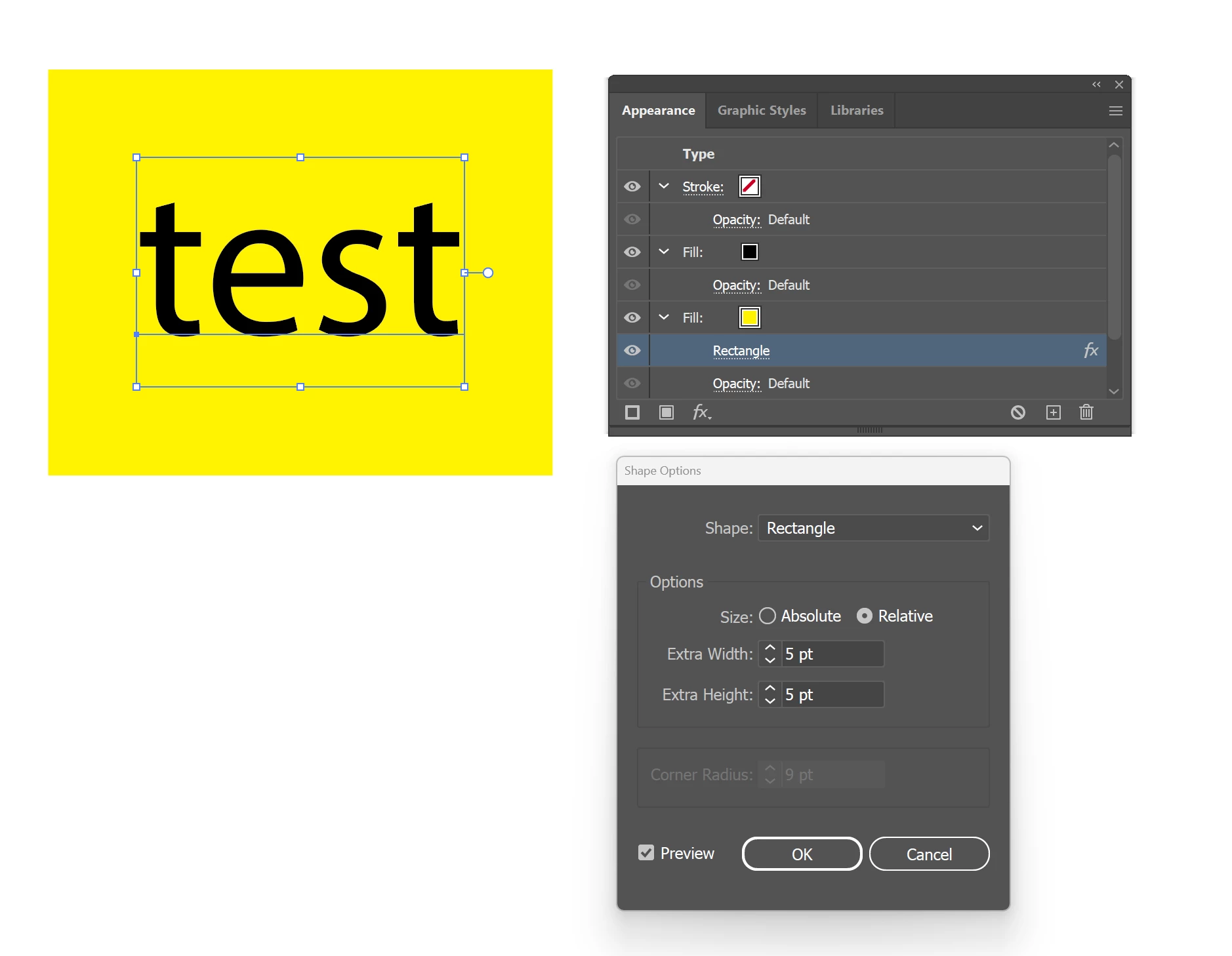
The background got bigger, but the bounding box still remains the same. In theory, this is expected. However, this is a problem for what I am trying to do.
As an example, I have the same text with a bar here.
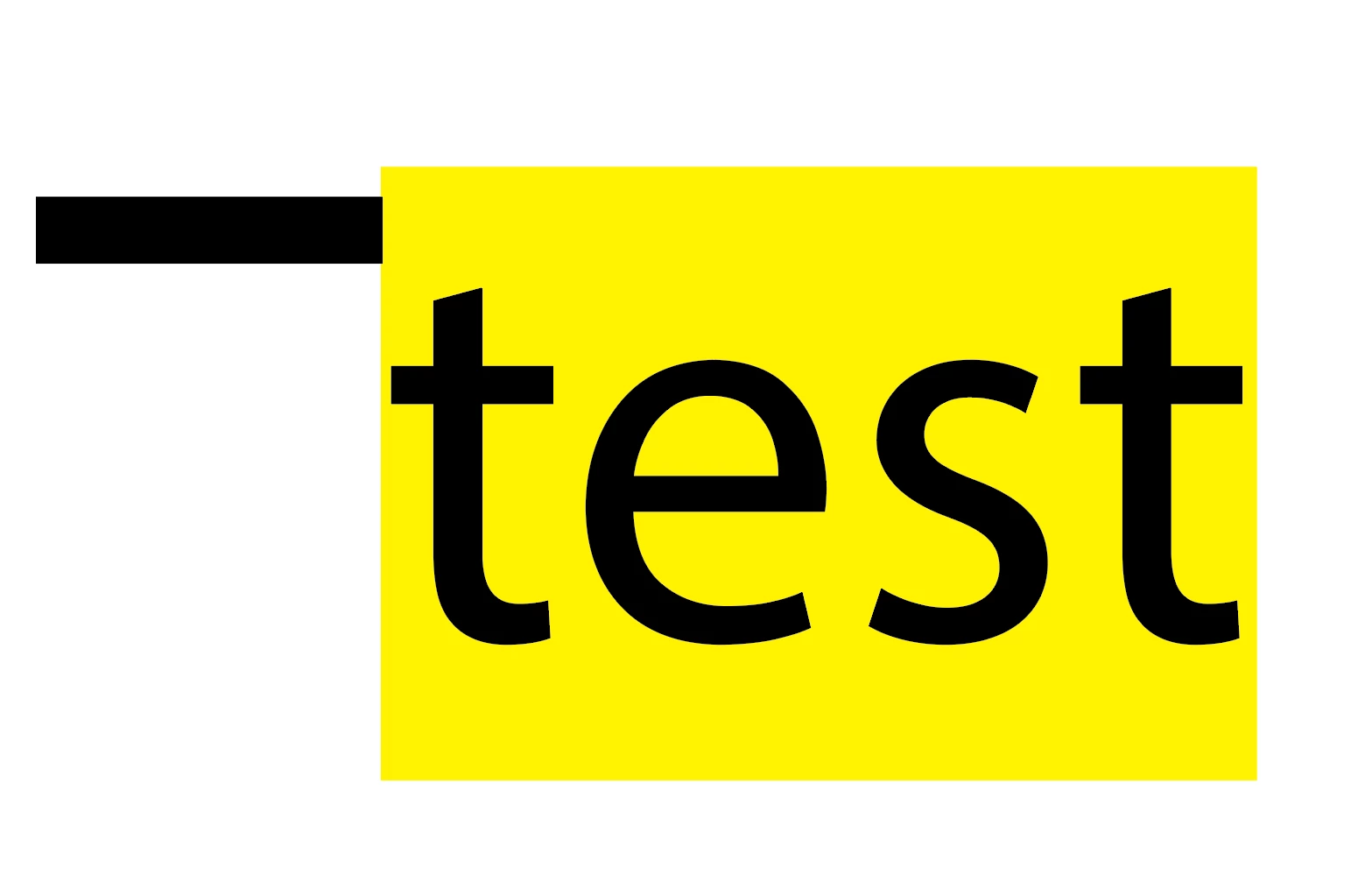
If I select both of them, then i can select one of them as key object and align the object correctly with left or right.
Black bar as key, align left:
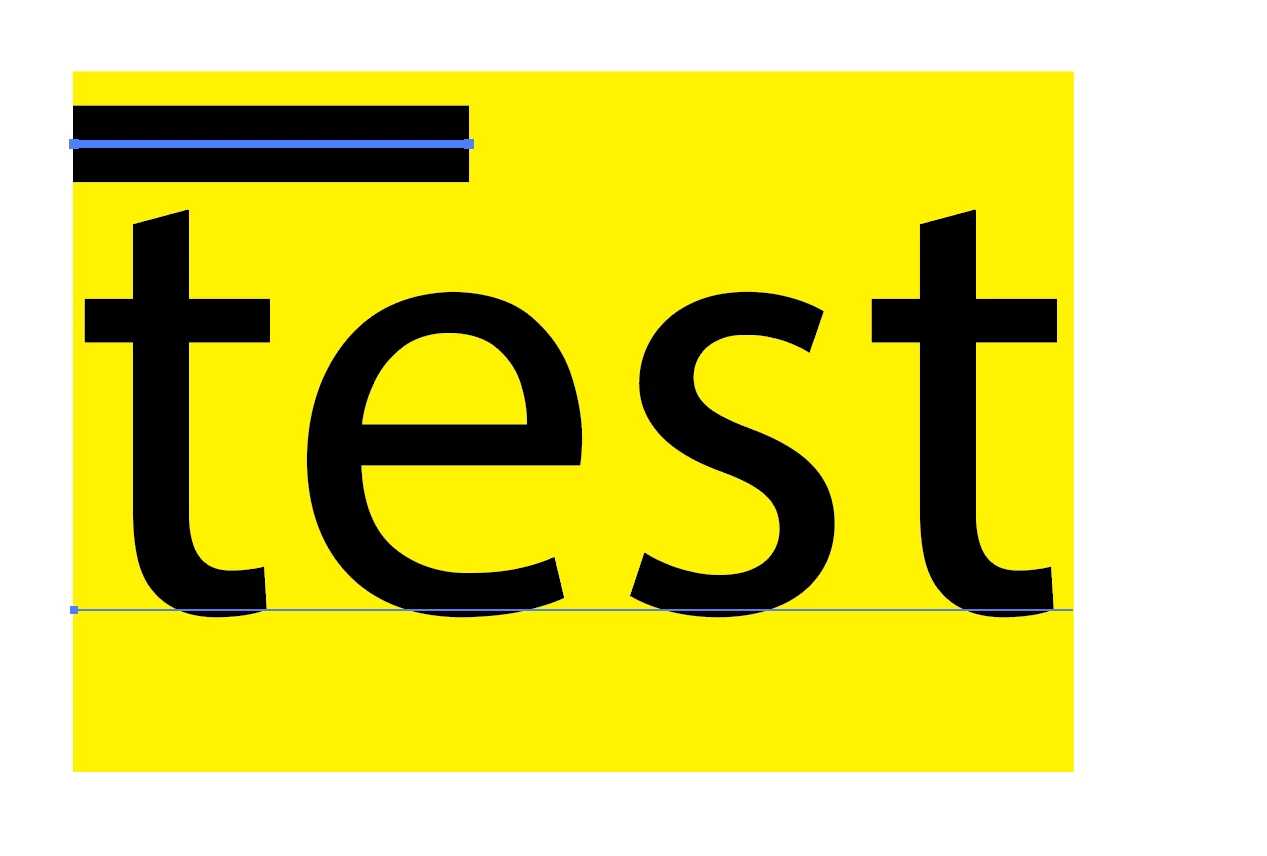
Black bar as key, align right:
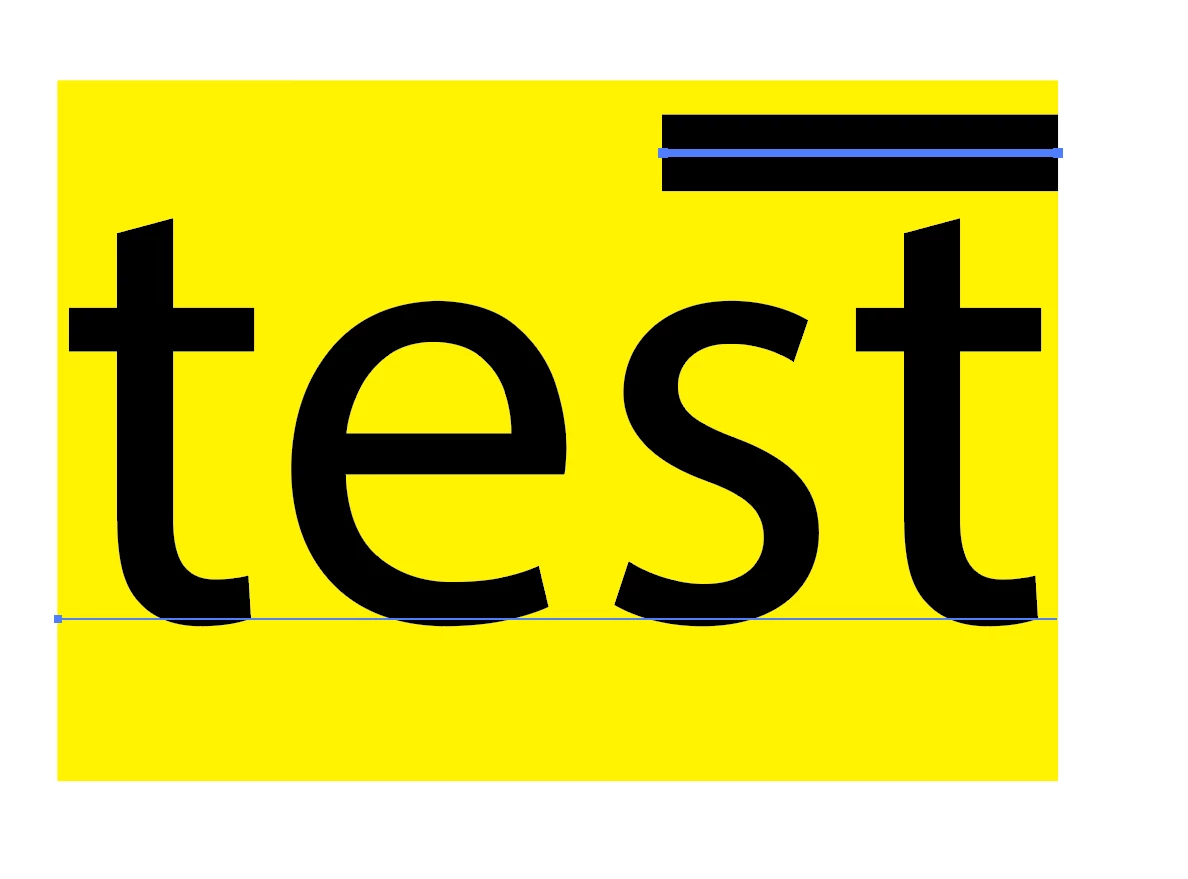
So far so good. Now I want to expand the background a little bit, to be bigger than just text, but I want to make this responsive, so I change the extra width option in the shape options:
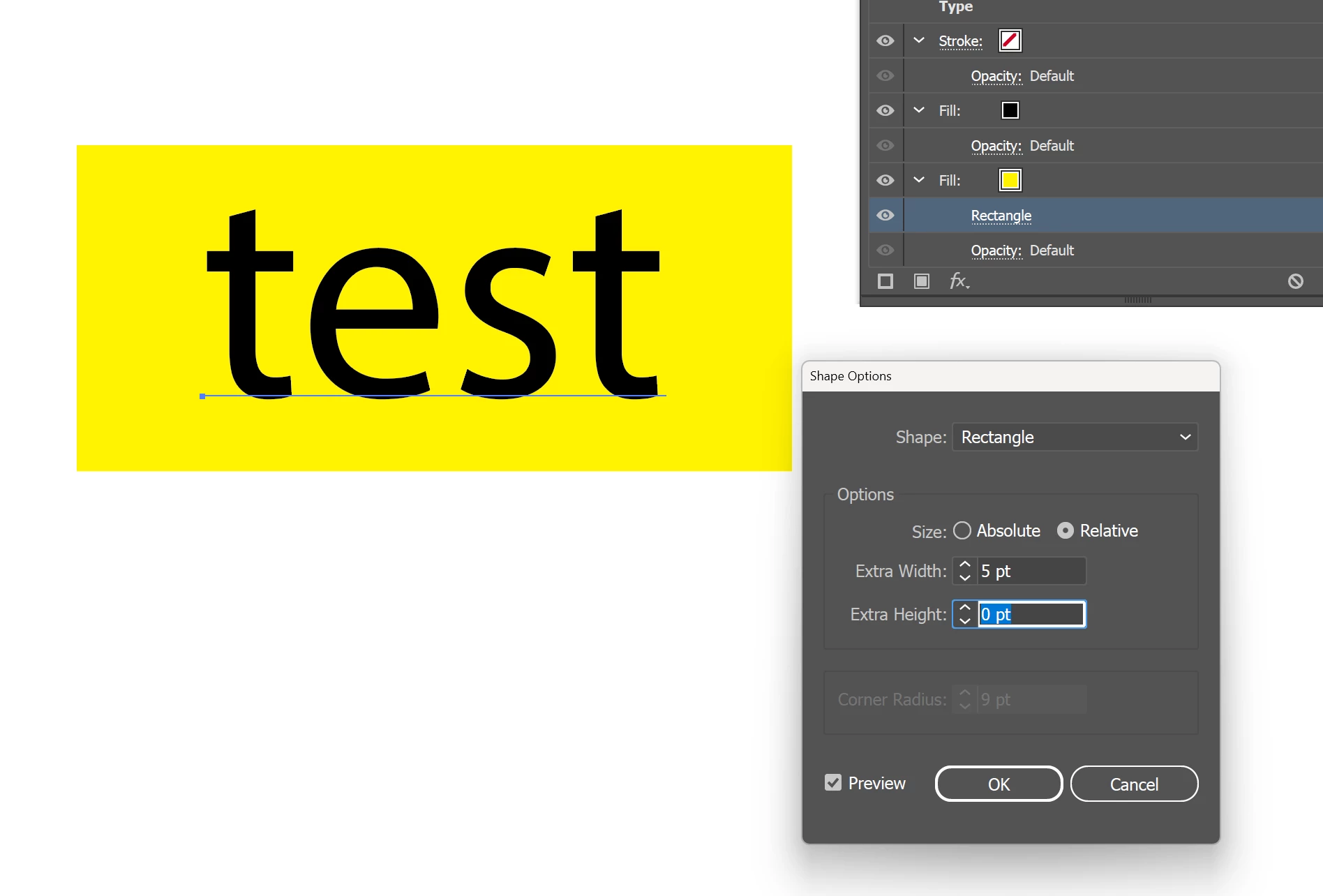
The background is extended as expected. However, if i do align now, it would align to the original text as opposed to the background.
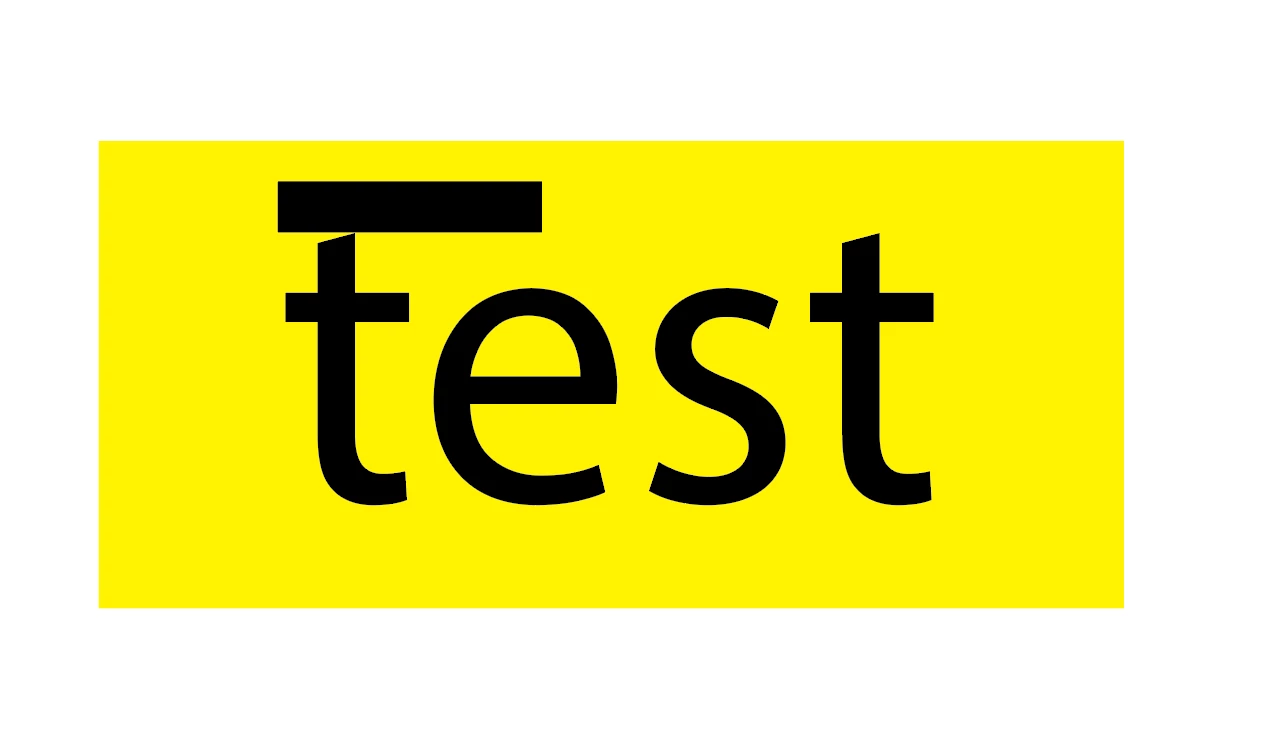
In theory, this is the correct behavior, but I am looking for a way to make it such that:
- the shape is still responsive (meaning if the text changes, the width of the shape automatically changes as well)
- the alignment will work automatically, and it will work against the background rather the text bounding box. So, it will look something like this.
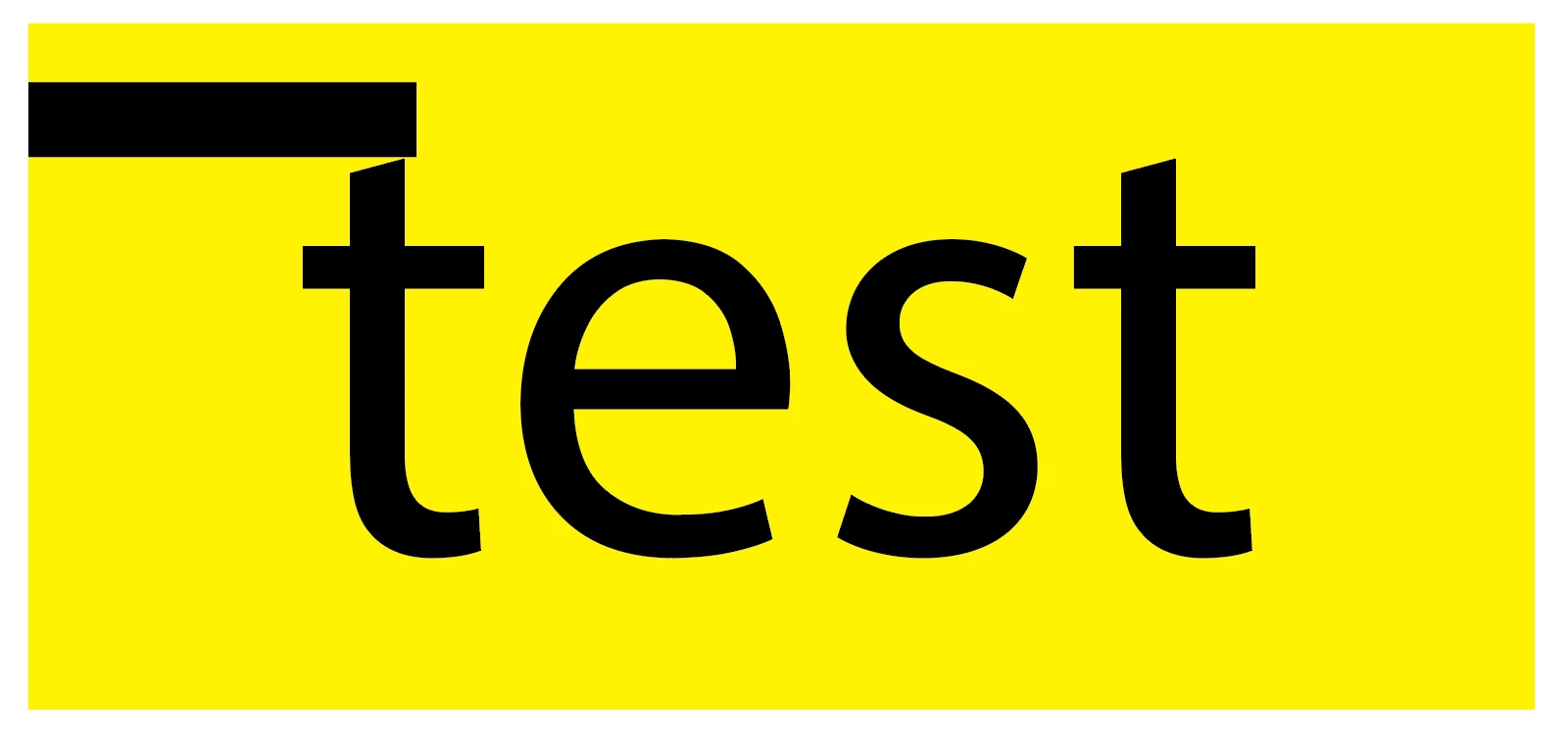
For now, I am manually adjusting it, but I have many elements like this, and it’s becoming tedious to change individually, and so I am hoping that there is a more automated way to do this.
Thank you so much in advance.
 AdChoices