

nilleg57851248
Inspiring
February 5, 2023
Answered

Is there a way to measure how long a path are?- between two anchor pionts?

  • February 5, 2023
  • 2 replies
  • 5174 views

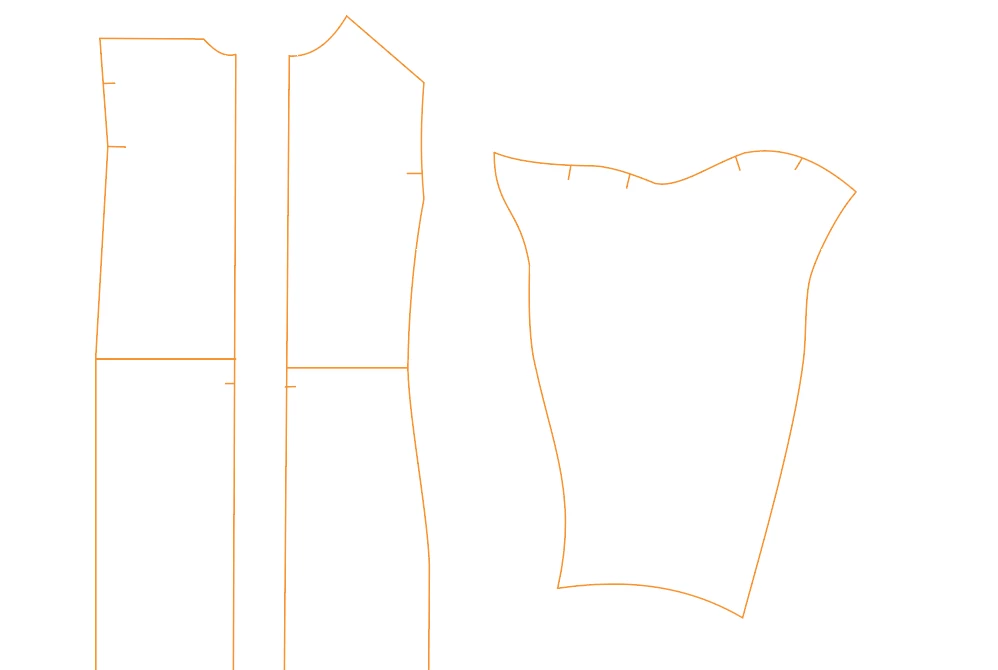
I make pattern sheet for clothing in AI and need measurement between anchor points.- to make sure the sleeve fit into the armshye for instanse.
Is there a way to do that?
This topic has been closed for replies.
Correct answer nilleg57851248

I found it! It's the "Document info" and Object I need 🙂

2 replies

Ton Frederiks
Community Expert
Community Expert
February 5, 2023

And there is also the Measure tool (hidden under the Eyedropper).

nilleg57851248
Inspiring
February 5, 2023

The measure tool only measure the length and width of the figure, not of the path....

nilleg57851248
nilleg57851248AuthorCorrect answer
Inspiring
February 5, 2023

I found it! It's the "Document info" and Object I need 🙂

Ton Frederiks
Community Expert
Community Expert
February 5, 2023

If you choose in the Document Info Panel, Objects it will give you the length of a path.

If you direct select a segment of a path, copy and paste it you will see the length of the segment (which you can delete.

nilleg57851248
Inspiring
February 5, 2023

- but between anchor points?- with a curved line?
In this illustration the red, the blue and the green has samr numbers in the info panel.
I need the measurement as i I used a tapemeasument. - Thats how I have done it the last years on my screen 😄

Ton Frederiks
Community Expert
Community Expert
February 5, 2023

If you copy a curved line segment it will give you the lenght of the curved segment.

If you draw a line between anchor points it will give you the distance between these anchor points.