Is there a way to simultaneously move points in opposite directions?
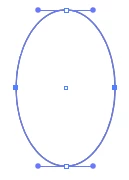
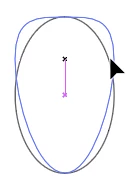
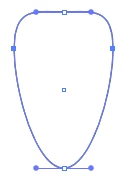
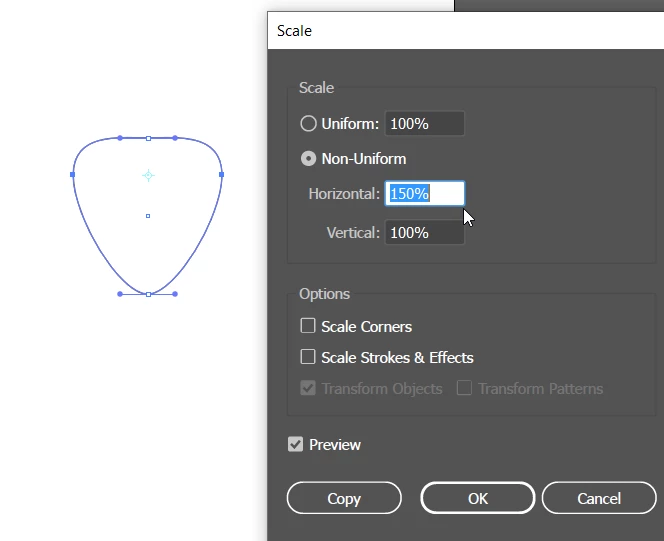
I'm editing parts of a symmetrical face, the parts were created with the pen tool. Is there a way to select corresponding points on opposite sides of each object, the mouth for example and have them move in a mirrored fasion? (ie if I grab the one on the right and move up, they both move up, but if I move right, away from the center line, the left one will move to the left rather than also going to the right)
I've watched several tutorials on both the pen tool and manipulating objects and couldn't find any solution. The closest thing I found was a video where someone did this with the lower corners of a rectangle. I tried to follow their on-screen (non-narrated) instructions, but either I'm missing something or the technique is for "shapes" from the shape tool and doesn't work for random objects drawn with the pen tool.
Any help would be greatly appreciated.
 AdChoices